A home office does not have to feel like a corporate cubicle. If gaming is part of your downtime, your workspace can easily handle both productivity and play. The right setup lets you answer emails in the morning, finish important projects during the day, and enjoy your favorite games once work is done.
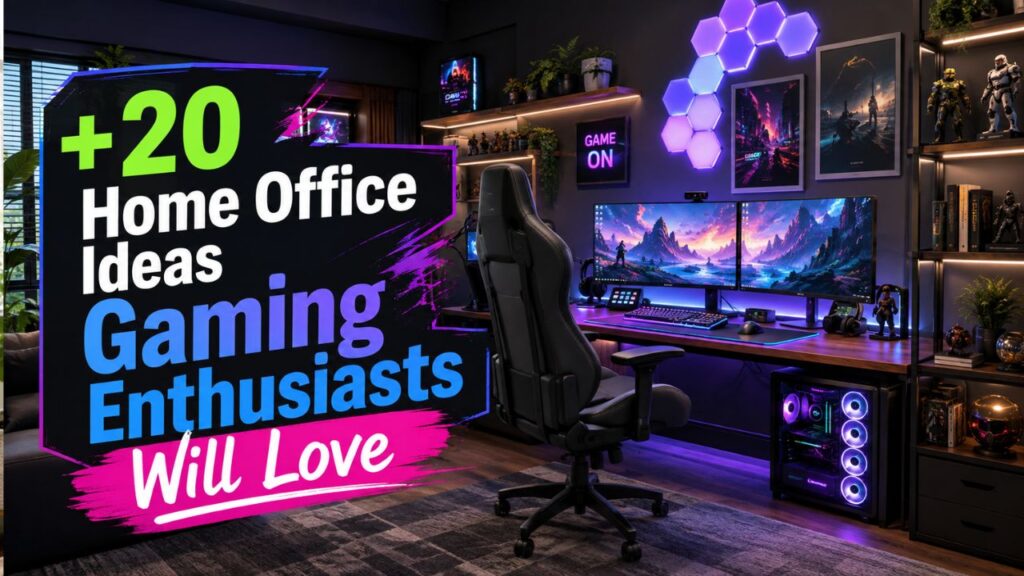
The challenge is finding the right balance. Too much gaming gear can make the room distracting, while an overly formal office can feel boring after hours. The best home office ideas gaming fans can use combine comfortable furniture, practical storage, good lighting, and technology without making the space feel crowded.

Whether you have an entire room, a small bedroom corner, or a compact apartment setup, these ideas can help you create a workspace that looks organized during meetings and feels ready for gaming when the workday ends.
1. Build Your Setup Around a Large Desk
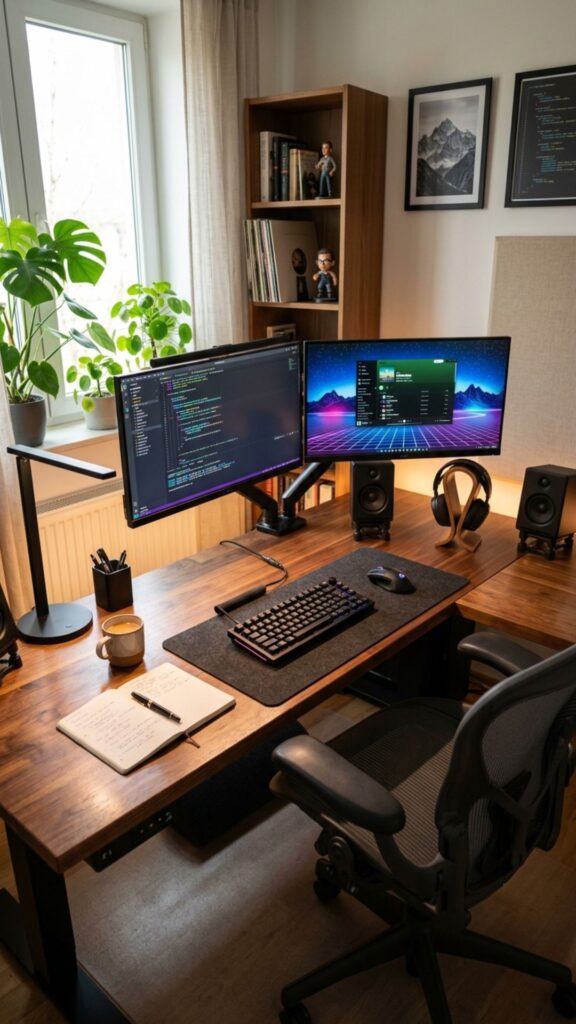
A spacious desk is one of the smartest investments for a combined office and gaming room. It gives you enough room for monitors, a keyboard, work documents, speakers, controllers, and other everyday essentials without creating clutter.
Look for a desk that is deep enough to keep your screen at a comfortable viewing distance. An L-shaped desk works especially well when exploring home office ideas gaming enthusiasts can use because one side can handle work while the second section holds gaming equipment.
2. Create Separate Work and Gaming Zones
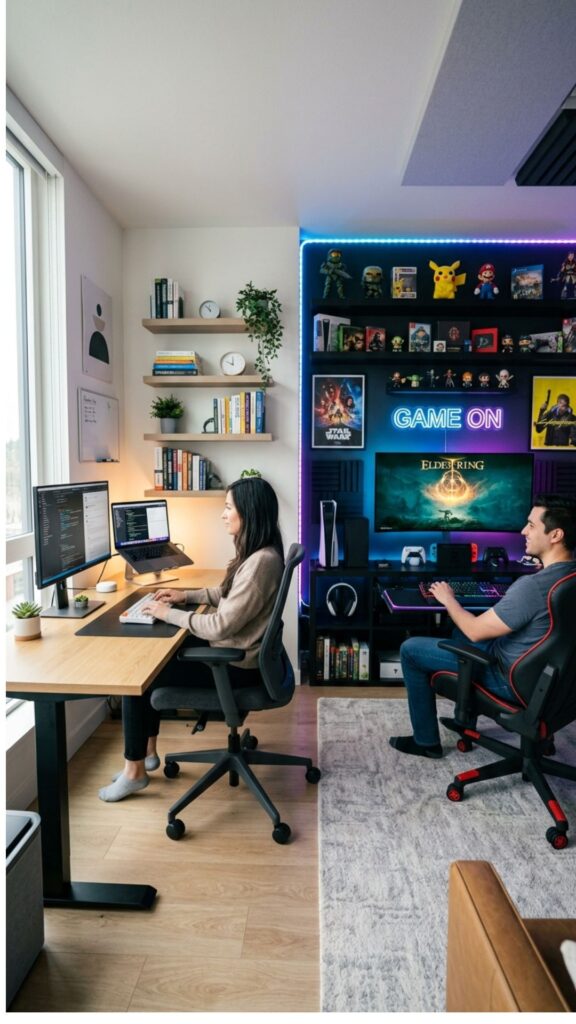
One room can serve two purposes without everything becoming mixed together. Try creating clear visual zones. Your primary monitor and laptop can sit in the work area, while consoles, controllers, collectibles, and gaming accessories stay on another shelf or desk section.
This approach also makes switching off after work easier. When everything has a designated location, your gaming equipment is less likely to distract you while handling important tasks, calls, or meetings.
3. Choose an Ergonomic Gaming Chair
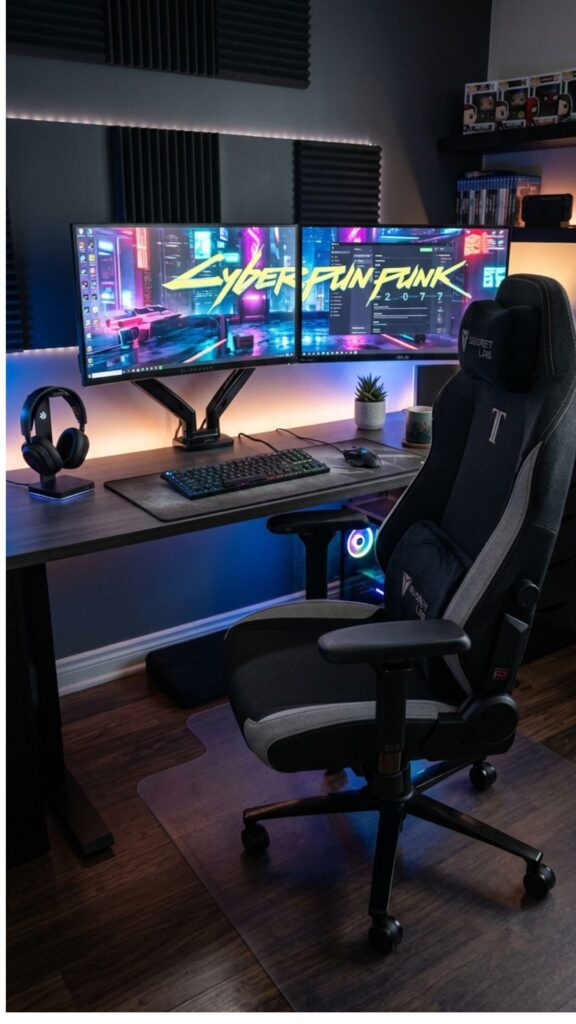
You may spend several hours sitting during both work and gaming sessions. A supportive chair is therefore more important than flashy decorative features.
Choose adjustable armrests, lumbar support, comfortable padding, and a seat height that allows your feet to rest naturally. Many practical home office ideas gaming setups begin with ergonomics because comfort directly affects how enjoyable the room feels throughout the day.
4. Use Dual Monitors for Work and Play
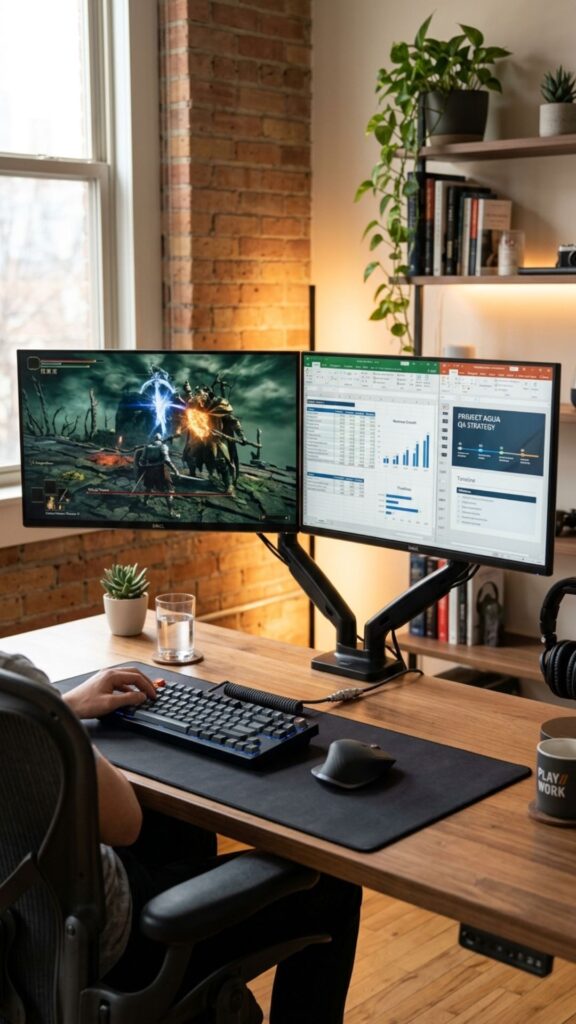
Dual monitors can completely change how efficiently your desk works. During office hours, one screen can display research or reference material while the second handles documents, meetings, or communication tools.
After work, the same setup becomes useful for gaming, streaming, Discord, walkthroughs, or entertainment. Mounting the monitors on adjustable arms can free valuable desk space while making screen positioning easier.
5. Add Adjustable RGB Lighting
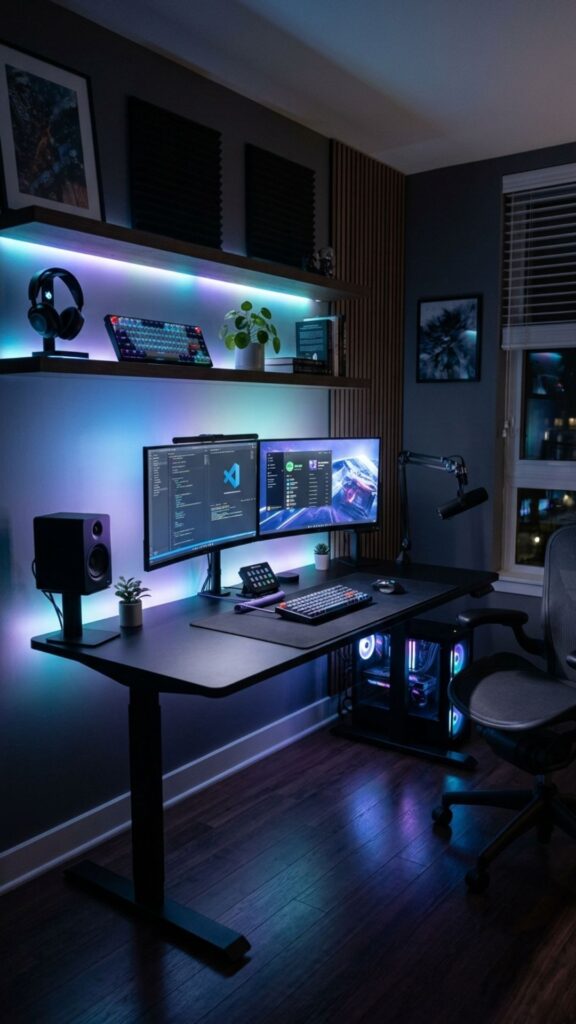
RGB lighting can give a gaming office personality without dominating the entire room. LED strips behind your desk, monitor, shelving, or television provide subtle ambient lighting and make the setup more visually interesting.
The trick is keeping it adjustable. Use neutral white lighting while working and switch to brighter colors when gaming. This flexibility makes RGB lighting one of the easiest home office ideas gaming lovers can introduce without redesigning the room.
6. Keep Your Background Video-Call Friendly
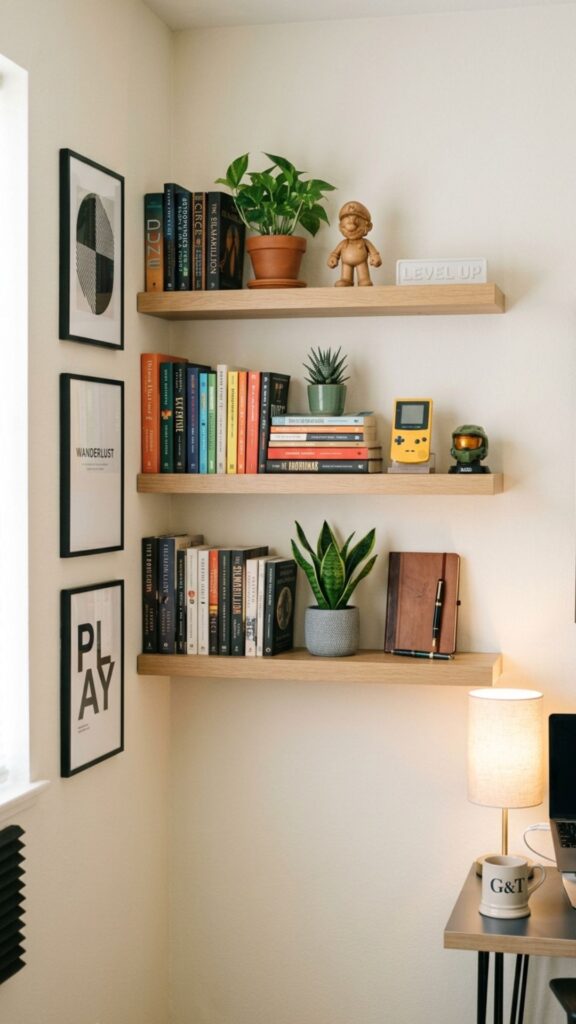
Your gaming collection may look great in person, but remember that coworkers and clients might also see your room during video calls. A clean and intentional background creates a much better impression.
Consider simple shelving with a few books, plants, framed artwork, and carefully selected collectibles. You do not have to hide your personality. Instead, aim for a background that feels interesting without becoming distracting or overly cluttered.
7. Install Floating Shelves for Gaming Gear
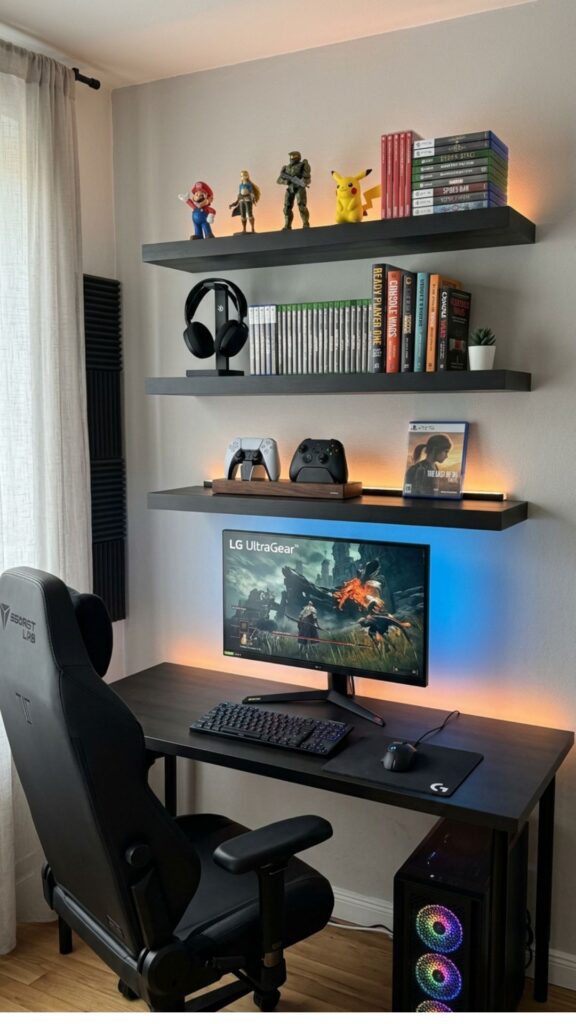
Floating shelves are perfect when your floor space is limited. They give controllers, games, headphones, figures, books, and decorative pieces a permanent home while keeping everything off your desk.
Place frequently used items within easy reach and reserve higher shelves for display pieces. Among compact home office ideas gaming enthusiasts can try, vertical storage is especially effective because it uses wall space instead of valuable floor area.
8. Hide Your Cables
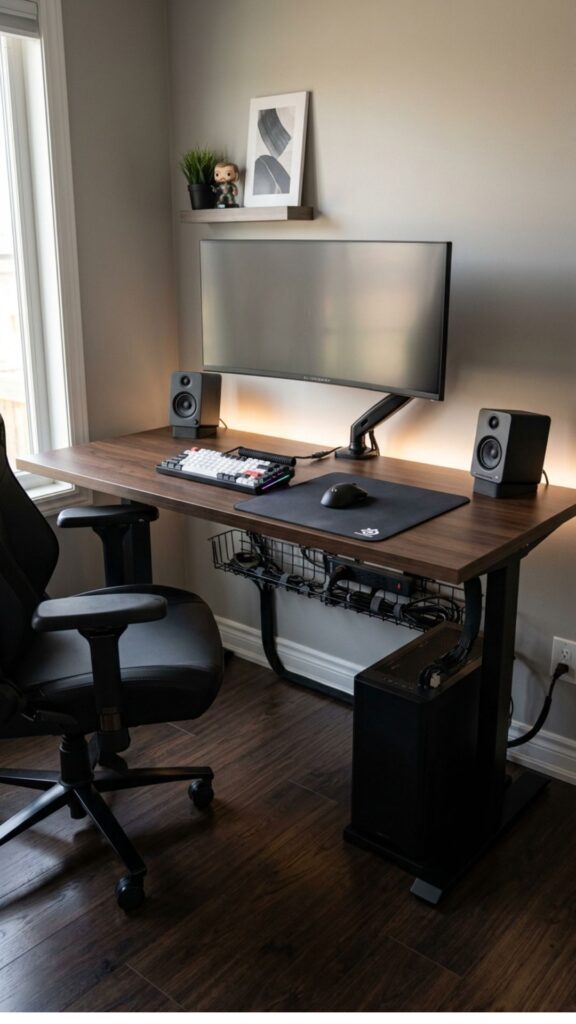
Even an expensive setup can look messy when cables are hanging everywhere. Computer wires, chargers, monitor cables, gaming accessories, and power strips can quickly turn into a tangled collection underneath the desk.
Use cable trays, reusable ties, clips, and under-desk power strips to keep everything organized. Labeling important cables can also make future equipment changes much easier. Clean cable management instantly gives your office a more professional appearance.
9. Add a Monitor Light Bar
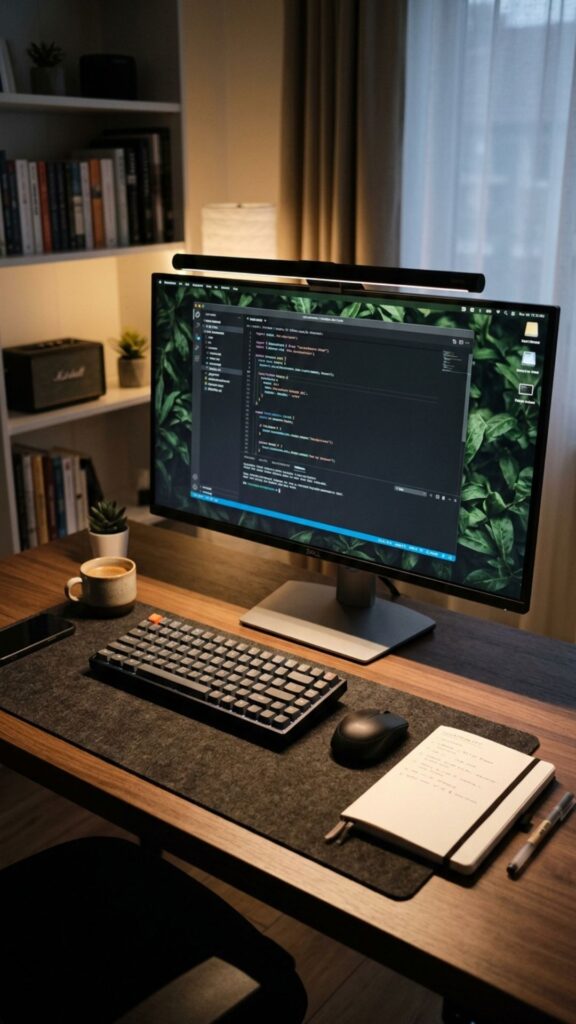
A monitor light bar provides focused desk illumination without taking up the space required by a traditional lamp. It can make reading documents, writing notes, or working late more comfortable.
Many light bars offer brightness and temperature adjustments. Warmer lighting can feel relaxing at night, while cooler light may help create a more alert working environment during the day.
10. Try a Minimalist Black Gaming Office
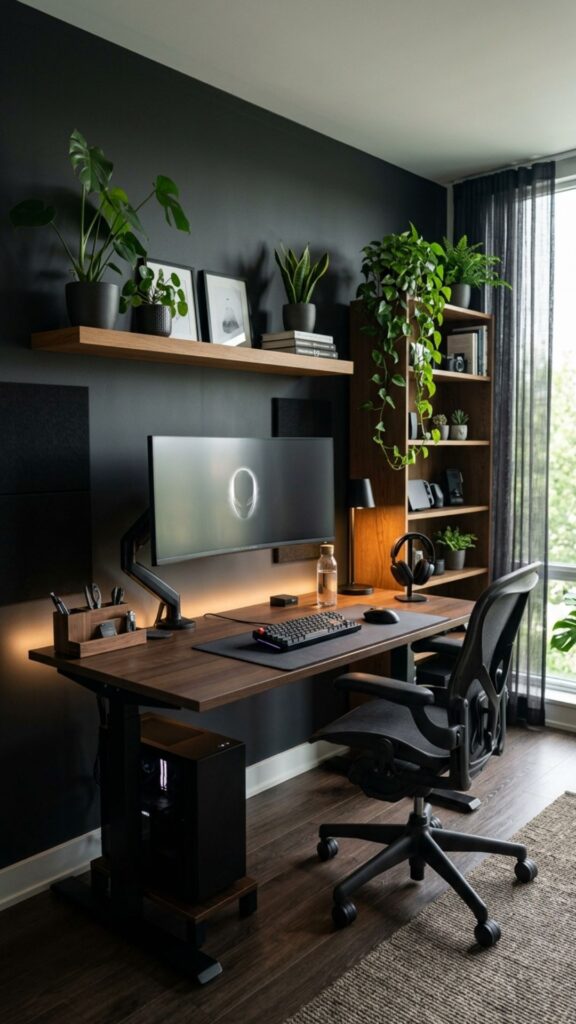
You do not need bright neon lighting to create a gaming-inspired room. A black desk, dark monitor frames, matching accessories, and simple shelving can create a sleek and sophisticated workspace.
Add natural wood, gray fabric, or a few plants to prevent the room from feeling too dark. Minimalism works particularly well for home office ideas gaming professionals want because the finished room can look polished during work while still feeling gaming-focused.
11. Create a White and Bright Gaming Setup
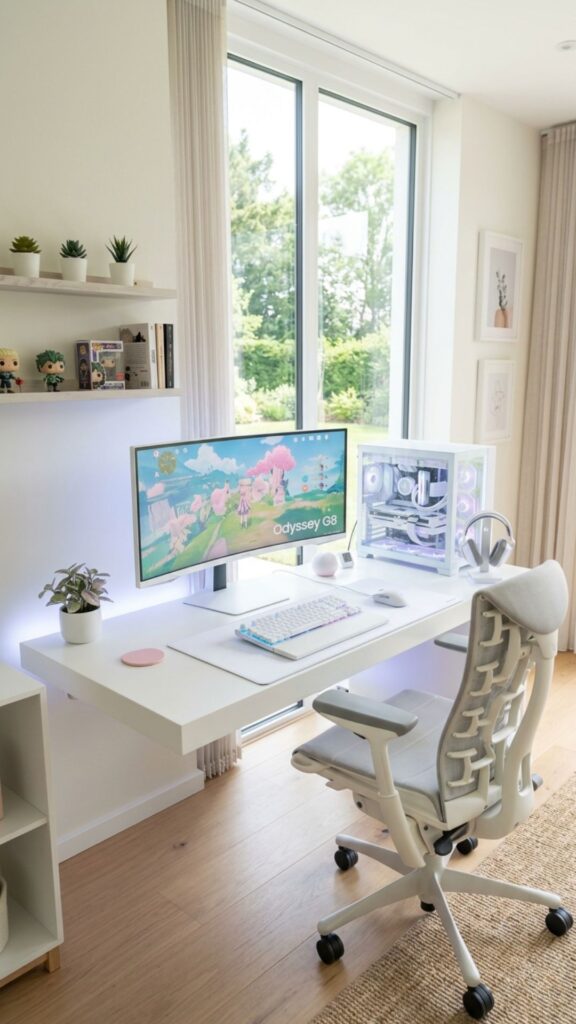
If dark gaming rooms are not your style, choose the opposite approach. White desks, pale walls, light storage, and clean accessories can make a smaller room feel more spacious.
Use controlled accent lighting or colorful accessories to add personality. A white office can also reflect natural light effectively, making it a practical choice for anyone who spends most of the day working in the room.
12. Add Acoustic Panels for Better Sound
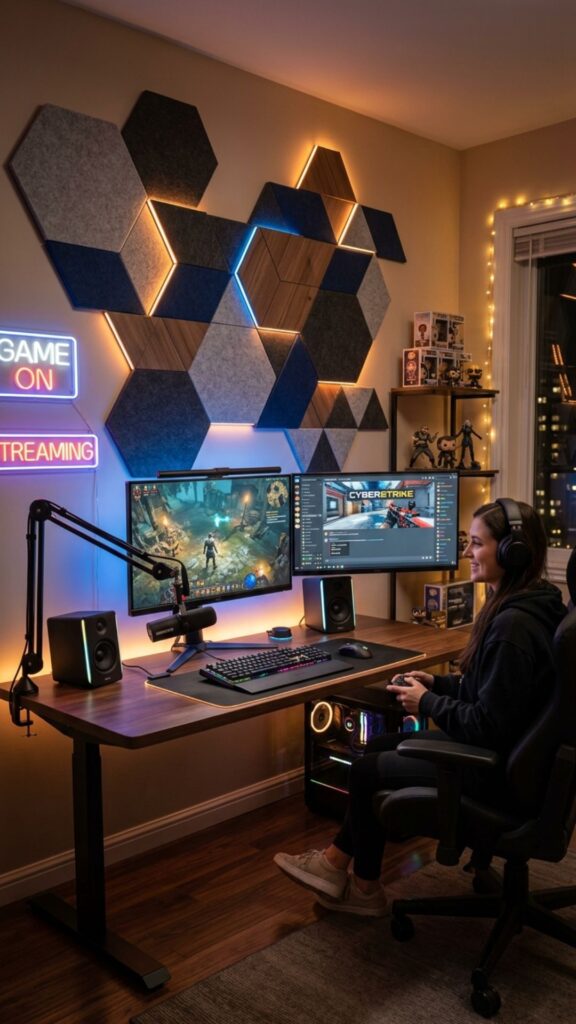
Hard walls and bare floors often produce echoes, especially during online meetings, recordings, or multiplayer gaming sessions. Acoustic panels can help soften the sound while also becoming part of the room’s design.
Modern panels are available in simple geometric shapes, wood finishes, and subtle colors. Good acoustics are among the less obvious home office ideas gaming enthusiasts should consider, especially when microphones and speakers are used regularly.
13. Use a Pegboard for Accessories
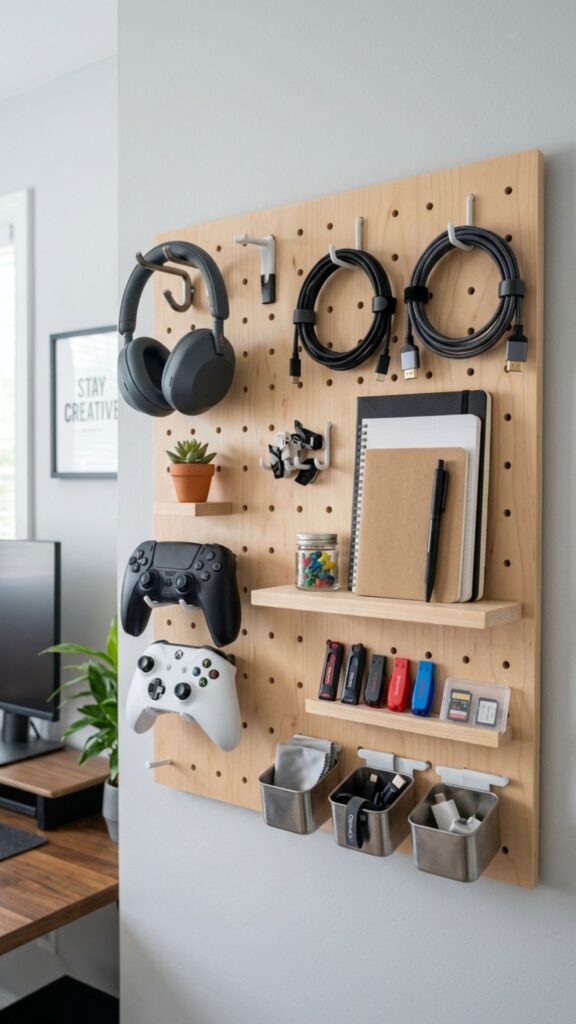
A pegboard provides flexible storage without requiring a large cabinet. Mount it above or beside your desk and use hooks or small shelves for headphones, controllers, charging cables, notebooks, and other accessories.
The biggest advantage is flexibility. You can rearrange your storage whenever your equipment changes. This makes pegboards especially useful for people who regularly upgrade gaming or office accessories.
14. Add a Comfortable Second Seating Area
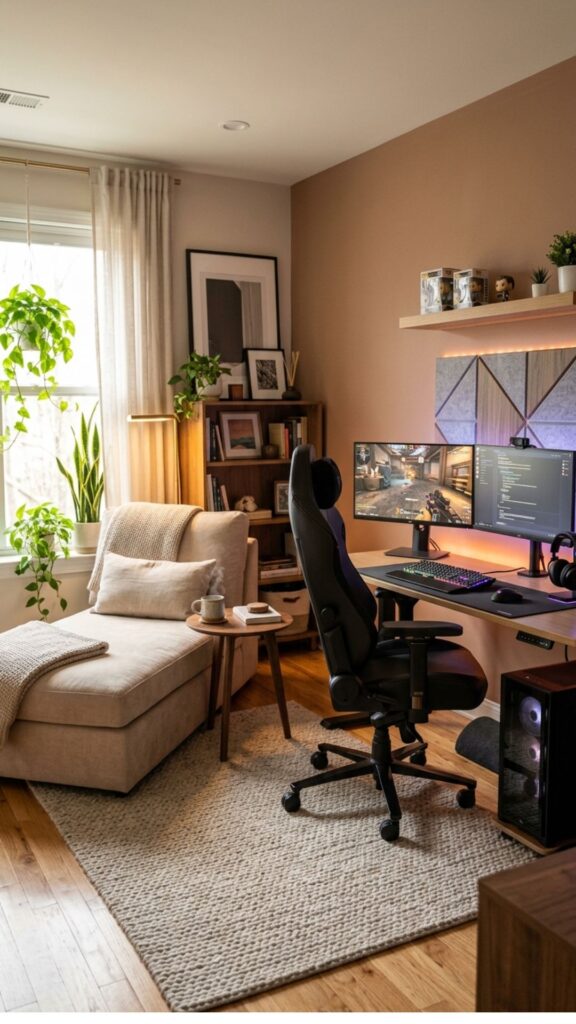
If space allows, add a small lounge chair, beanbag, or compact sofa away from the main workstation. It gives you somewhere different to relax during breaks without leaving the room.
A second seating area also works well for console gaming or casual browsing. Creating different areas prevents your desk chair from becoming the only place you sit throughout the day.
15. Install a Wall-Mounted TV for Console Gaming
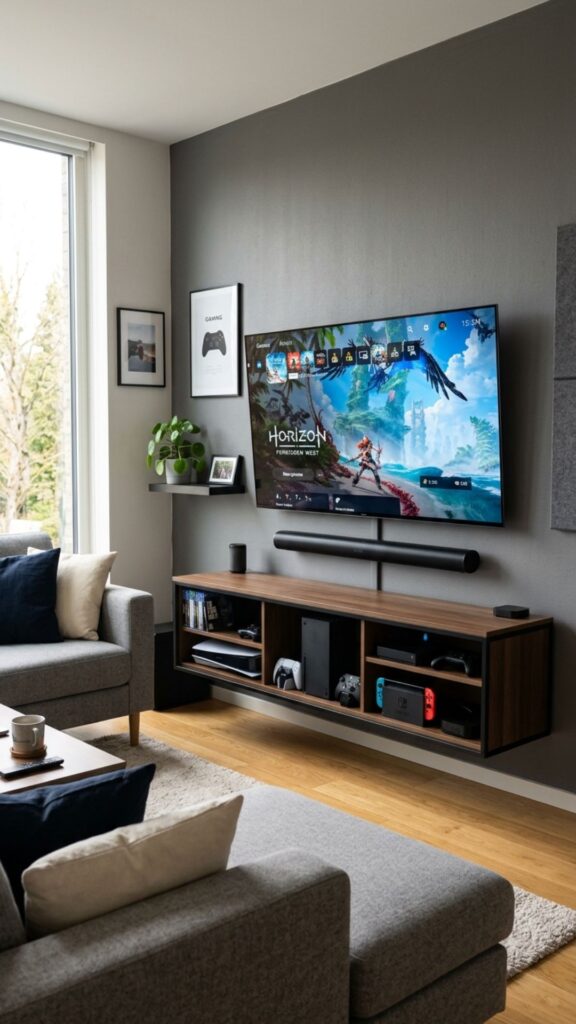
PC gaming and office work often share the same desk, but console gaming does not necessarily have to. A wall-mounted television can create a separate entertainment area without using much floor space.
Keep consoles inside a slim media unit and use hidden cable channels for a cleaner appearance. This is one of the most versatile home office ideas gaming fans with multiple systems can consider.
16. Bring Plants Into the Gaming Office
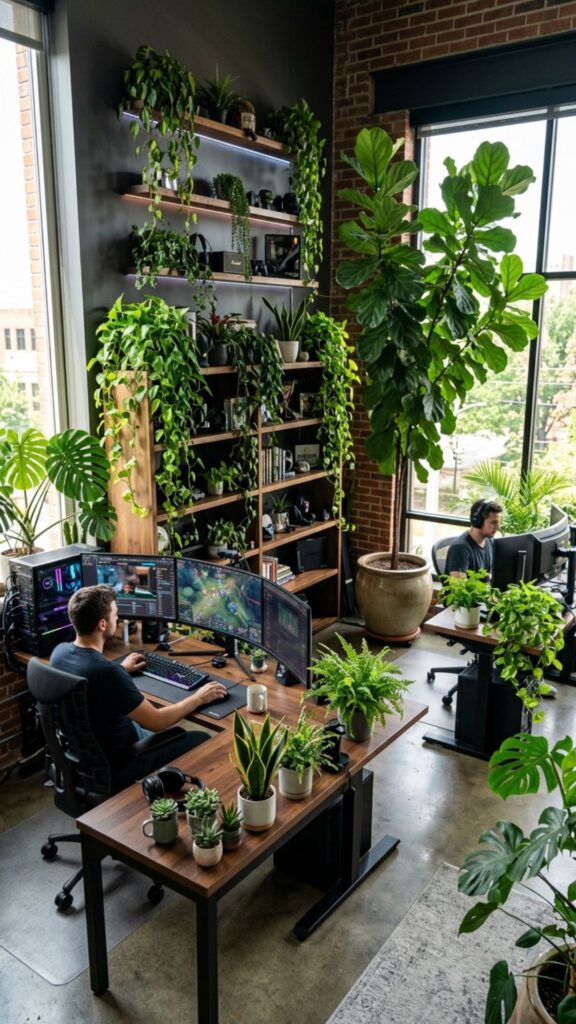
Technology-heavy rooms can sometimes feel cold. Plants introduce natural texture and help visually soften monitors, speakers, gaming equipment, and hard furniture surfaces.
Place a small plant beside your monitor, use a larger floor plant in an empty corner, or add low-maintenance greenery to shelving. Artificial plants are also an option when the room receives limited natural light.
17. Use Smart Storage Cabinets
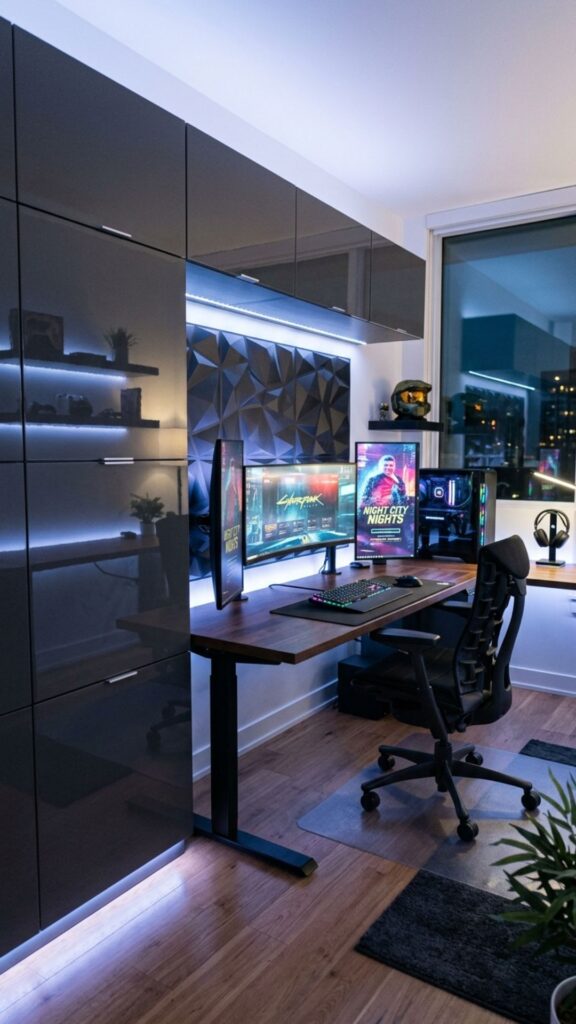
Not every gaming accessory needs to remain on display. Closed storage helps hide extra cables, boxes, paperwork, spare controllers, cleaning products, and equipment you only use occasionally.
Choose a cabinet that fits beneath or beside your desk. Combining open shelves with closed storage creates a balanced look and makes home office ideas gaming spaces easier to keep tidy.
18. Add Personal Gaming Artwork
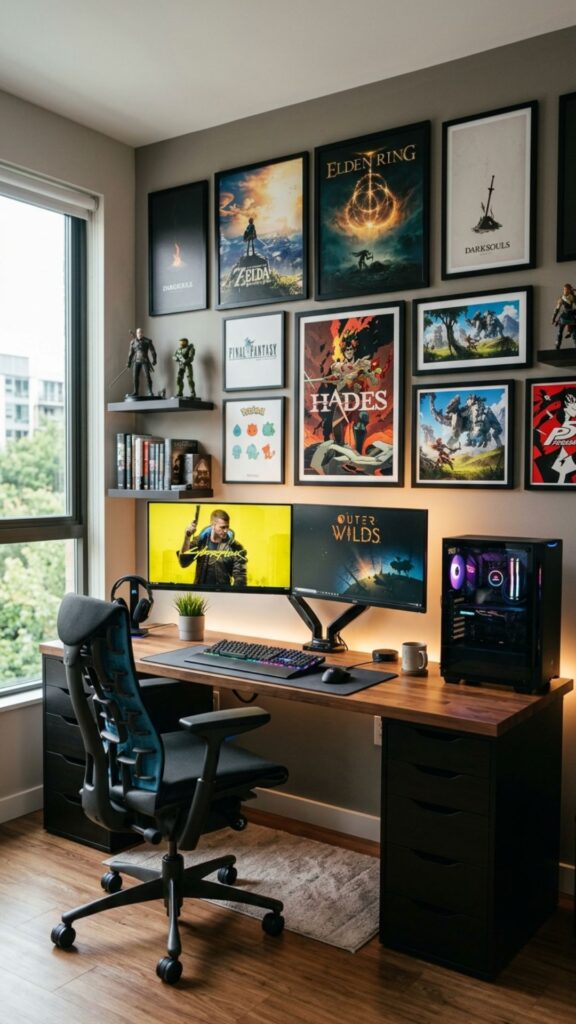
Wall art is an easy way to make your office feel personal without sacrificing functionality. Posters, framed game artwork, maps, minimalist prints, or custom illustrations can add character to otherwise plain walls.
Choose a few meaningful pieces rather than covering every available surface. Thoughtful decoration tends to look more intentional and creates a room you can enjoy during both work and gaming hours.
19. Create a Dedicated Charging Station
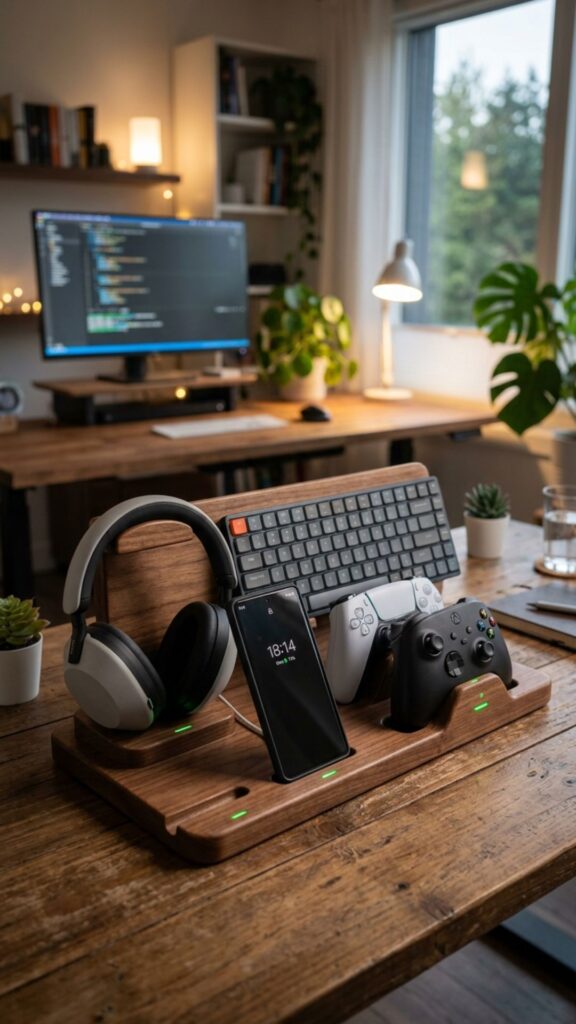
Wireless mice, keyboards, headphones, phones, controllers, tablets, and other devices all need regular charging. Without a system, cables can quickly take over the desk.
Create one dedicated charging area using a multi-device station or hidden USB hub. Keeping charging equipment in one location makes devices easier to find and helps maintain the clean appearance that successful home office ideas gaming setups need.
20. Design the Room Around Your Daily Routine
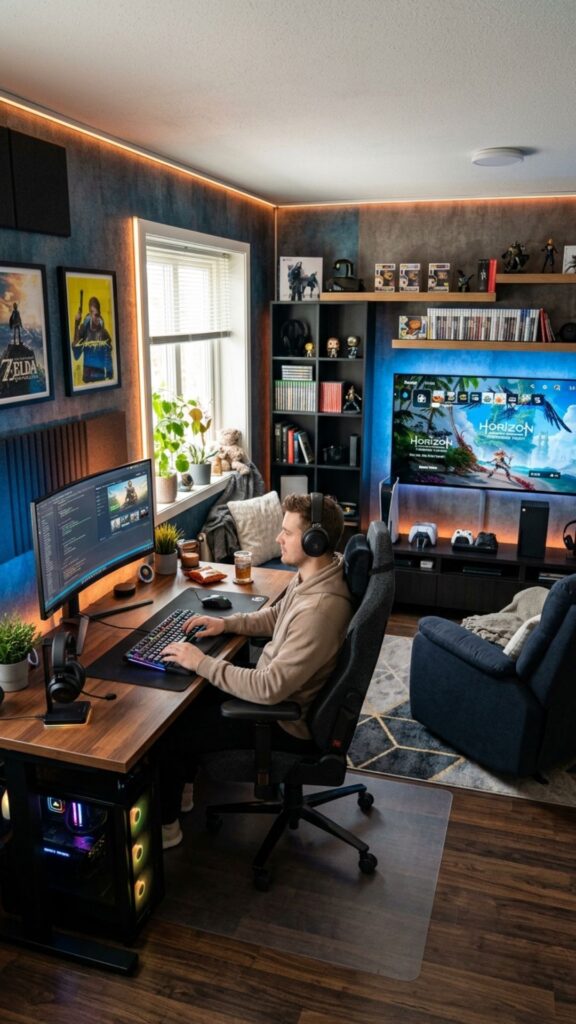
The best gaming office is not necessarily the one with the most expensive equipment. It is the one designed around how you actually spend your day.
Think about where you work, how often you join video meetings, what games you play, whether you use consoles, and which accessories you need regularly. Build around those habits instead of copying someone else’s setup. The most practical home office ideas gaming enthusiasts can follow should make everyday life simpler, not more complicated.
Conclusion: Create a Gaming Office That Works for You
A successful gaming home office should help you concentrate when you are working and relax when you are finished. That balance comes from thoughtful furniture choices, organized technology, comfortable lighting, smart storage, and a little personality.
You do not need to copy an expensive streaming setup or renovate the entire room. Start with the improvements that solve your biggest problems. Upgrade your chair if you are uncomfortable. Organize cables if your desk feels messy. Add shelves if accessories are taking over your workspace.
Use these home office ideas gaming enthusiasts can adapt as inspiration, then build a space around your own habits, budget, equipment, and style. Start with one improvement today and gradually turn your office into a place where both productivity and gaming feel completely at home.
Can a gaming setup look professional enough for a home office?
Yes. Choose clean furniture, controlled lighting, organized cables, and a tidy video-call background. Gaming equipment can remain visible without making the office look unprofessional.
What is the most important item in a gaming home office?
A comfortable ergonomic chair and correctly positioned desk should come first. Good posture matters when you spend several hours working and gaming in the same space.
Should I use a gaming desk or regular office desk?
Either can work. Focus on desk depth, stability, storage, and available surface space rather than the label. The best desk is one that comfortably holds your equipment.
How can I make a small gaming office feel bigger?
Use light colors, floating shelves, monitor arms, vertical storage, and minimal desk accessories. Keeping cables hidden and unnecessary items off the floor also creates a more open feeling.
How can I make my gaming home office less cluttered?
Give every accessory a permanent storage location. Use cable trays, drawers, pegboards, shelving, charging stations, and closed cabinets so equipment can be stored immediately after use.