Sharing a home office sounds simple until two laptops, two chairs, chargers, paperwork, video calls, and different working styles enter the same room. Without a thoughtful setup, even a large office can quickly feel cramped and distracting.
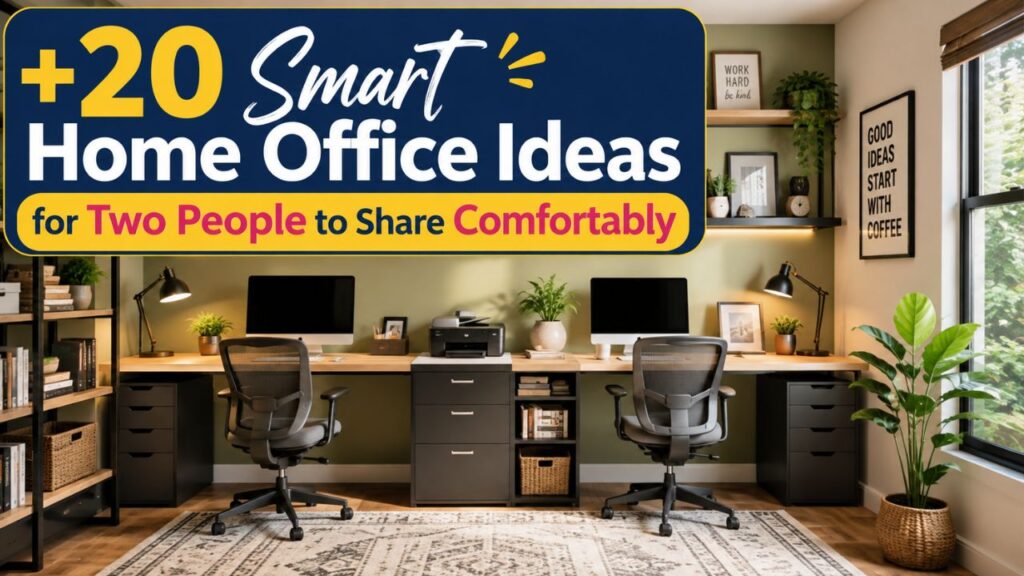
The good news is that creating a comfortable workspace for two does not require a huge room or expensive renovation. The best home office ideas for two focus on giving each person enough personal space while making smart use of furniture, storage, lighting, and layout.
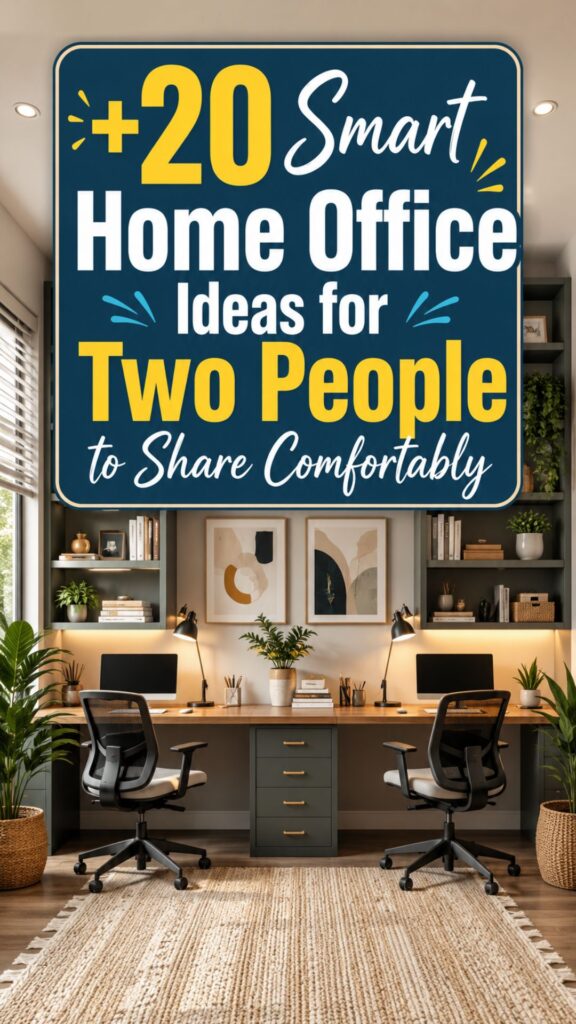
Whether you work with your partner, roommate, sibling, or business partner, these ideas can help you build a shared office that feels organized, practical, and pleasant to use every day.
1. Create a Long Wall-to-Wall Desk
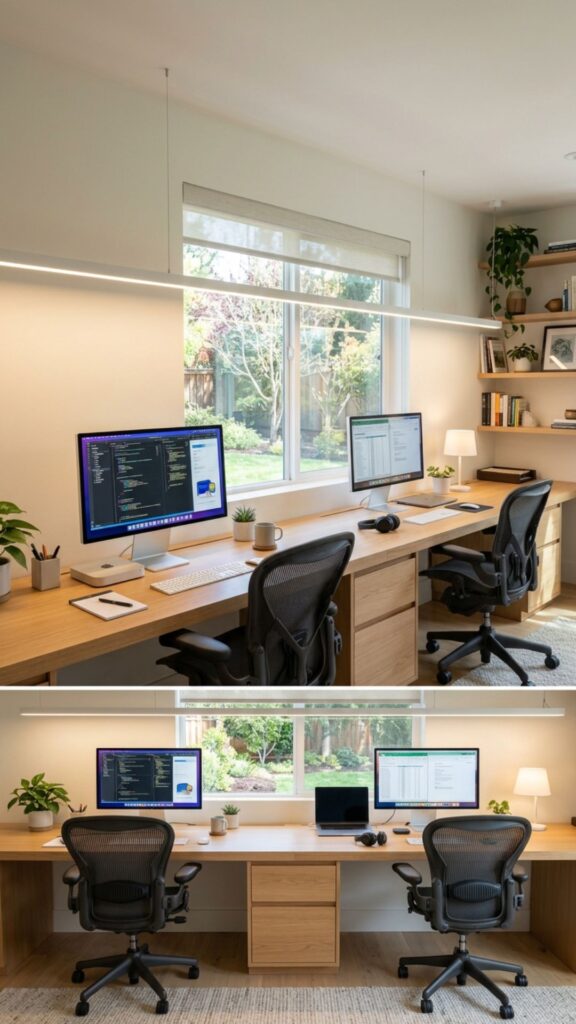
A long desk placed against one wall is one of the simplest home office ideas for two people. It creates two clear workstations without filling the middle of the room. You can use one custom desktop or place two matching desks side by side.
Leave enough space between monitors and chairs so neither person feels crowded. Add separate drawer units beneath the desk to give each person private storage for documents, stationery, chargers, and everyday work supplies.
2. Position Two Desks Back to Back
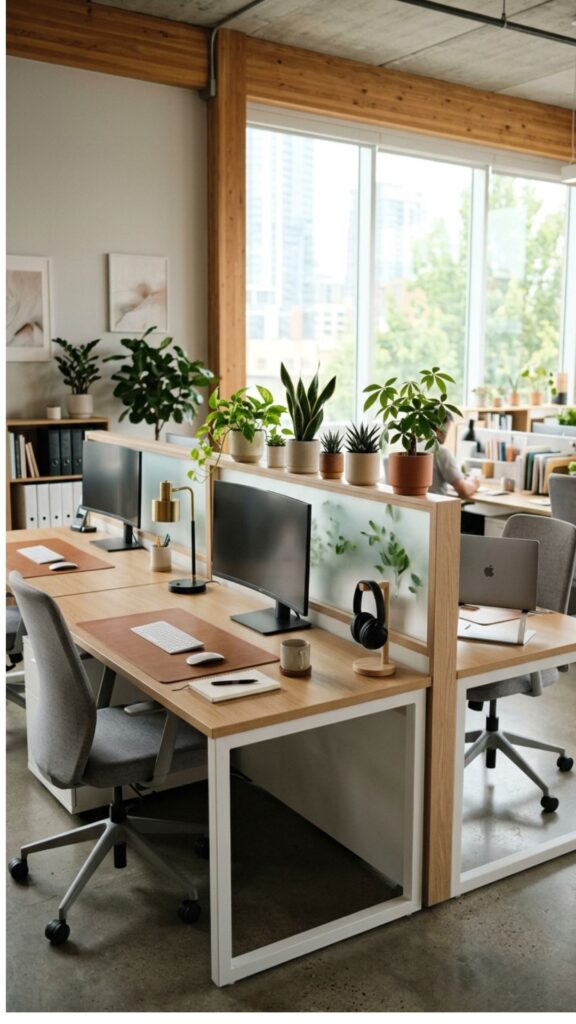
Back-to-back desks work especially well when both people need their own defined workspace. Each person faces a different direction, which can reduce visual distractions while still allowing easy communication.
This layout also makes good use of the center of a larger room. Consider adding a slim divider, plants, or monitor stands between the desks if you want slightly more privacy without completely separating the workstations.
3. Place Desks on Opposite Walls
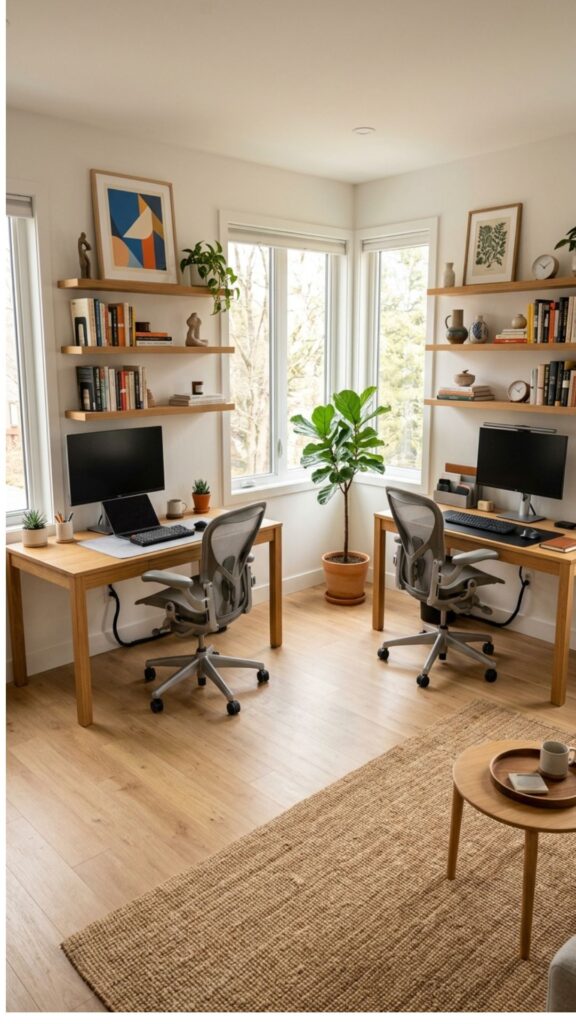
If both people take frequent calls or prefer independent work, putting desks on opposite walls can create valuable breathing room. Each person gets a dedicated wall for shelves, calendars, artwork, or organizational tools.
This setup is particularly useful in rectangular rooms. Keep the center walkway open so both people can move around easily. Matching desks can create visual harmony even when each workstation has a different personality.
4. Try an L-Shaped Shared Office
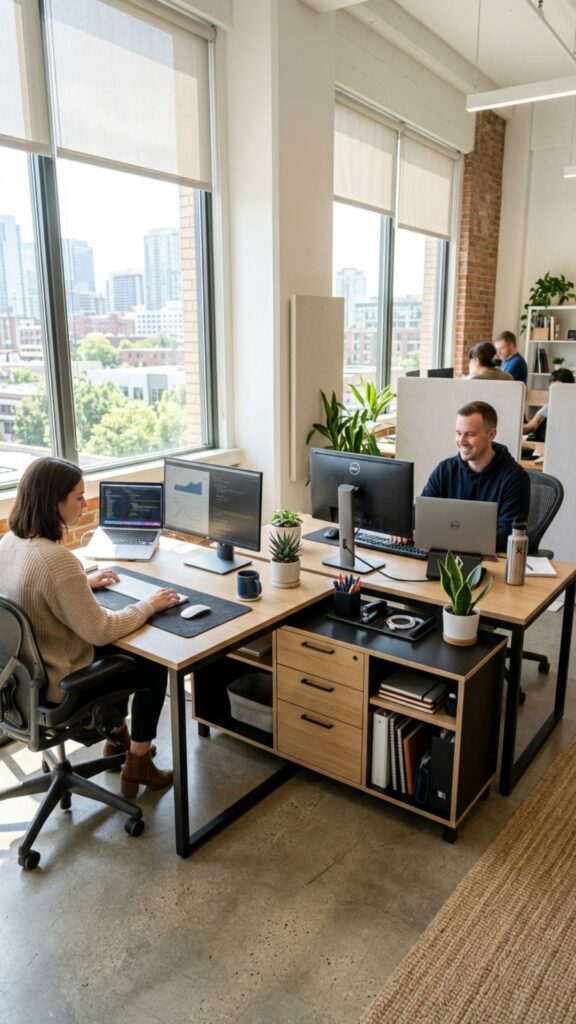
An L-shaped setup allows two people to use adjoining walls while maintaining separate work zones. One person can work along one side of the room while the second person uses the neighboring wall.
This layout works well in bedrooms, spare rooms, and smaller offices because it uses corners efficiently. Choose slim desks or floating work surfaces if floor space is limited, and place shared storage near the corner where both people can reach it.
5. Give Each Person a Defined Work Zone
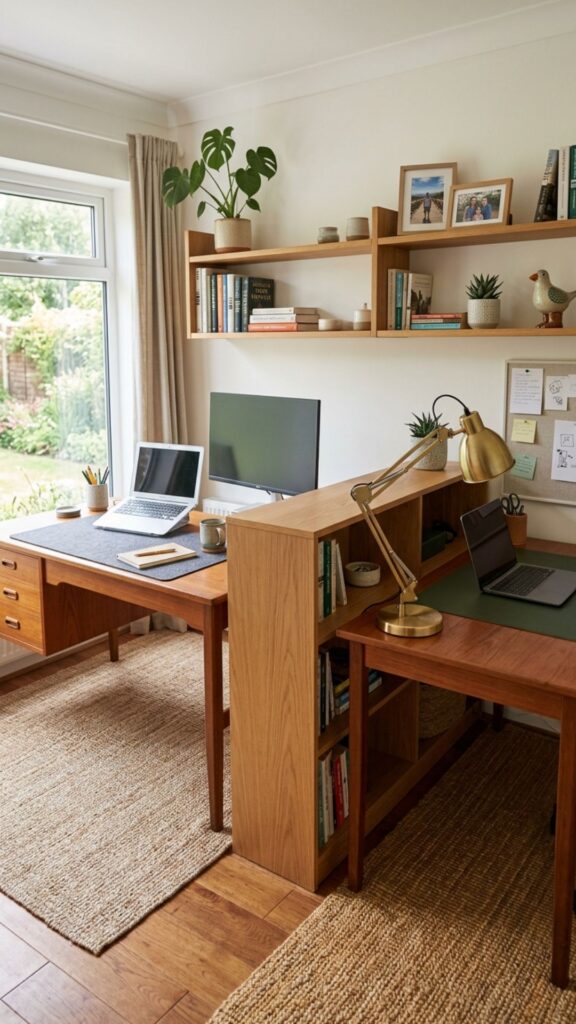
Successful home office ideas for two usually include clear boundaries. Even when you share one room, each person should know which drawers, shelves, desk areas, and equipment belong to them.
You can define zones using rugs, desk mats, wall colors, shelving, or different accessories. These small visual boundaries help prevent clutter from spreading and make the shared office feel more organized.
6. Use Matching Desks for a Clean Look
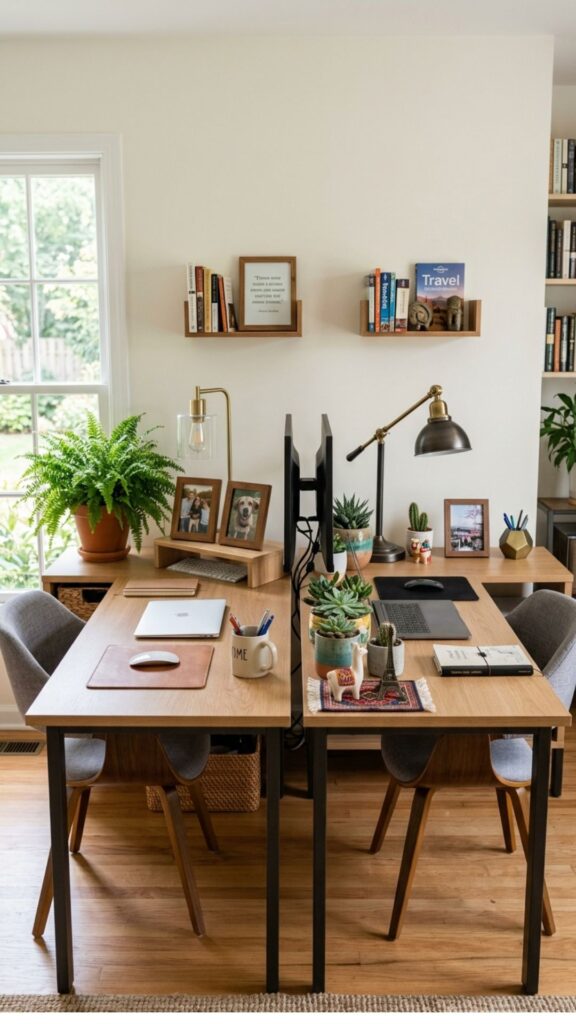
Two matching desks immediately make a shared office feel more intentional. Identical furniture creates visual balance and prevents the room from looking like two unrelated offices squeezed together.
You do not have to decorate both workstations exactly the same way. Start with matching desks and chairs, then allow each person to personalize their area with photographs, lamps, plants, stationery, or artwork.
7. Install a Shared Floating Desk
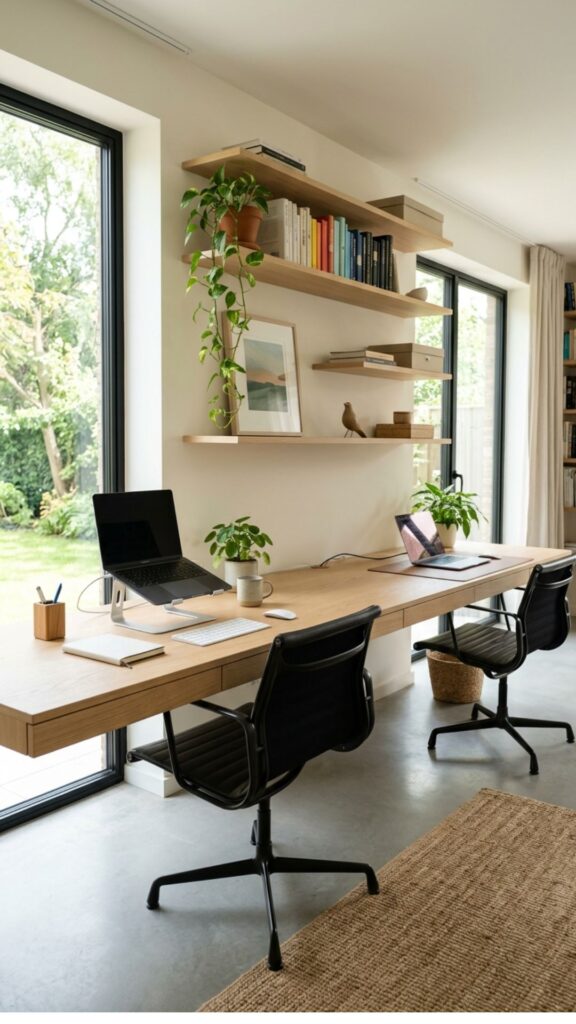
A floating desk is a smart option when floor space is tight. A long work surface mounted directly to the wall can comfortably provide seating for two while leaving the area underneath open.
Floating designs also make a small room feel less crowded because there are fewer bulky furniture pieces. Add wall-mounted shelves above each workstation to keep notebooks and office supplies within easy reach.
8. Add a Storage Unit Between Two Desks
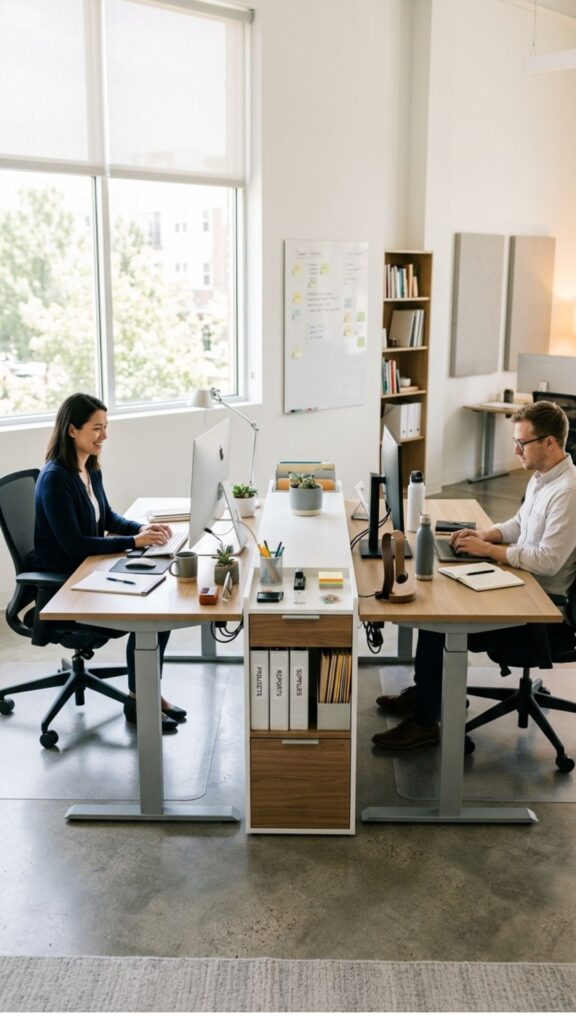
Placing a cabinet, drawer unit, or shelving system between two desks creates natural separation. It also gives both people convenient access to shared items such as printer paper, files, stationery, and charging accessories.
For smaller rooms, choose vertical storage rather than a wide cabinet. A tall bookcase uses wall height efficiently while preserving valuable floor space for chairs and workstations.
9. Use Vertical Storage to Save Space
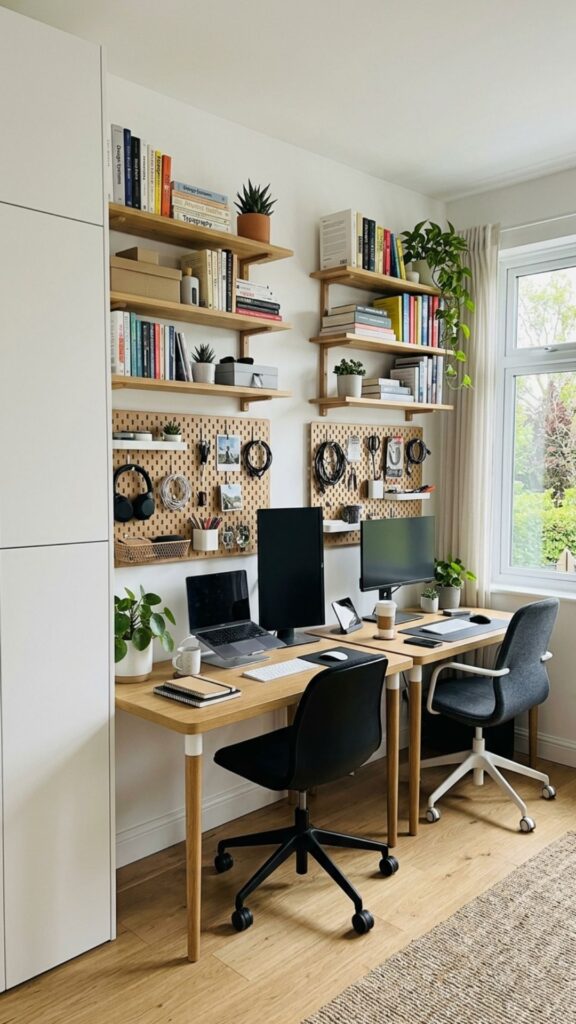
When designing a shared office, walls are valuable storage space. Floating shelves, pegboards, wall organizers, and tall cabinets can hold supplies without taking over the work surface.
Give each person their own shelf or storage section. Frequently used items should remain within easy reach, while archived documents and less-used equipment can be stored higher up.
10. Create a Two-Person Office in a Small Room
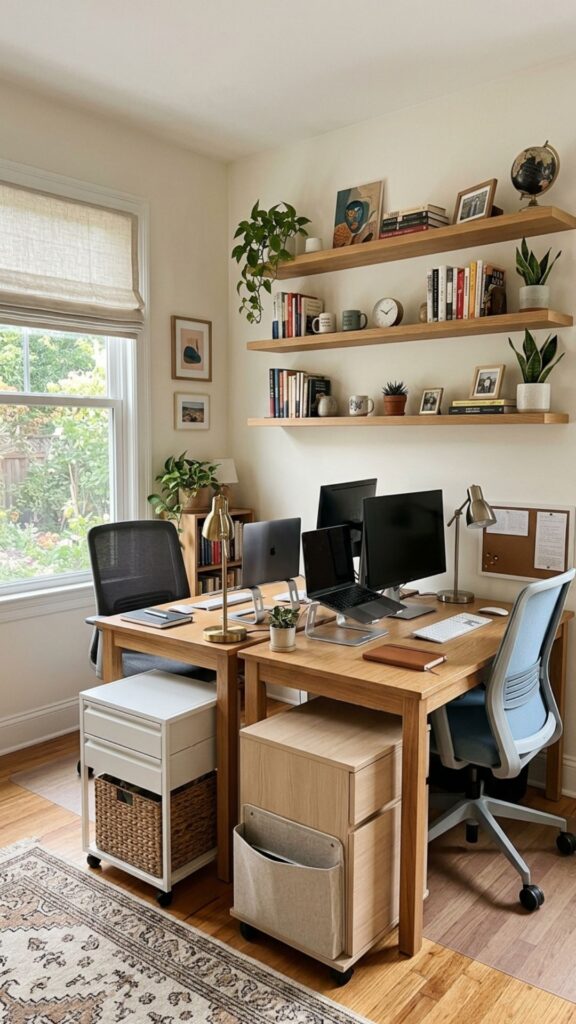
You do not need a dedicated study to use these home office ideas for two. A spare bedroom, guest room, loft, landing, or large hallway can become a practical shared workspace with compact furniture.
Look for desks between 40 and 50 inches wide if space is limited. Slim chairs, wall shelves, and under-desk storage can provide functionality without making the room difficult to move through.
11. Put the Desks Near Natural Light
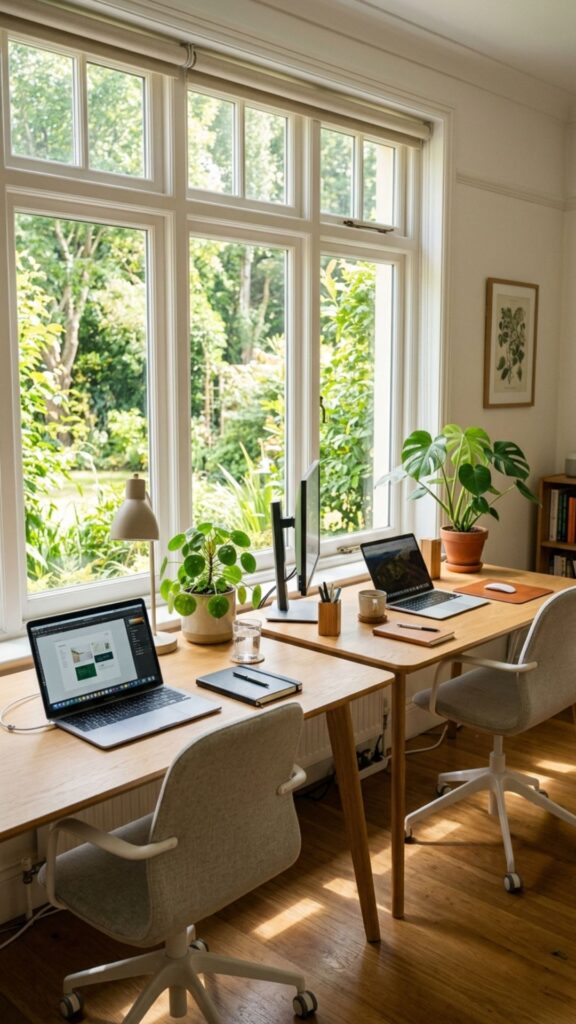
Natural light can make long working days feel much more comfortable. If possible, position both workstations near a window instead of placing one person in the brightest part of the room and leaving the other in a dark corner.
Avoid positioning computer screens directly opposite strong sunlight because glare can make them difficult to see. Side-facing natural light often provides the best balance between brightness and screen comfort.
12. Provide Separate Task Lighting
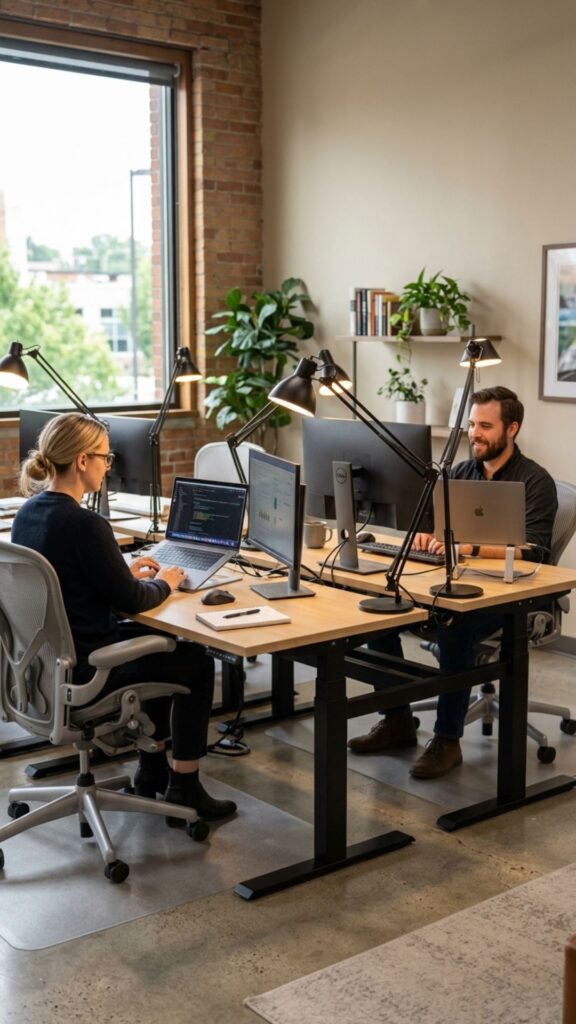
One shared ceiling light is rarely enough for two people working at different tasks. Each workstation should have its own desk lamp or adjustable wall light.
Separate lighting also allows one person to work early or late without brightly illuminating the entire room. Choose adjustable lamps so each user can control the direction and intensity of their workspace lighting.
13. Create a Video Call-Friendly Layout
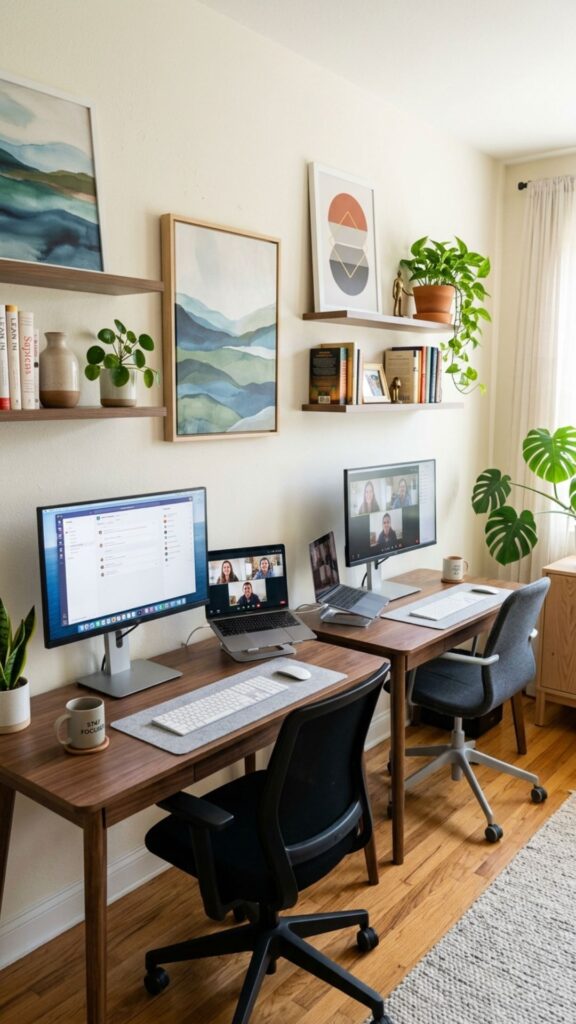
If both people regularly attend online meetings, think carefully about desk direction and background views. Positioning desks so cameras face tidy walls can create a more professional appearance during calls.
Try not to place one person’s workstation directly behind the other. Otherwise, movement may constantly appear in video backgrounds. Curtains, bookcases, artwork, or a simple divider can help create attractive individual backgrounds.
14. Improve Privacy With an Office Divider
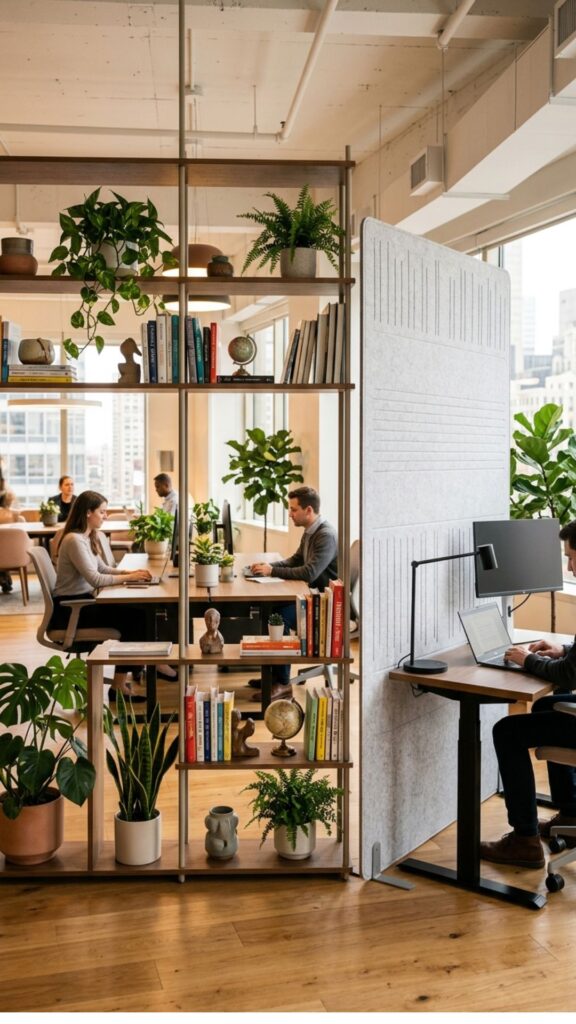
A shared office does not mean you must constantly see or hear everything the other person does. A desk divider, open bookshelf, folding screen, or acoustic panel can provide useful separation.
This is particularly helpful when one person spends hours on calls while the other needs quiet concentration. Even a few strategically positioned plants can create a subtle visual barrier without making the room feel closed off.
15. Add Noise-Reducing Features
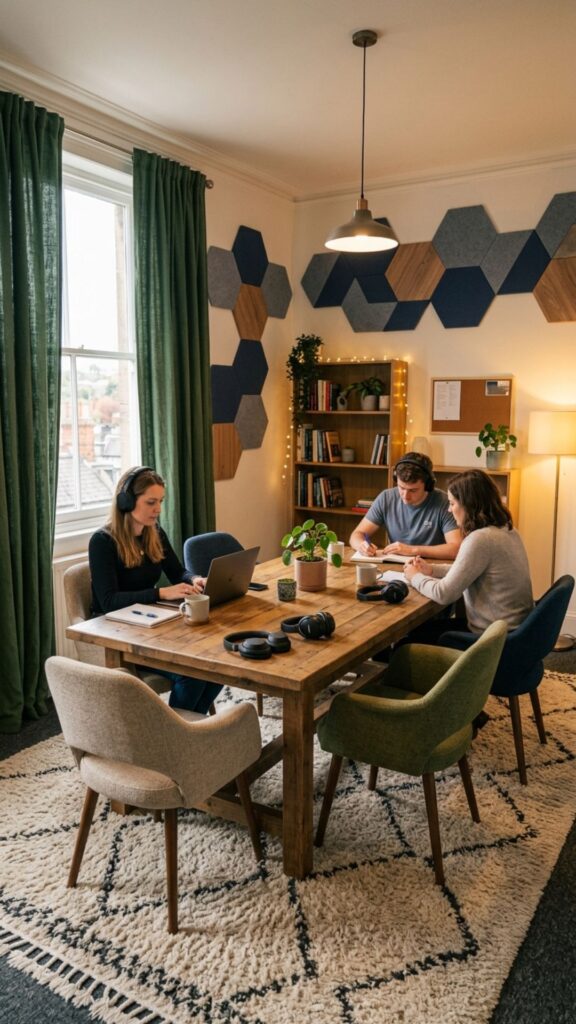
Noise is one of the biggest challenges when two people work from home together. Rugs, curtains, upholstered chairs, acoustic panels, and fabric accessories can help soften echoes in rooms with hard floors and bare walls.
Good headphones can also make a significant difference. If both people regularly attend meetings, agree on simple rules for calls, speakers, and quiet working periods.
16. Keep Cables Under Control
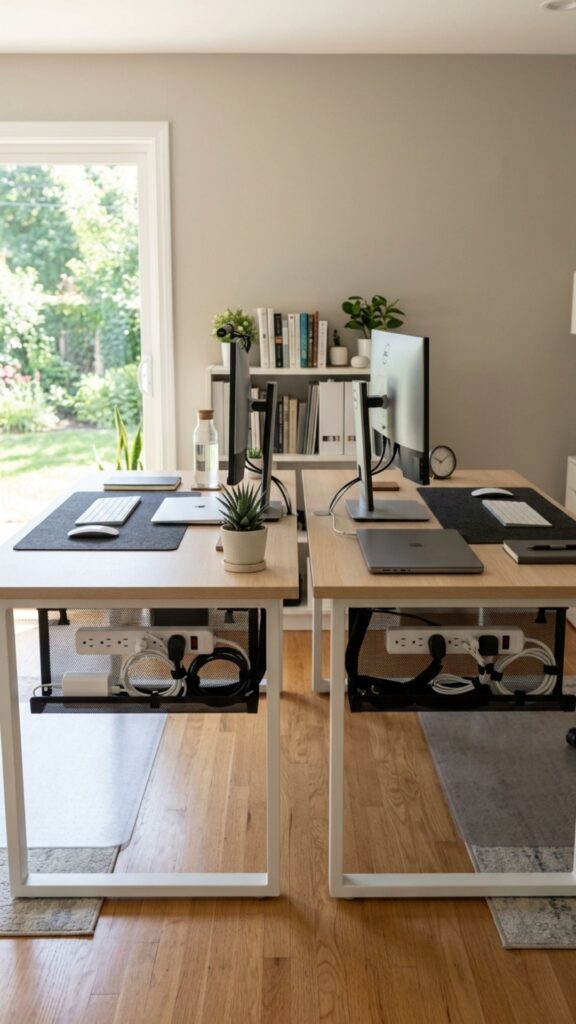
Two workstations can quickly produce a confusing collection of laptop chargers, monitor cables, phone cords, and extension leads. Cable management should therefore be part of your office design from the beginning.
Use under-desk cable trays, clips, sleeves, and labeled chargers to keep wires organized. Position power strips where both users can reach them without running cords across walking areas.
17. Create Shared Printer and Supply Storage
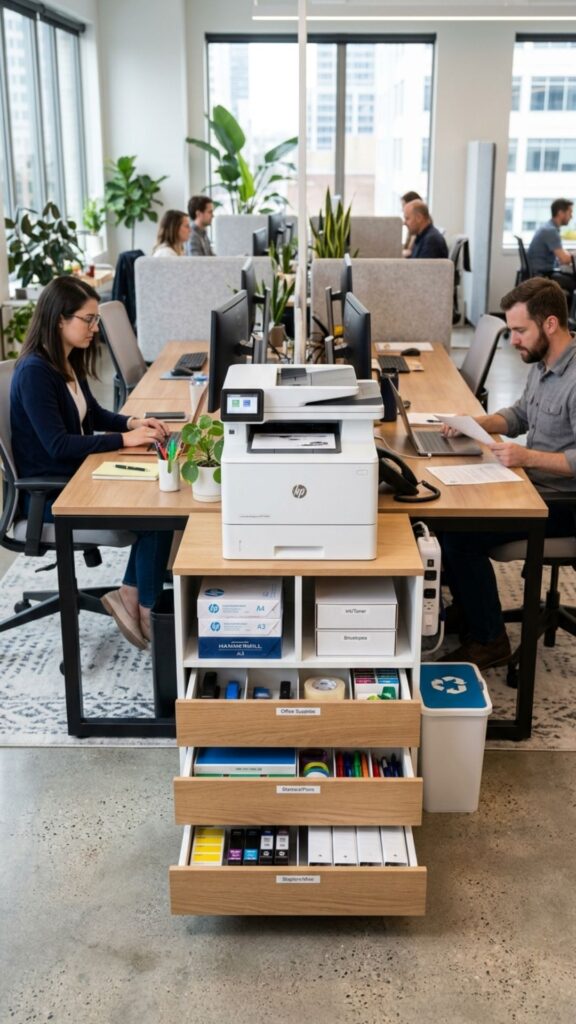
Not every piece of office equipment needs to be duplicated. A central printer station can serve both workspaces while freeing up valuable desk space.
Place paper, ink, envelopes, notebooks, and other shared items close to the printer. A small cabinet or rolling cart works well because it keeps supplies together and can easily be moved when needed.
18. Choose Comfortable Ergonomic Chairs
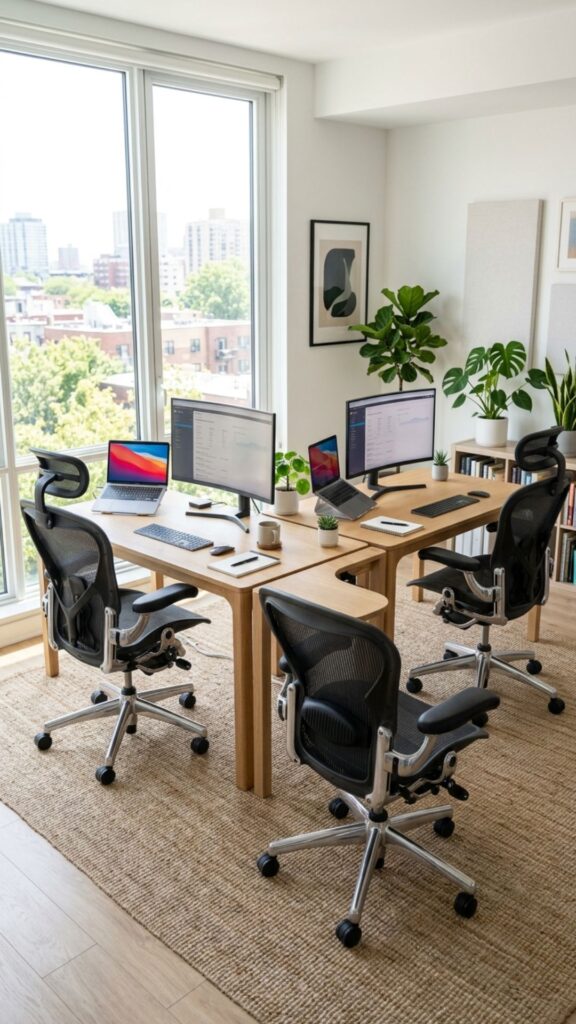
A beautiful office becomes frustrating if the chairs are uncomfortable. Since both people may spend several hours sitting each day, supportive seating is worth prioritizing.
Look for adjustable seat height, useful back support, and enough room to move comfortably beneath the desk. Each person may need a different chair because body height, posture, and working preferences vary.
19. Personalize Each Side of the Office
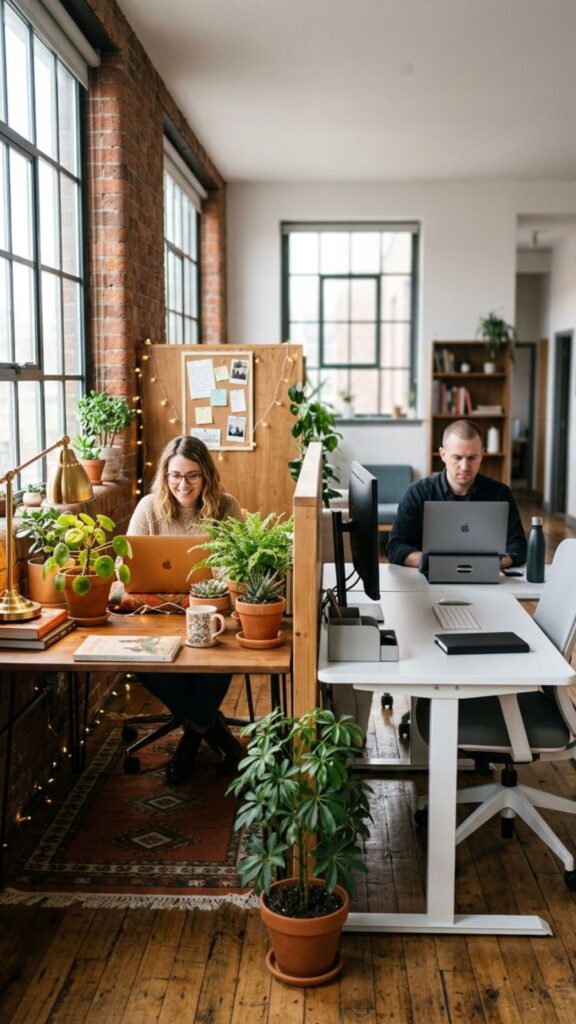
The most practical home office ideas for two still leave room for personality. Sharing a room does not mean both sides must look identical.
One person might prefer plants and warm accessories, while the other enjoys a simple minimalist workstation. Keep major furniture coordinated and allow smaller decorative details to reflect individual tastes.
20. Build a Shared Office Routine
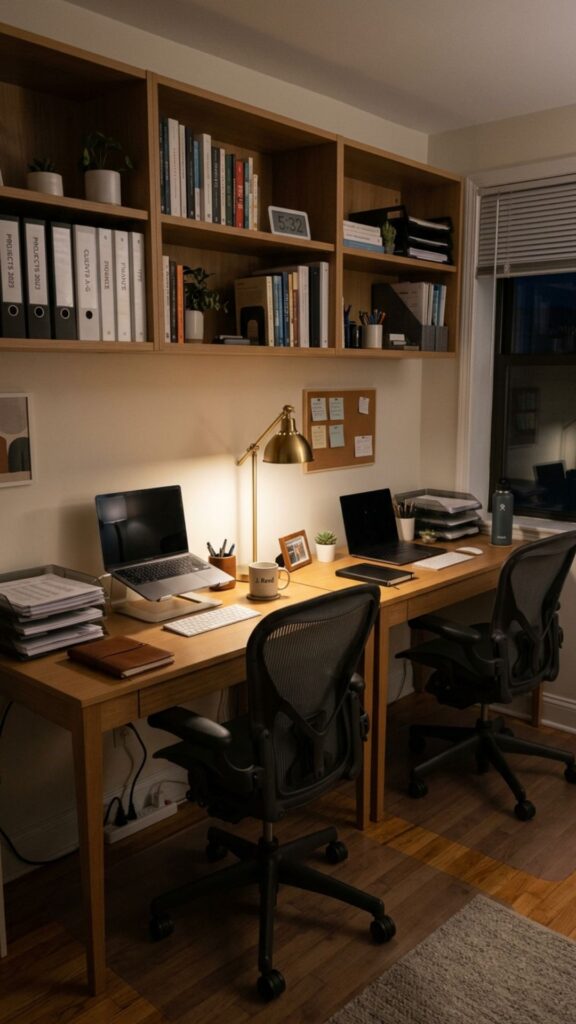
A successful two-person office depends on habits as much as furniture. Agree on basic rules covering calls, music, desk clutter, shared storage, lighting, and working hours.
Spend a few minutes resetting the workspace at the end of the day. Returning chargers, paperwork, coffee cups, and supplies to their proper places prevents shared spaces from gradually becoming messy.
How to Make Your Two-Person Home Office Work Better
The smartest shared office is not necessarily the largest or most expensive one. It is the room where both people can work without constantly interfering with each other.
Start with workstation placement. Then improve lighting, storage, cable management, seating, and noise control. Small changes often make more difference than completely redesigning the room.
The best home office ideas for two balance togetherness with independence. You should be able to communicate easily while still feeling that your workstation belongs to you.
Choose two or three ideas from this list and start improving your shared workspace today. Measure your room, decide what causes the most frustration, and fix that problem first. A more comfortable and productive office can often begin with one simple layout change.
What is the best desk layout for two people working from home?
A long desk against one wall is one of the easiest options for smaller spaces. Back-to-back or opposite-wall desks are better when both people need more independence or regularly attend video meetings.
How can two people share a small home office?
Use compact desks, vertical shelving, under-desk storage, and wall-mounted accessories. Keeping the floor clear and creating separate zones helps even a small room feel comfortable for two workers.
How do you create privacy in a two-person home office?
Position desks in different directions and use open shelving, acoustic panels, plants, or lightweight room dividers. Noise-canceling headphones can provide extra privacy when one person is taking calls.
Should two people use one long desk or separate desks?
Both options can work. A long desk saves space and creates a coordinated appearance, while separate desks offer greater flexibility and make it easier for each person to choose their preferred desk height, equipment, and layout.
How can couples work comfortably in the same home office?
Give each person a clearly defined workstation and agree on simple rules for meetings, noise, shared equipment, and organization. Respecting each other’s working styles is just as important as choosing the right furniture.