Working from home has changed the way people think about personal workspaces. A simple desk and chair are no longer enough for many professionals, creators, gamers, and business owners. A well-planned dual monitor setup can improve productivity, make multitasking easier, and create a workspace that feels comfortable for long hours.
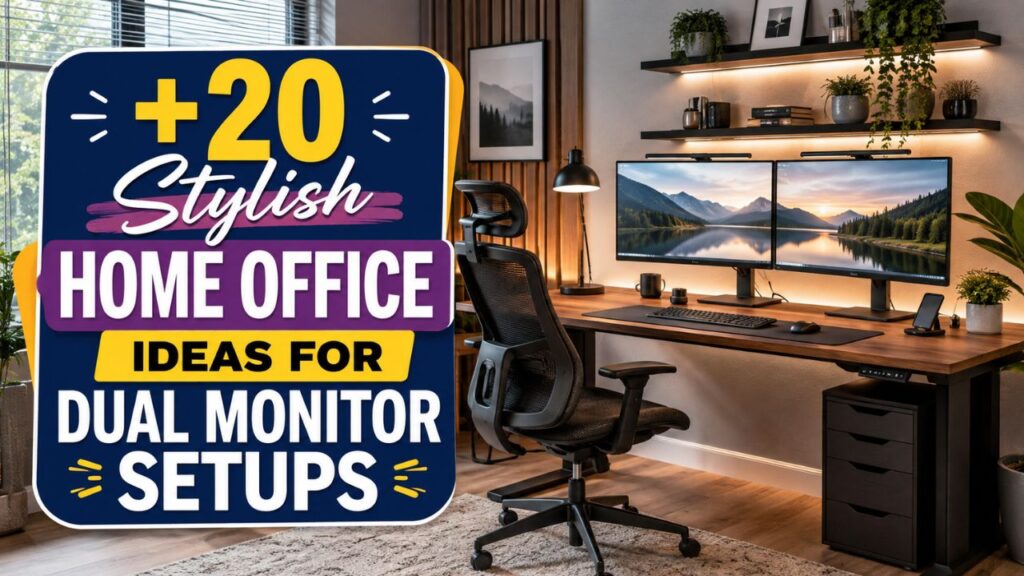
The right home office ideas dual monitors setup is not only about adding a second screen. It is about designing a balanced environment where your monitors, desk, lighting, storage, and accessories work together. Whether you have a small corner office or a dedicated room, smart planning can help you build a workspace that looks professional and supports your daily tasks.
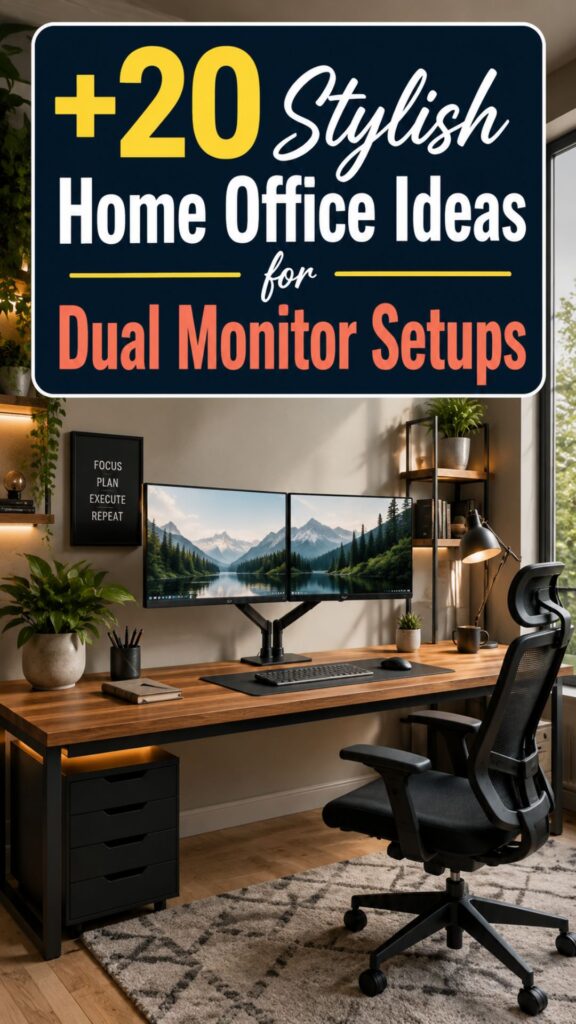
In this guide, we will explore 20 stylish dual monitor home office ideas, from minimalist layouts to ergonomic setups. You will also learn how to position your screens, avoid common mistakes, and create a workspace that feels organized and inspiring.
1. Create a Minimalist Dual Monitor Workspace
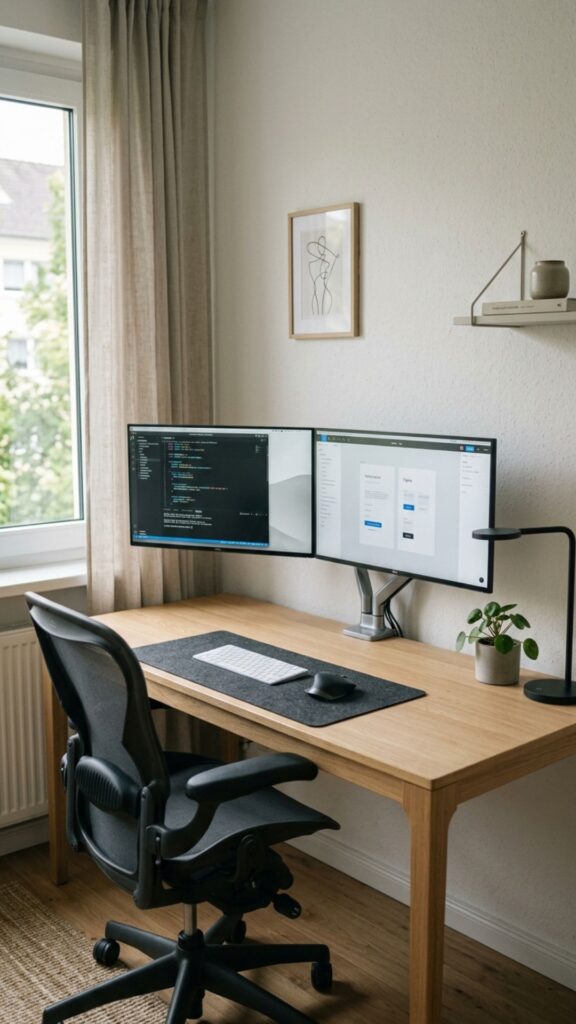
A minimalist home office focuses on clean lines, fewer distractions, and better organization. Place two monitors on a simple desk with hidden cables, a compact keyboard, and only essential accessories. A neutral color palette with white, black, or wood finishes can make the workspace feel calm and professional.
This style works especially well for people who need focus during long work sessions. Keeping your desk free from unnecessary items allows your monitors to become the main feature while creating a modern office atmosphere.
2. Use a Large Desk for Better Screen Balance
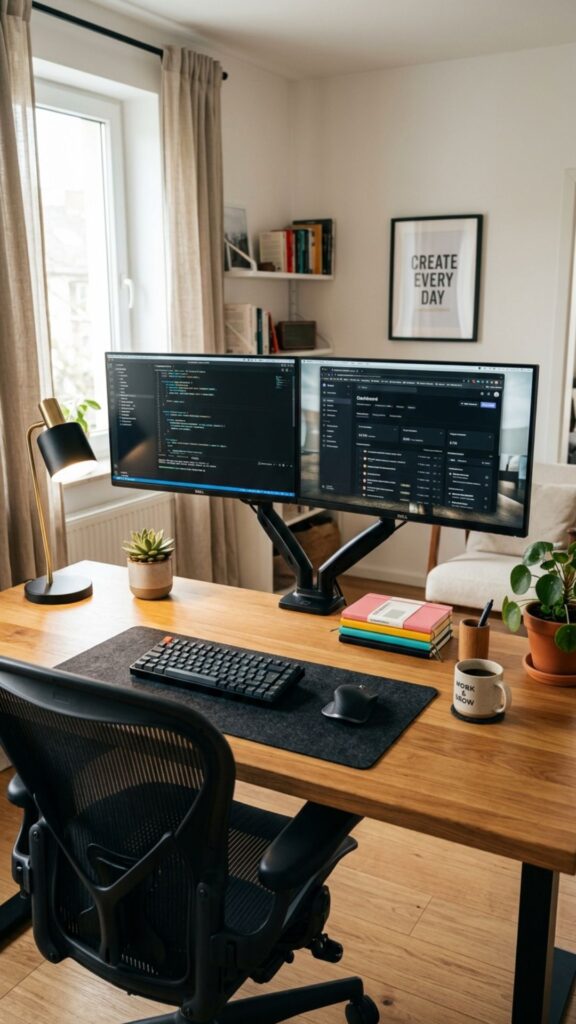
A spacious desk is one of the best investments for a dual monitor setup. Two monitors require enough surface area for comfortable viewing, keyboard placement, notebooks, and other work tools.
Choose a desk that is at least wide enough to keep both screens aligned without feeling crowded. A larger desk also gives you room to add plants, speakers, desk lamps, or storage solutions without making the workspace look messy.
3. Install Monitor Arms for a Cleaner Look
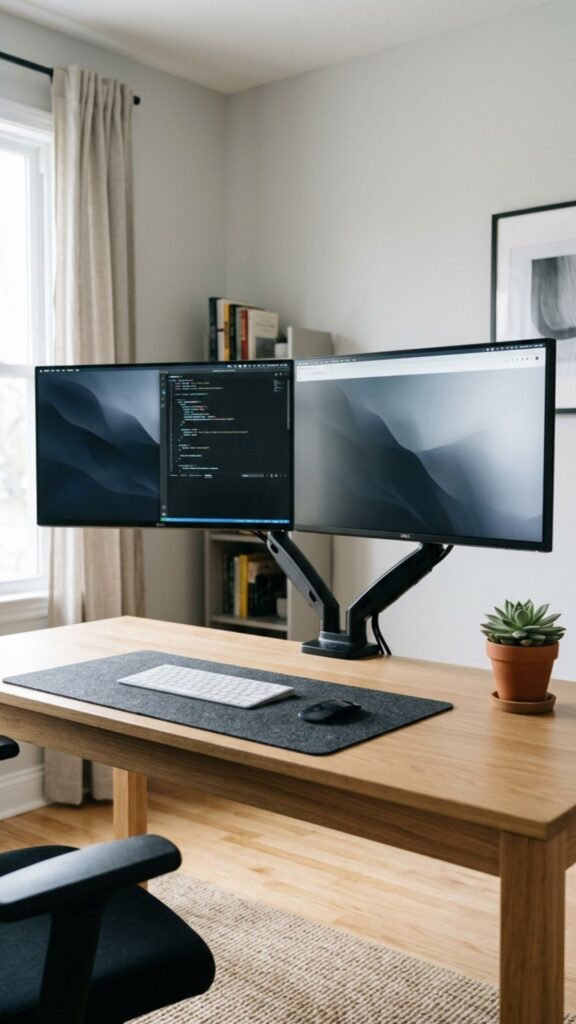
Monitor arms are a popular choice for stylish home office ideas dual monitors because they save desk space and improve flexibility. Instead of keeping monitors on their original stands, mounting them creates a cleaner and more professional appearance.
Adjustable arms also allow you to set the perfect height and angle. This helps reduce neck strain and creates a more comfortable working position throughout the day.
4. Build an Ergonomic Dual Monitor Setup
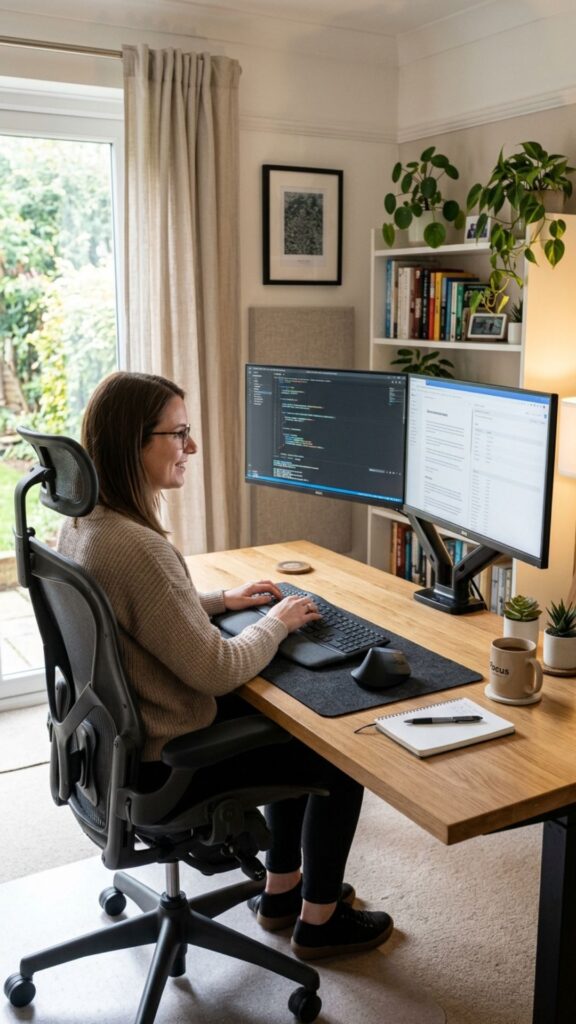
Comfort should always come before decoration. Position your monitors at eye level and keep them around arm’s length away from your face. Your main screen should sit directly in front of you, while the second monitor can be slightly angled.
An ergonomic setup reduces physical discomfort and helps maintain better posture. Pair your monitors with an adjustable chair, proper desk height, and wrist support for a healthier workspace.
5. Add Warm Lighting Around Your Workspace
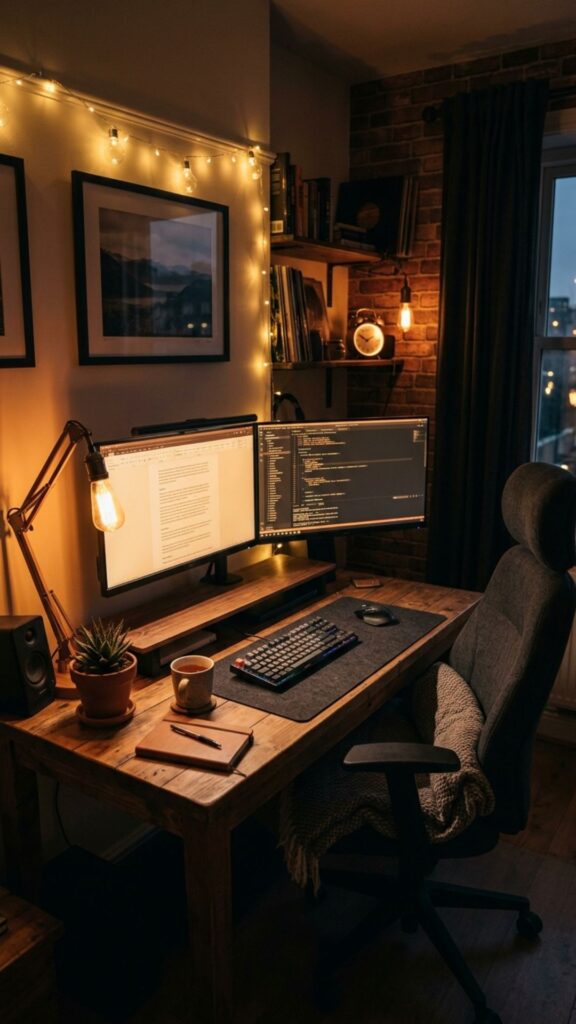
Good lighting can completely change the feel of your home office. Avoid relying only on overhead lights because they can create shadows and screen glare.
Add a desk lamp, wall light, or soft LED lighting behind your monitors. Warm lighting creates a comfortable environment while reducing eye fatigue during evening work sessions.
6. Design a Dual Monitor Office With Natural Elements
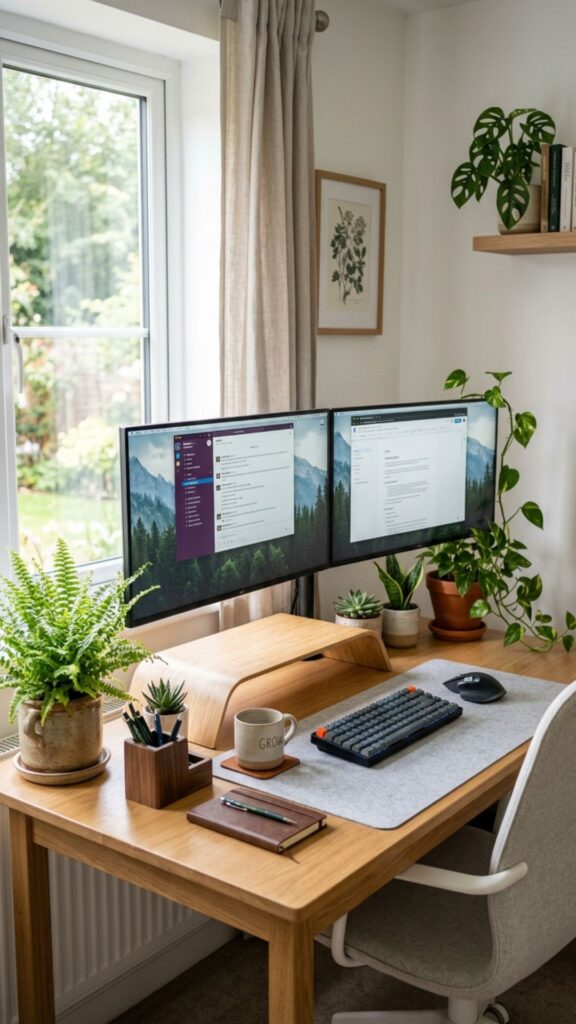
Adding natural elements can make your workspace feel more welcoming. Place small plants near your monitors, use wooden desk accessories, or add natural textures through shelves and decorations.
Plants can soften the appearance of technology-heavy setups. A combination of greenery and modern equipment creates a balanced workspace that feels both productive and relaxing.
7. Create a Wall-Mounted Monitor Setup
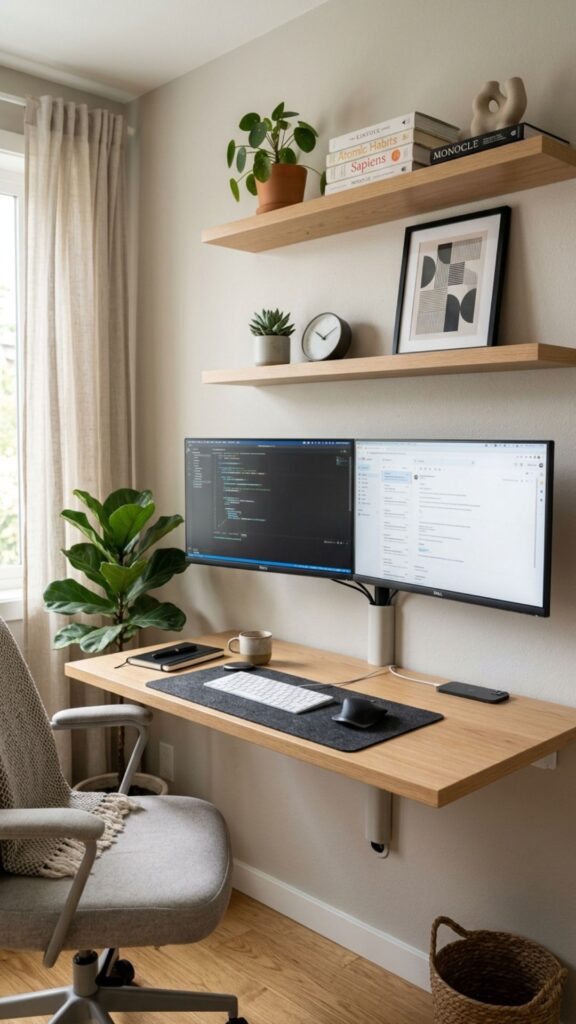
If you have limited desk space, mounting your monitors directly on the wall can be a smart solution. This approach keeps your desk open and creates a sleek, modern appearance.
A wall-mounted arrangement works well in small home offices, bedrooms, or shared spaces. You can add floating shelves below the monitors for storage while maintaining a clean design.
8. Use a Corner Desk Layout for More Space
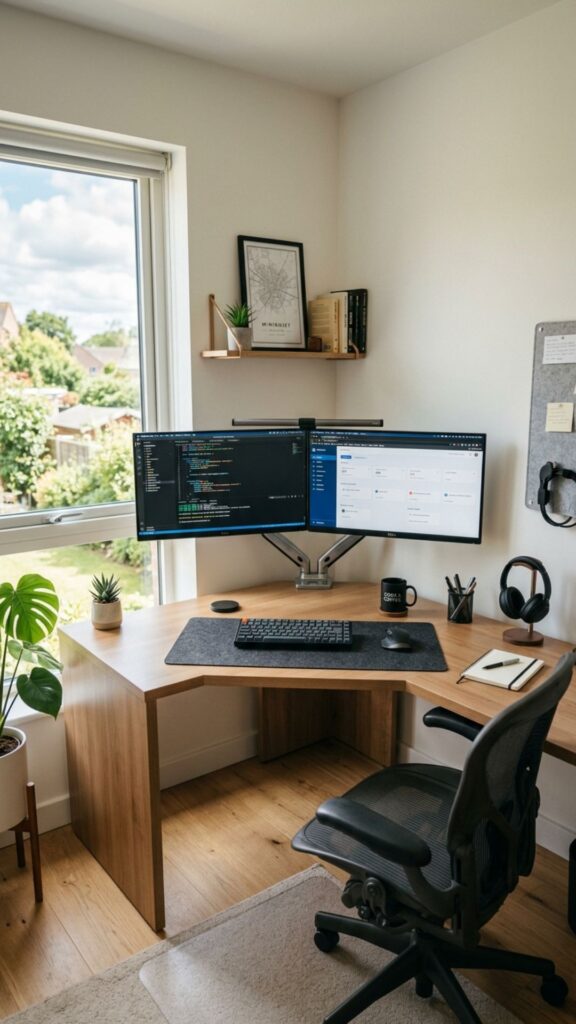
Corner desks are excellent for dual monitor setups because they use unused areas efficiently. Position one monitor on each side of the corner to create a natural viewing angle.
This setup provides more workspace for documents, accessories, and creative projects. It is especially useful for professionals who need multiple applications open at the same time.
9. Create a Gaming-Inspired Home Office Setup
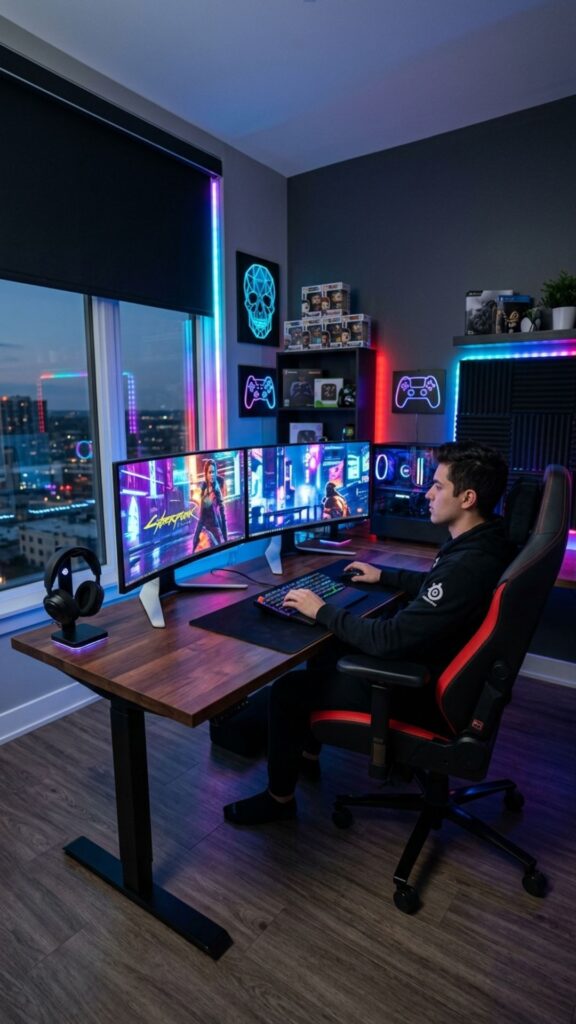
A dual monitor setup is perfect for gaming, streaming, and content creation. Add a comfortable gaming chair, RGB lighting, headphone stand, and organized cable management for a complete look.
However, a gaming-inspired workspace does not need to feel overwhelming. Choose a few stylish elements instead of adding too many decorations to maintain a professional appearance.
10. Combine Dual Monitors With Floating Shelves
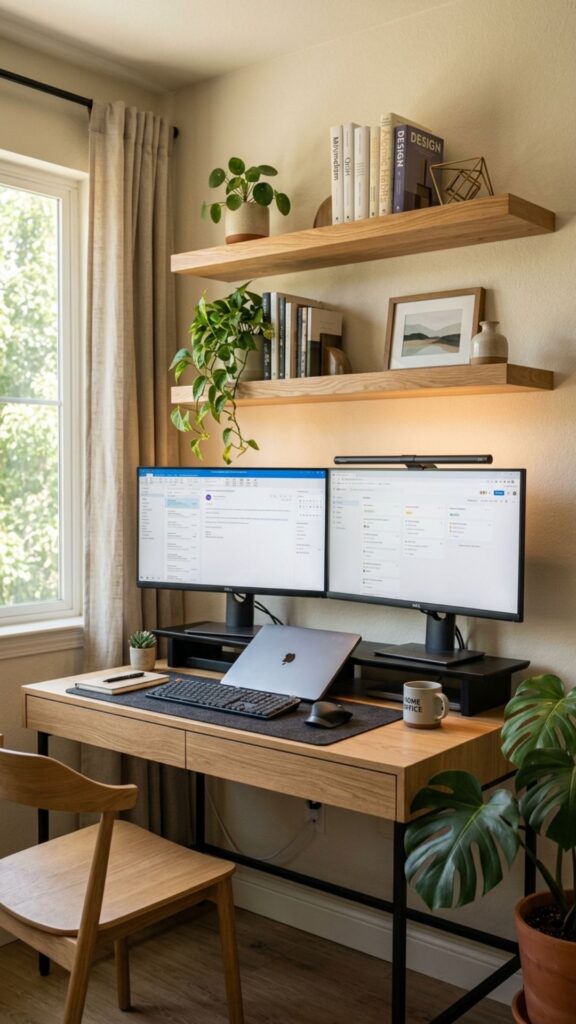
Floating shelves add storage without taking up valuable desk space. They are ideal for books, small plants, speakers, and decorative items.
Place shelves above your monitors to create a balanced wall design. This approach keeps your workspace organized while adding personality to the room.
11. Choose Matching Monitors for a Professional Appearance
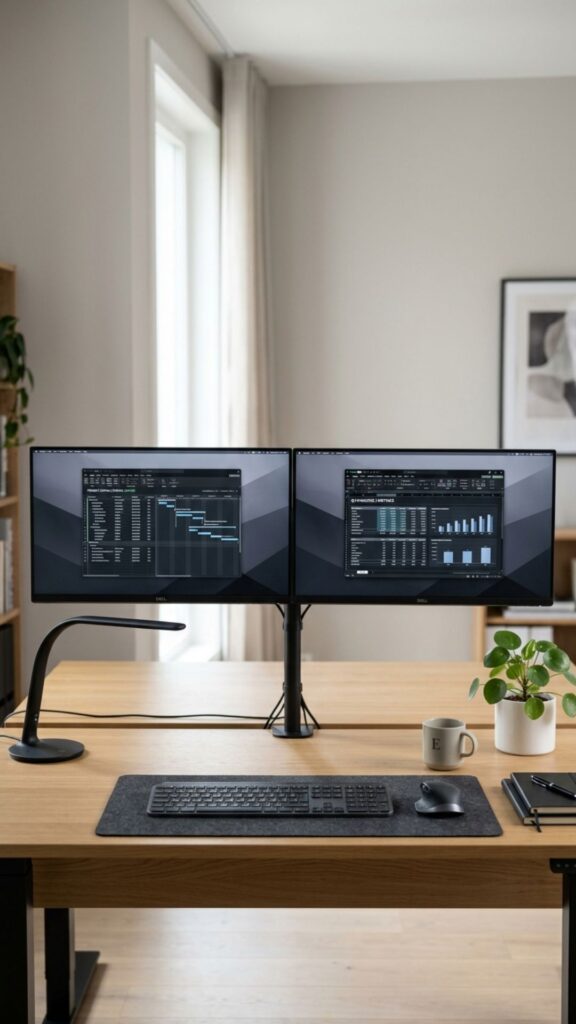
Matching monitors create visual balance and make your workspace look more organized. Using screens with similar sizes, colors, and designs creates a seamless appearance.
For professionals working with design, editing, finance, or programming, consistent displays also provide a smoother working experience.
12. Create a Dark and Modern Office Theme
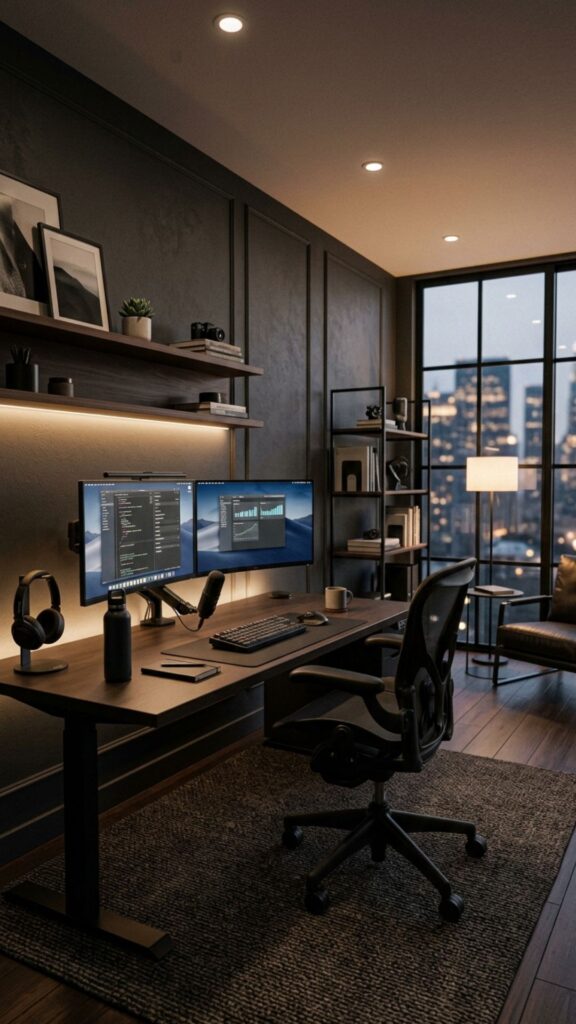
Dark-colored home offices can create a premium and focused atmosphere. Black desks, dark shelves, and minimal lighting can give your workspace a sophisticated look.
This style works especially well with modern monitors and clean cable management. Adding small contrasting elements like plants or wooden accessories prevents the room from feeling too heavy.
13. Add Personalized Decor Without Creating Clutter
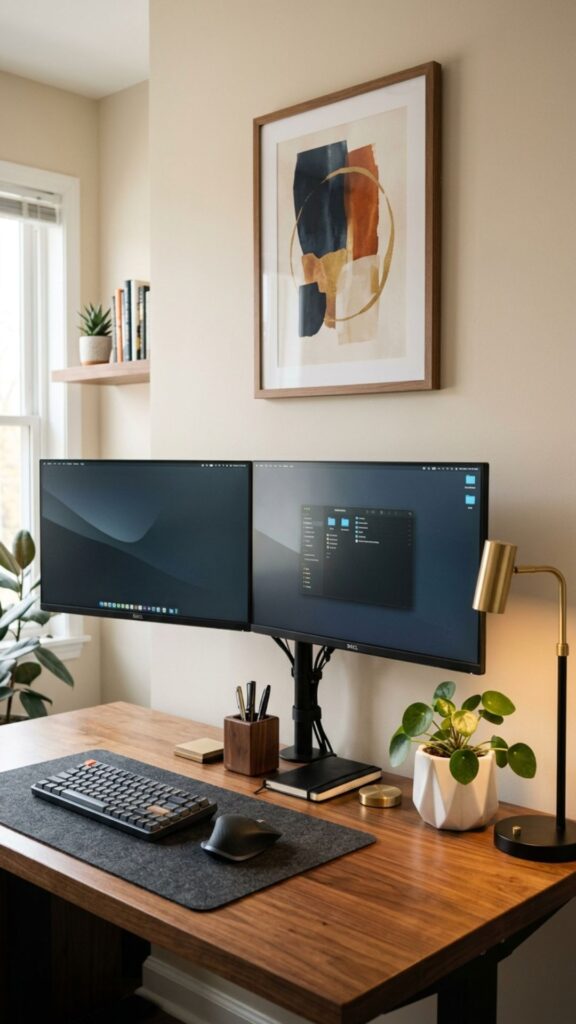
Your workspace should reflect your personality. Add framed artwork, motivational quotes, personal collections, or meaningful objects around your desk.
The key is balance. Too many decorations can distract you from work, while a few personal touches can make your office feel more comfortable and inspiring.
14. Use Cable Management for a Professional Finish
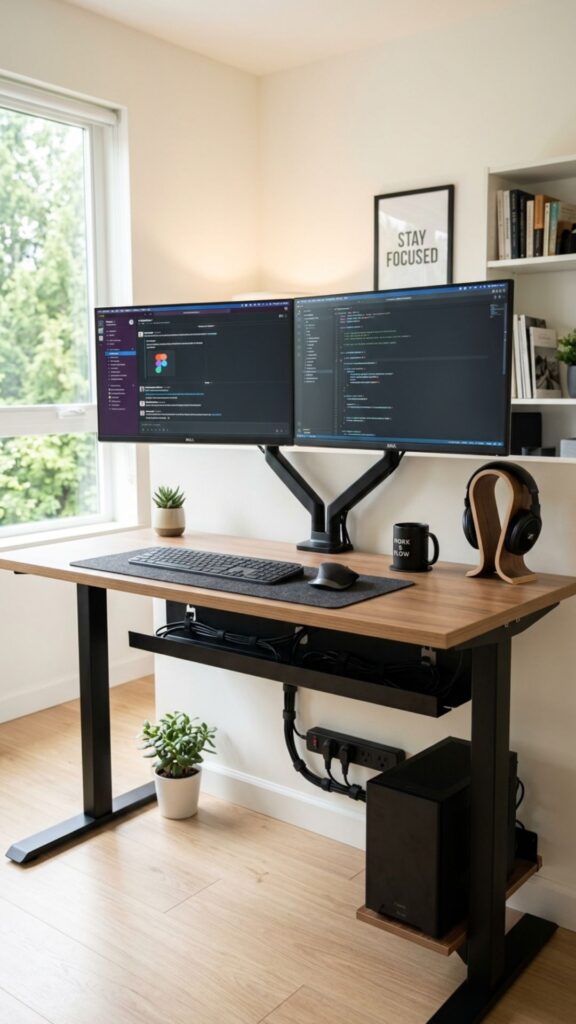
Visible cables can make even an expensive setup look messy. Use cable trays, clips, sleeves, or under-desk organizers to keep wires hidden.
A clean cable system improves the appearance of your office and makes future upgrades easier. It is one of the simplest improvements for any dual monitor workspace.
15. Create a Standing Dual Monitor Workspace
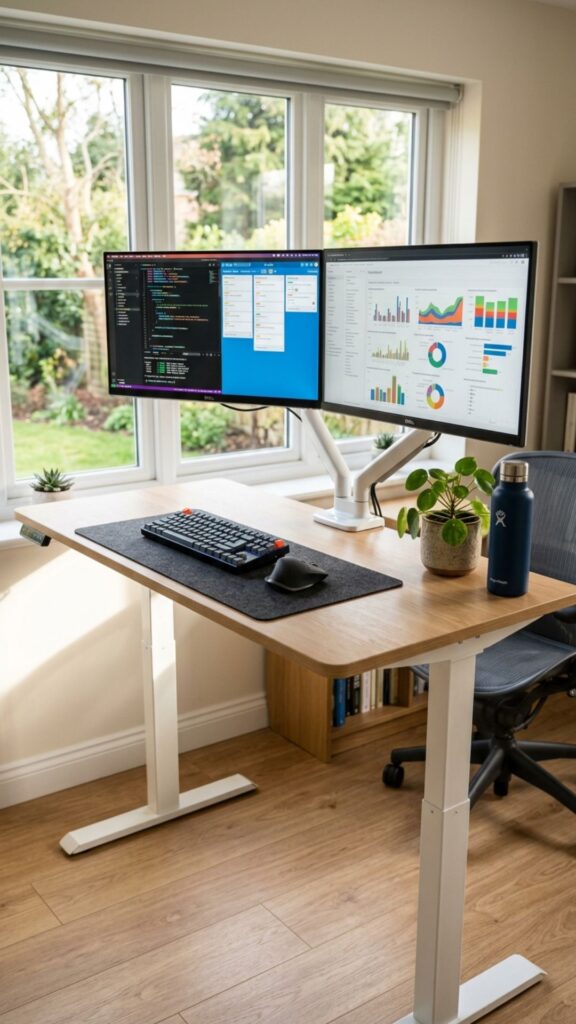
A standing desk can improve flexibility and encourage movement during the workday. Adjustable standing desks allow you to switch between sitting and standing positions.
For dual monitors, choose a desk that can support both screens comfortably. This setup is popular among remote workers who spend many hours at their computers.
16. Design a Small Apartment Dual Monitor Office
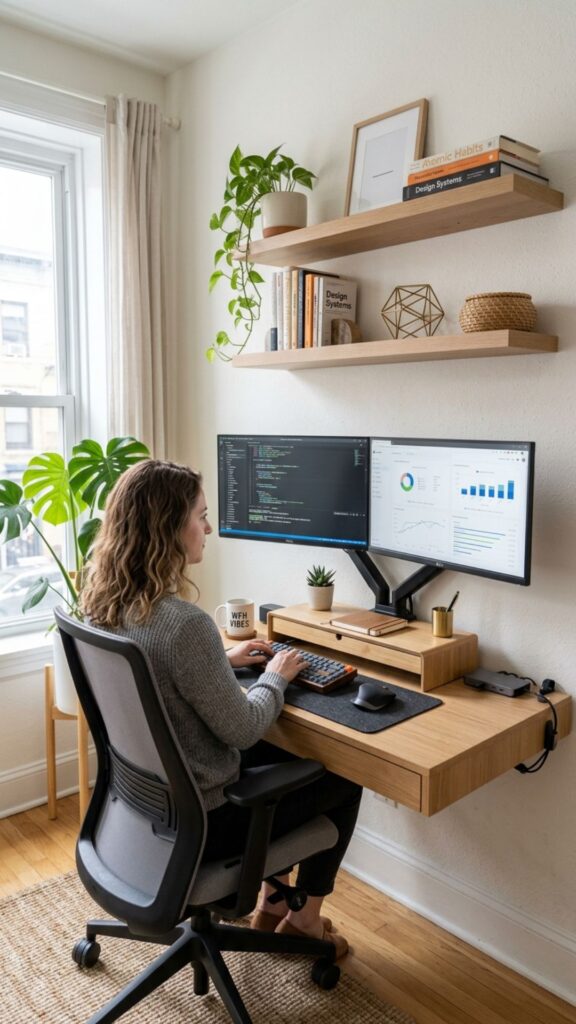
Limited space does not mean you need to sacrifice productivity. A compact desk, monitor mounts, and smart storage can create an effective workspace in a small area.
Use vertical space with shelves and choose smaller accessories. A carefully planned layout can make even a bedroom corner feel like a professional office.
17. Add a Background Wall for Video Calls
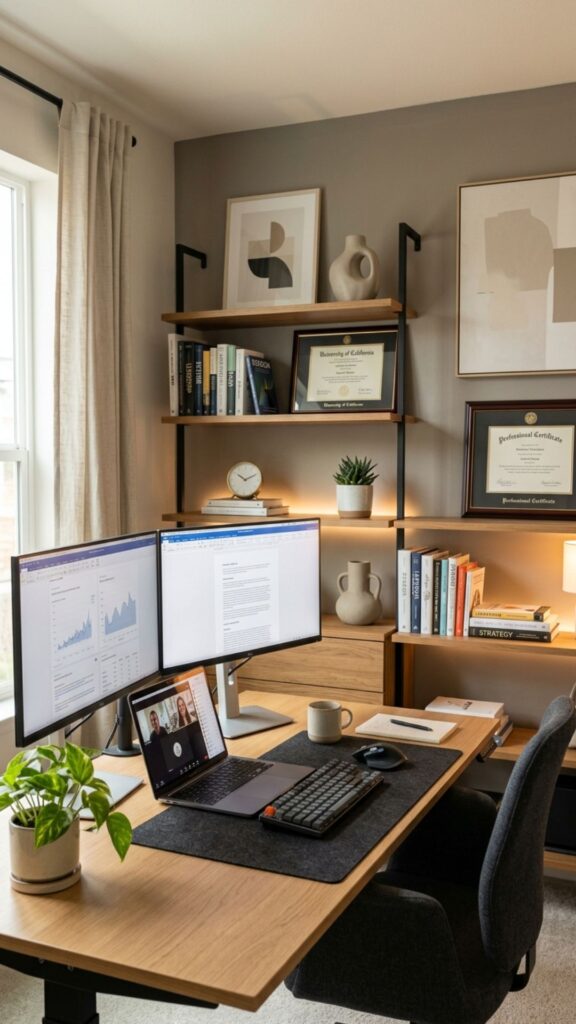
Remote meetings make your office background more important than ever. Create a clean wall behind your desk with shelves, artwork, or simple decorations.
A professional background helps create a better impression during video calls. Keep the area organized and avoid distracting items behind your chair.
18. Create a Creative Studio Dual Monitor Setup
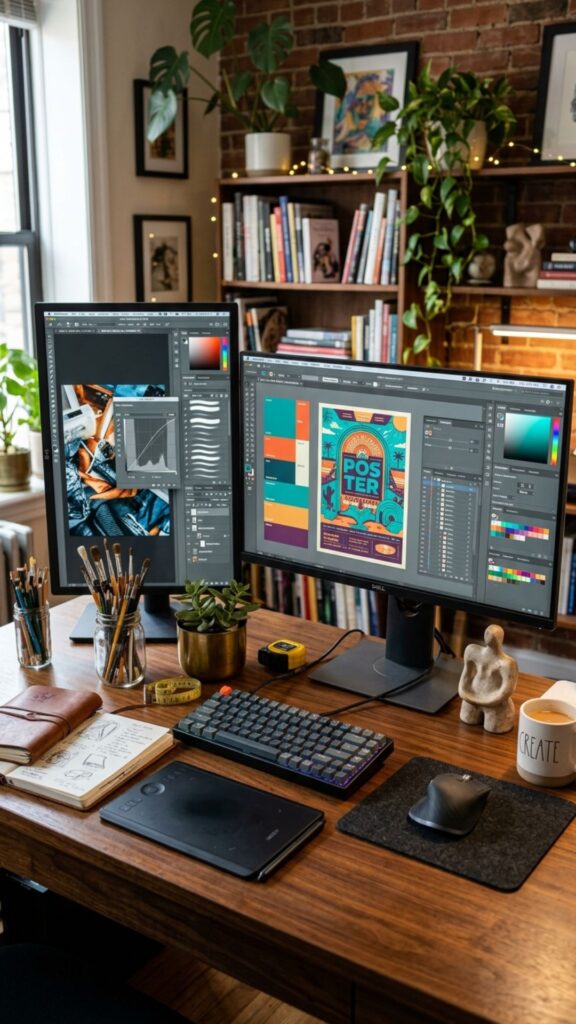
Designers, photographers, editors, and content creators often benefit from dual monitors. One screen can display the main project while the second handles tools, references, or communication.
Add color-accurate monitors, creative accessories, and comfortable lighting to build a workspace that supports creative work.
19. Use a Laptop and Dual Monitor Hybrid Setup
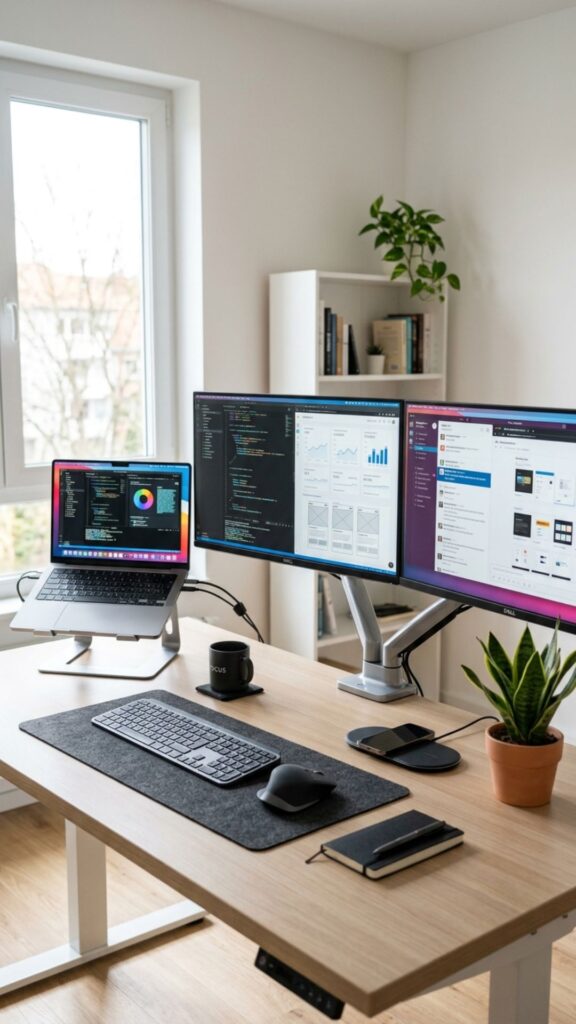
Many professionals use laptops as their primary computer while connecting two external monitors. This setup provides portability while offering the benefits of a larger workspace.
Use a laptop stand to raise your device and create a cleaner arrangement. A docking station can also reduce cable clutter and make connecting devices easier.
20. Create a Future-Ready Smart Home Office
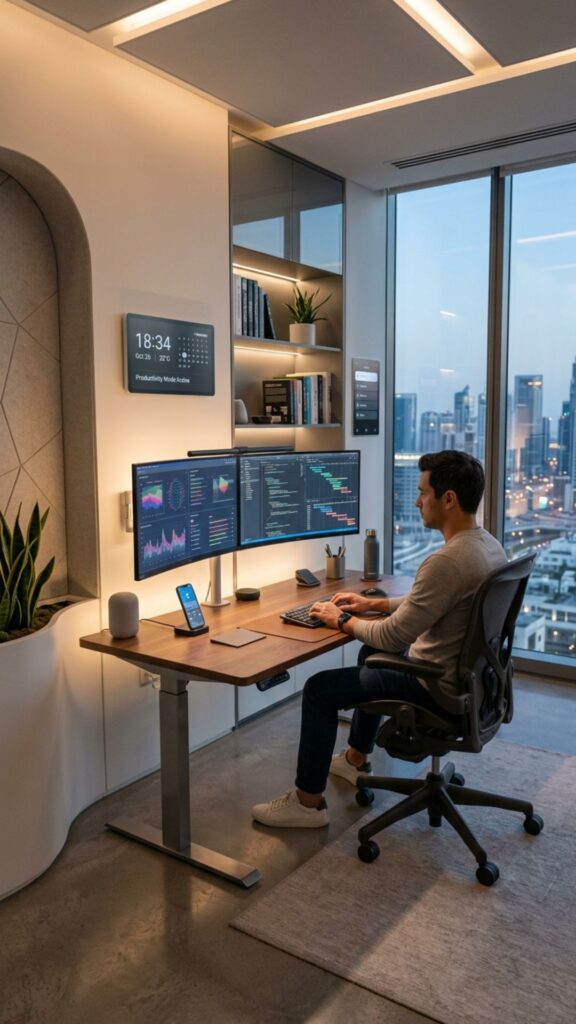
Technology continues to change how people work. A future-ready office can include wireless charging, smart lighting, voice assistants, and adjustable furniture.
Planning ahead allows your workspace to grow with your needs. A flexible dual monitor setup can support new devices and changing work habits for years.
How Should Dual Monitors Be Positioned in a Home Office?
The best position is to place your main monitor directly in front of you and angle the second monitor slightly toward you. Both screens should be at eye level and about an arm’s distance away.
This arrangement reduces unnecessary head movement and creates a more comfortable working experience.
Common Mistakes to Avoid in Dual Monitor Home Offices
Many people focus only on buying better monitors but ignore workspace design. Common mistakes include poor screen height, limited desk space, bad lighting, and messy cables.
Before upgrading your equipment, consider your entire workspace. A balanced setup improves both productivity and comfort.
Conclusion
Creating a productive workspace does not require a large budget or a huge room. The right home office ideas dual monitors approach can help you build a setup that looks stylish, improves efficiency, and supports your daily routine.
From ergonomic monitor placement to smart storage and personalized designs, small changes can make a major difference. Start with your work needs, choose the right layout, and create a home office that helps you perform at your best.
Ready to transform your workspace? Choose the ideas that match your style and start building your ideal dual monitor home office today.
What is the best desk size for a dual monitor setup?
A desk around 55 to 70 inches wide usually provides enough space for two monitors, a keyboard, and essential accessories. Larger desks offer more comfort for multitasking.
Are dual monitors worth it for a home office?
Yes. Dual monitors can improve productivity by allowing you to view multiple applications at once. They are especially useful for professionals who manage documents, communication, research, or creative projects.
Should both monitors be the same size?
Matching monitors are recommended because they create a cleaner look and provide a consistent viewing experience. However, different sizes can work if you have specific workflow needs.
How high should dual monitors be placed?
The top of your monitors should be close to eye level. This helps maintain better posture and reduces neck and shoulder strain during long working hours.
How can I make my dual monitor setup look better?
Improve the appearance by using monitor arms, managing cables, adding proper lighting, choosing matching accessories, and keeping the desk organized.