A large home office gives you something smaller workspaces cannot: room to create a setup around the way you actually work. Instead of squeezing a desk into an empty corner, you can plan dedicated zones for focused tasks, storage, meetings, reading, and even short breaks.
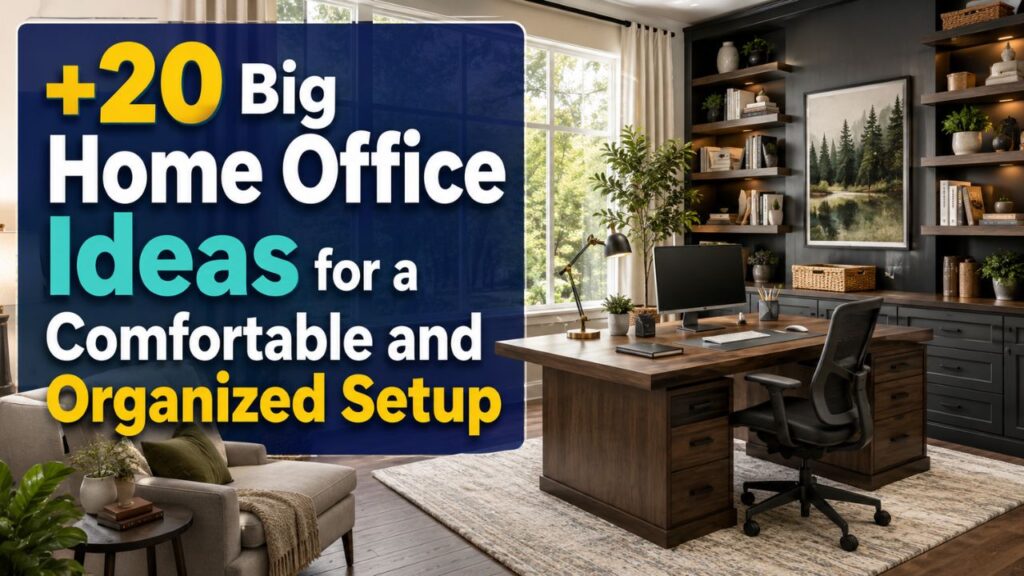
However, having more space does not automatically make an office comfortable or productive. An oversized desk, poorly positioned furniture, empty walls, or scattered storage can make even a spacious room feel unfinished. If you are searching for home office ideas big enough to make full use of a larger room, the goal should be a balance of comfort, organization, function, and personality.
The following big home office ideas can help you turn extra square footage into a workspace that feels practical during working hours and inviting enough to enjoy every day.
1. Create a Large Central Desk Setup
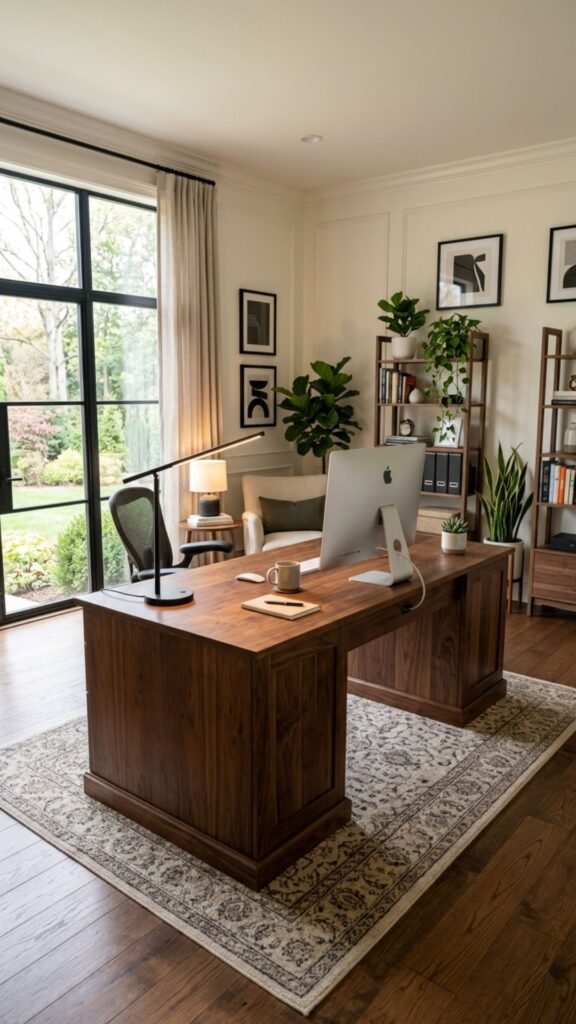
A large office gives you enough room to move your desk away from the wall. Positioning it closer to the center creates a more established workspace and gives the room the feel of a professional private office.
Choose a desk with enough surface area for your computer, notebooks, lighting, and frequently used supplies without covering every inch. Leave generous walking space behind your chair so the setup feels comfortable rather than crowded.
2. Build a Wall-to-Wall Storage System
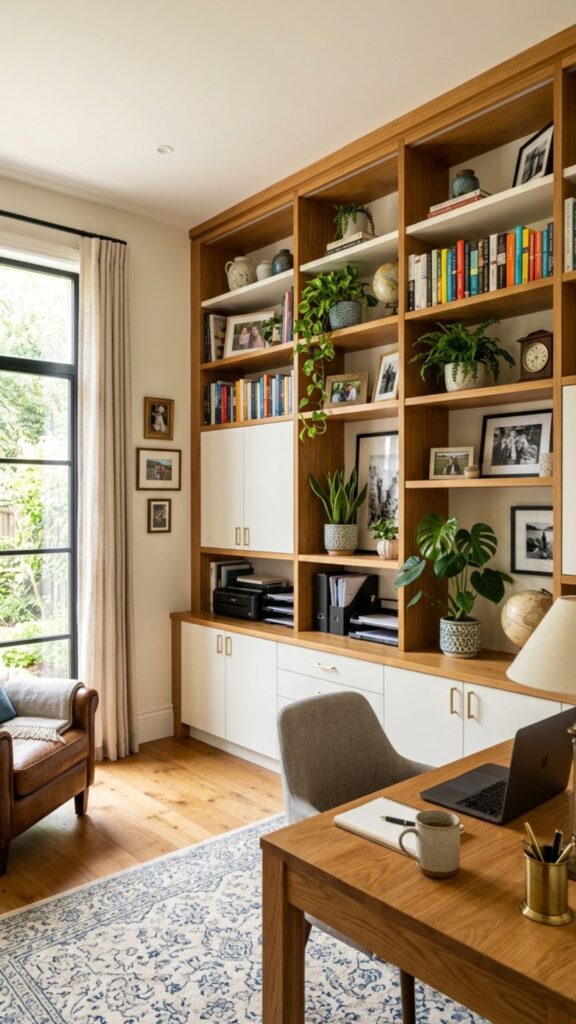
Large rooms often have long walls that are perfect for built-in cabinets, shelves, or modular storage. A full storage wall keeps paperwork, equipment, books, and office supplies together instead of spreading them across several areas.
Combine closed cabinets with a few open shelves. Hide cables, files, and less attractive supplies behind doors while using open areas for books, framed photographs, plants, or decorative objects.
3. Add a Comfortable Reading Corner
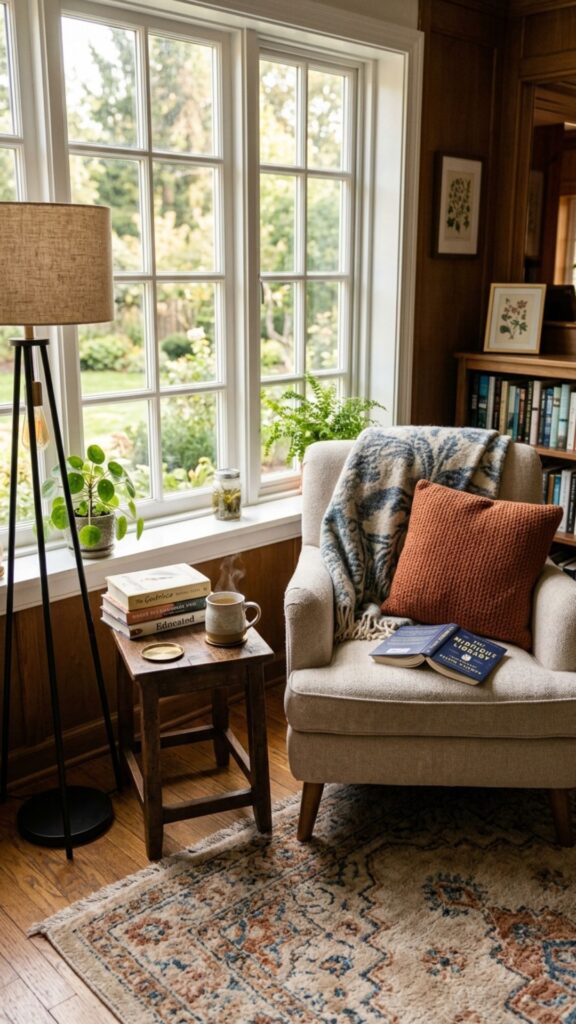
Not every work task needs to happen at a desk. A reading corner gives you another place for reviewing documents, taking phone calls, researching, or simply stepping away from your computer.
Place a comfortable armchair near a window or floor lamp and add a small side table. A soft rug can visually separate this area from the main workstation without adding walls or bulky room dividers.
4. Use an L-Shaped Desk for More Workspace
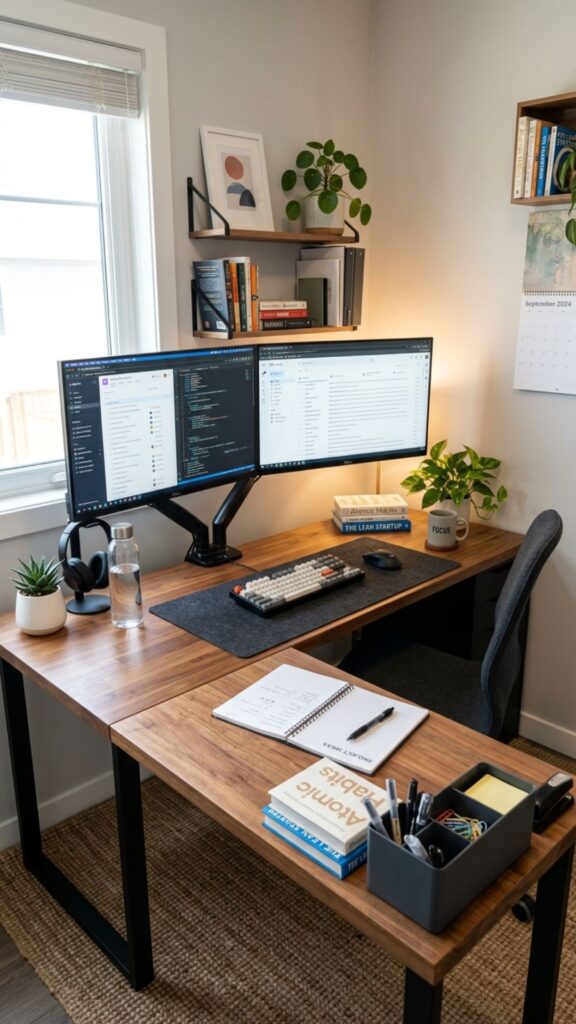
An L-shaped desk works particularly well in a spacious home office because it provides two working surfaces while keeping everything within reach. One side can hold your computer while the second handles paperwork, planning, or creative work.
This arrangement is also useful when your work involves several devices. Instead of placing multiple monitors, printers, notebooks, and accessories on one crowded desk, you can distribute them across separate surfaces.
5. Design a Dedicated Video Meeting Background
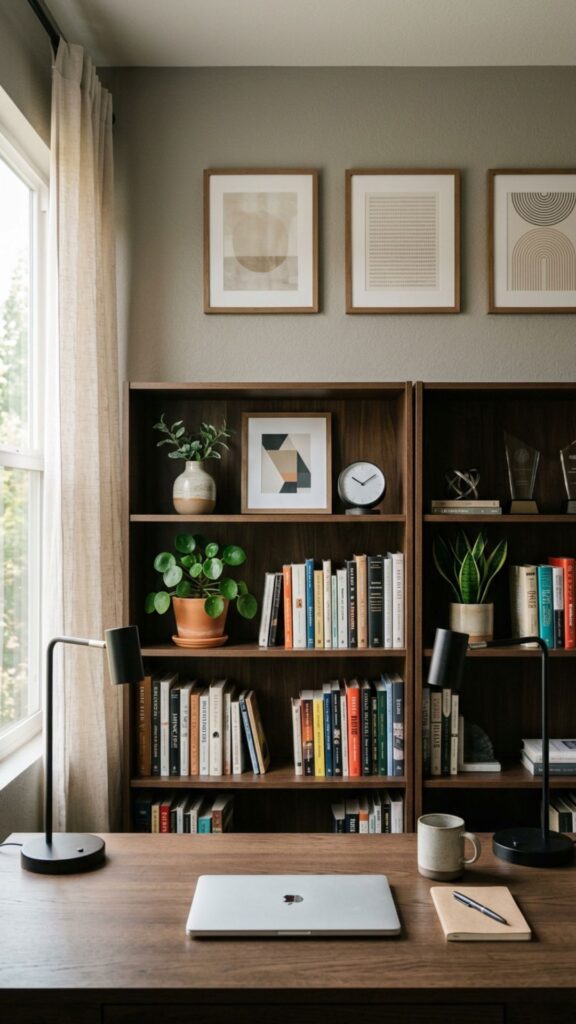
Video meetings have become part of everyday office life, so your background deserves some thought. A larger room gives you enough flexibility to position your desk where the camera faces a clean, intentional backdrop.
Consider a bookshelf, artwork, subtle wall paneling, or a neatly styled cabinet behind you. Keep the background professional without making it look overly staged. Good natural or soft artificial lighting will improve the overall appearance.
6. Create Separate Work Zones
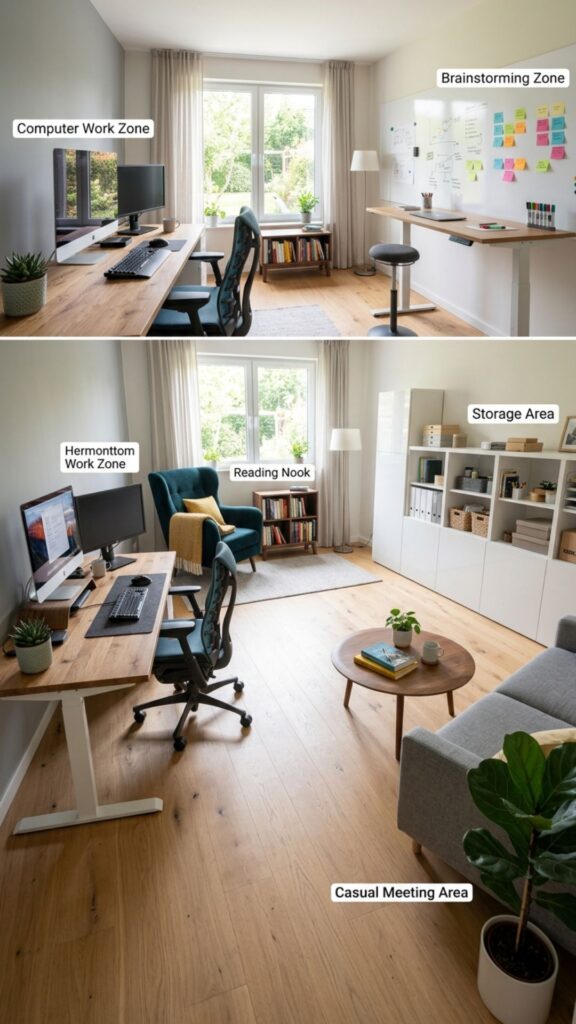
One of the smartest home office ideas for big spaces is dividing the room according to activities. Instead of using the entire office as one oversized workstation, assign specific areas to different types of work.
You might have a computer zone, reading corner, storage wall, brainstorming table, and meeting area. Clear zones help reduce clutter because every activity and item has a logical place within the room.
7. Add a Small Meeting Table
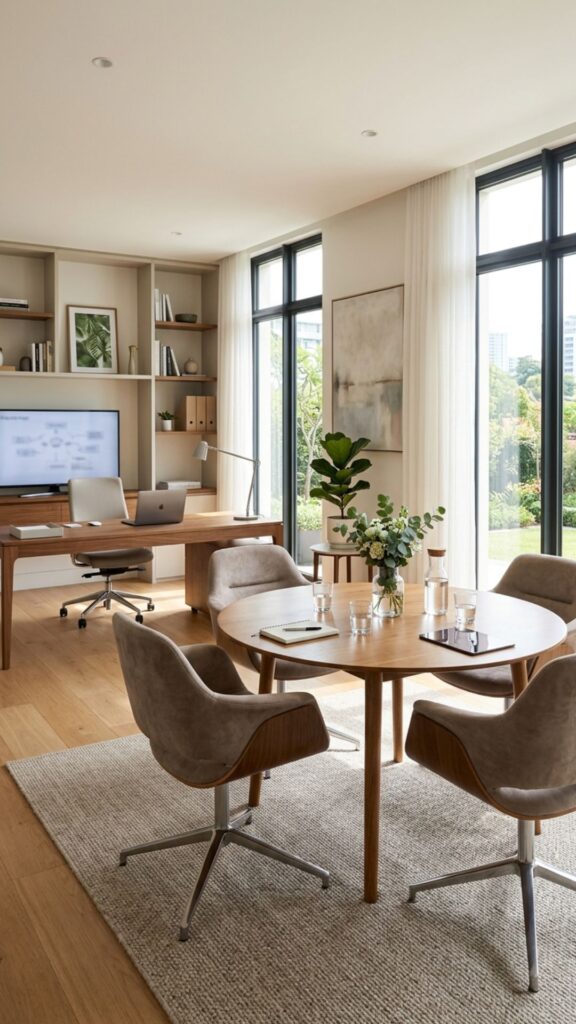
If you regularly meet clients, colleagues, or business partners at home, add a separate meeting table. It allows conversations to happen away from your personal desk and creates a more professional environment.
A round table with two to four comfortable chairs usually works well. Keep the furniture proportional to the room and avoid oversized conference tables unless you genuinely need seating for larger groups.
8. Position Your Desk Near Natural Light
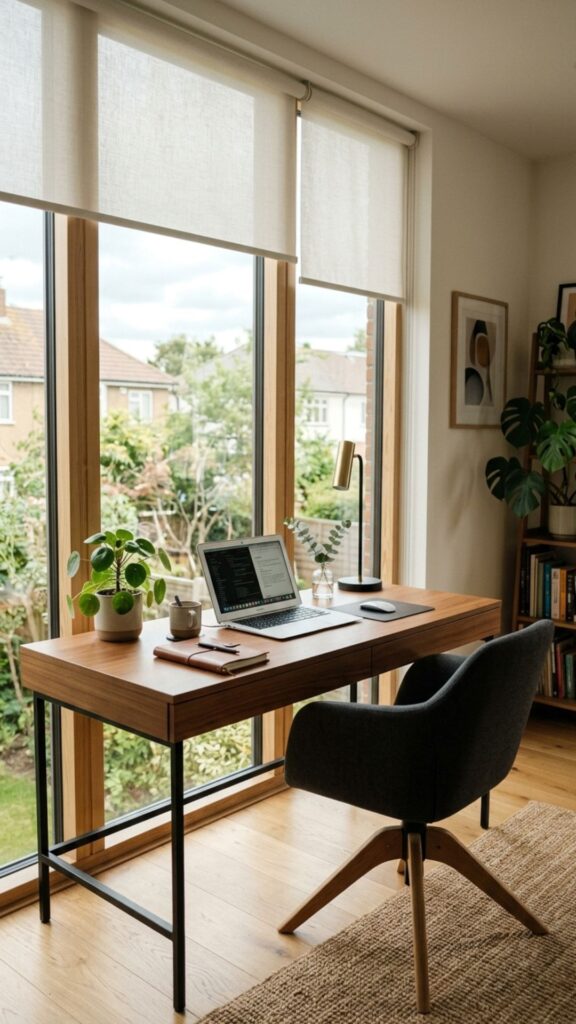
Natural light can make a large office feel warmer and more inviting. If possible, place your main workstation near a window rather than relying entirely on overhead lighting throughout the day.
Position the desk perpendicular to the window when practical. This arrangement provides daylight while reducing direct glare on your computer screen. Add blinds or curtains so you can control stronger afternoon sunlight.
9. Introduce a Large Area Rug
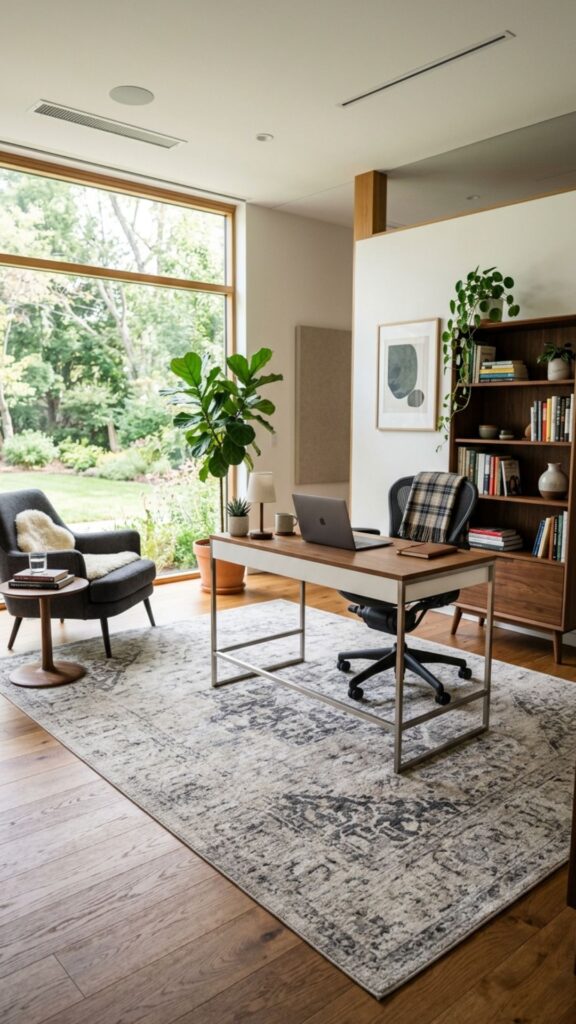
Spacious offices sometimes feel cold or empty, particularly when they have hard flooring and minimal furniture. A large area rug introduces softness while visually connecting the desk, chair, and surrounding pieces.
Choose a rug large enough for the office chair and desk area rather than a small design floating beneath the furniture. Low-pile rugs are usually easier for wheeled chairs and regular office movement.
10. Install Floor-to-Ceiling Bookshelves
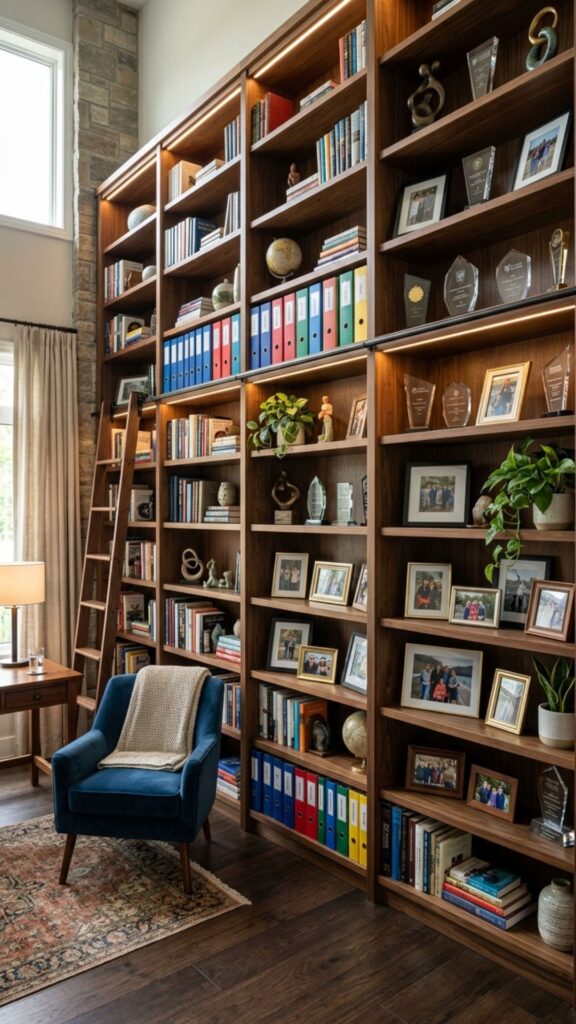
Tall bookshelves make excellent use of vertical space while giving a big office more character. They can hold reference materials, folders, business books, awards, photographs, and carefully selected décor.
Avoid filling every shelf completely. Mixing books with open space makes the room feel more organized. Frequently used materials should remain at comfortable reaching height, while occasional items can sit higher.
11. Create a Two-Person Home Office
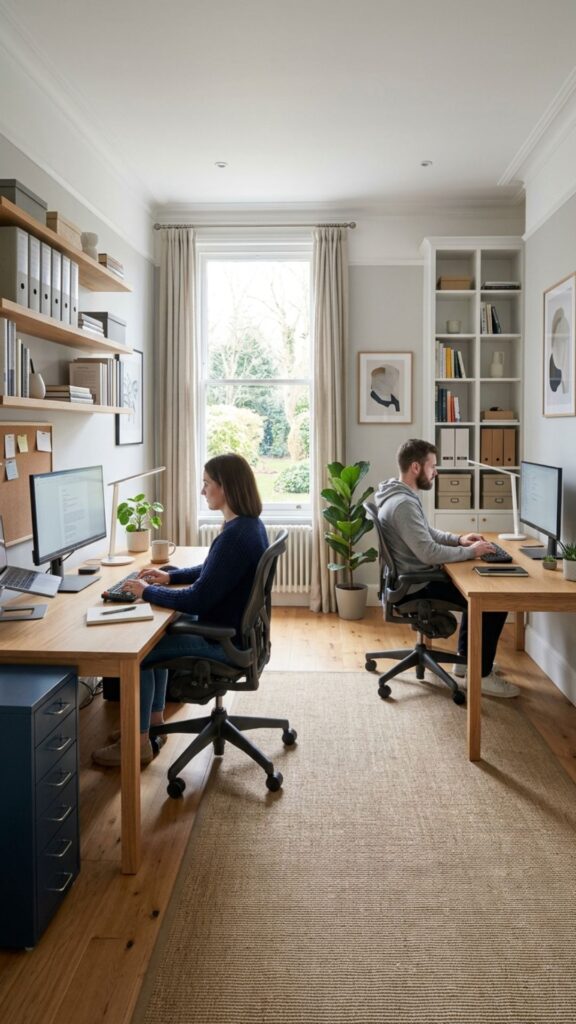
A larger room can comfortably accommodate two workstations when more than one person works from home. Separate desks allow each person to organize their workspace according to their own habits.
You can position the desks on opposite walls for privacy or place them side by side for collaboration. Make sure each workstation has dedicated lighting, storage, charging access, and enough room for comfortable movement.
12. Add a Large Planning or Pinboard Wall
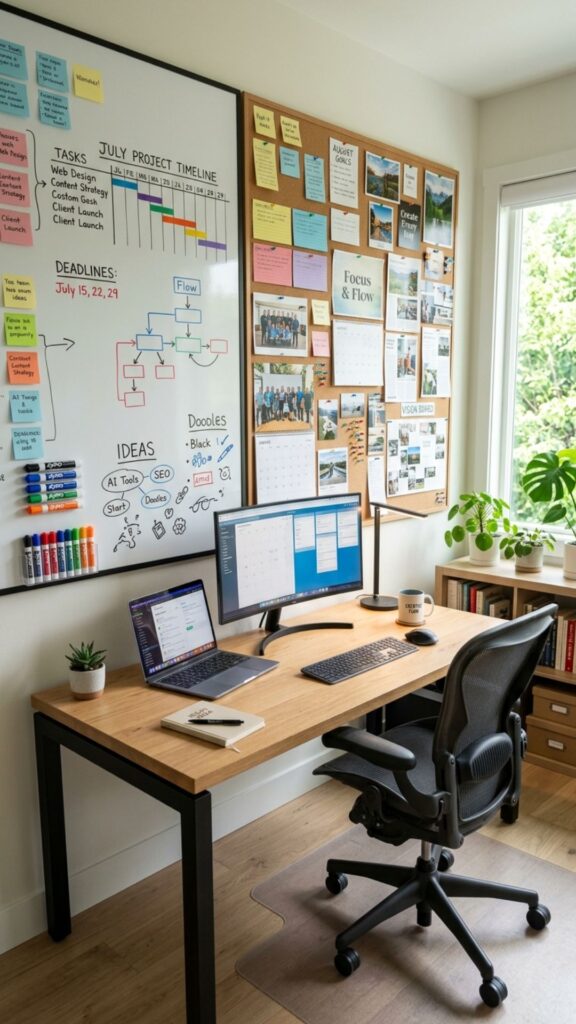
A planning wall can transform unused space into something genuinely useful. Install a large whiteboard, corkboard, magnetic board, or combination system for schedules, notes, project timelines, and visual inspiration.
Keep the board near your main workstation so updating it becomes part of your daily routine. If your work is mostly digital, you can still use the wall for monthly goals, deadlines, and important reminders.
13. Use a Credenza Behind the Desk
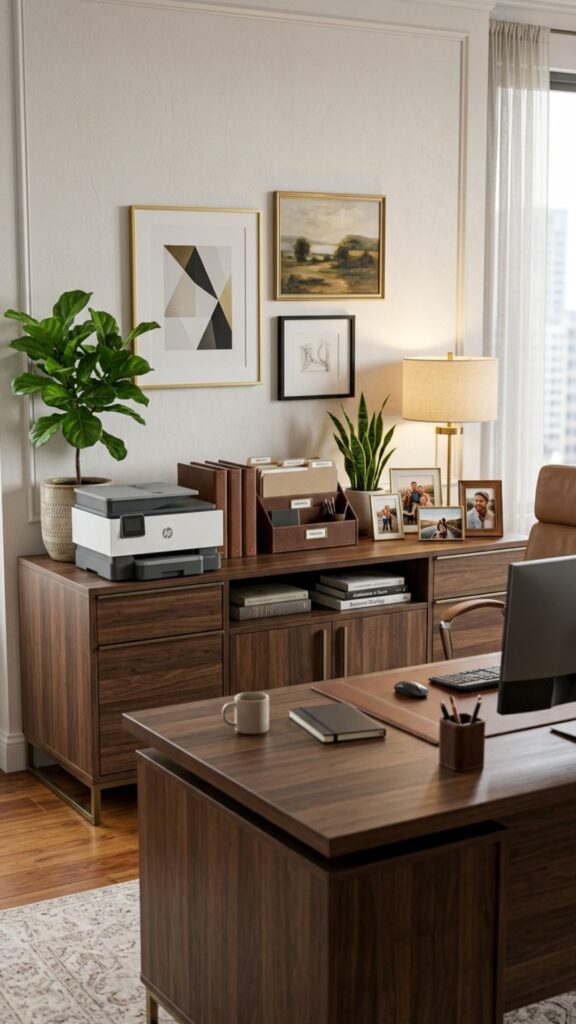
A credenza provides additional storage without overwhelming a spacious office. Positioned behind or beside your main desk, it keeps printers, files, stationery, and frequently used equipment conveniently nearby.
The top surface can also become a display area for artwork, plants, photographs, or a table lamp. Choose a design that complements your desk so the office feels cohesive rather than assembled from unrelated furniture.
14. Create a Coffee and Refreshment Station
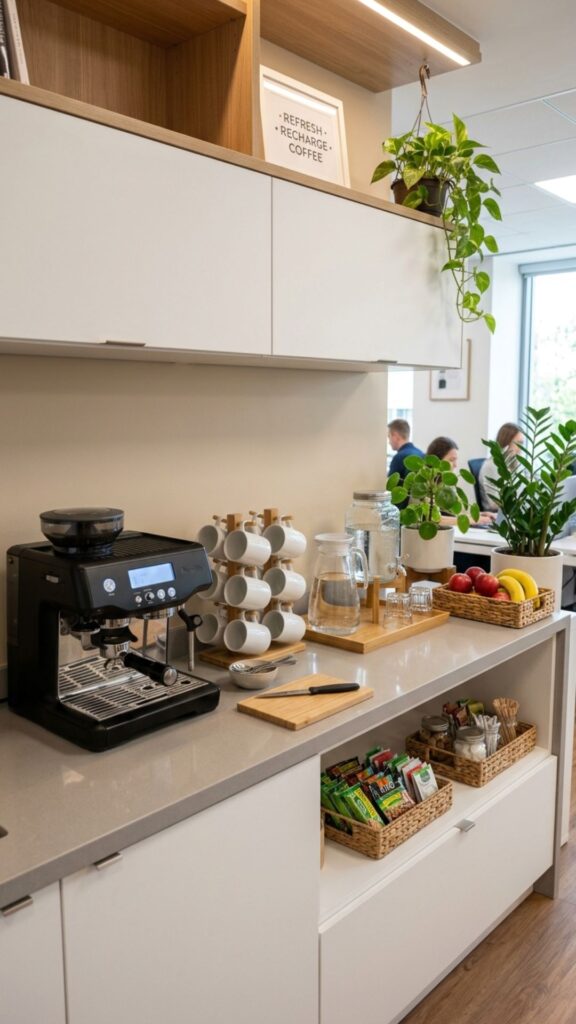
If you spend long hours working from home, a small refreshment station can be surprisingly practical. A cabinet with a coffee machine, mugs, water, and a few snacks reduces unnecessary trips to the kitchen.
Keep this area separate from electronics and paperwork. Closed storage underneath helps prevent the station from becoming cluttered, while a washable countertop makes spills easier to manage.
15. Make Your Desk Ergonomics a Priority
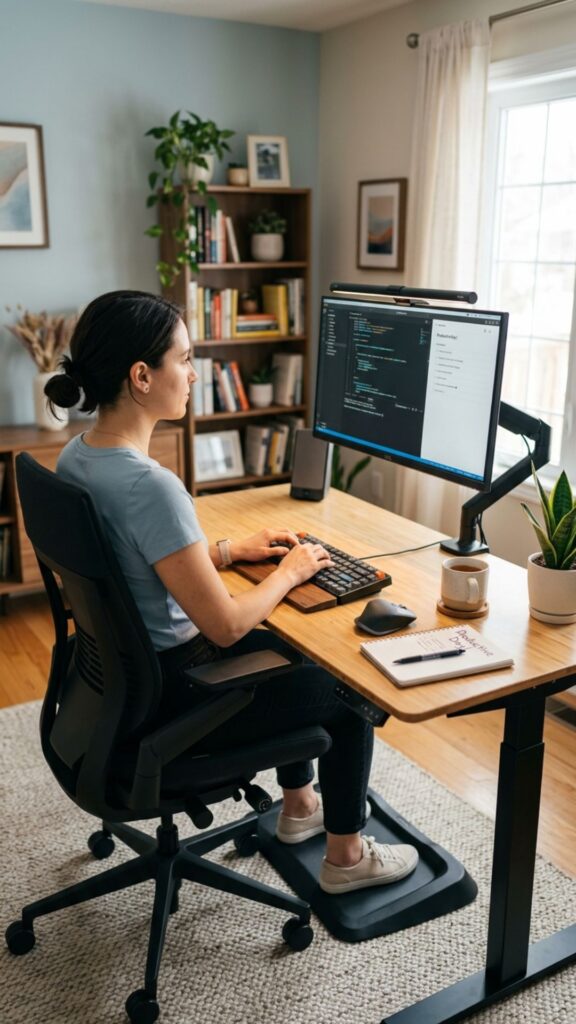
Big offices offer plenty of decorating possibilities, but comfort should come first. Your chair, desk height, monitor placement, keyboard position, and lighting directly affect how comfortable the workspace feels after several hours.
Choose an adjustable office chair with appropriate back support. Position your monitor around eye level and keep frequently used equipment within easy reach. A beautiful office is far more useful when it also supports healthy working habits.
16. Add Plants Without Crowding the Workspace
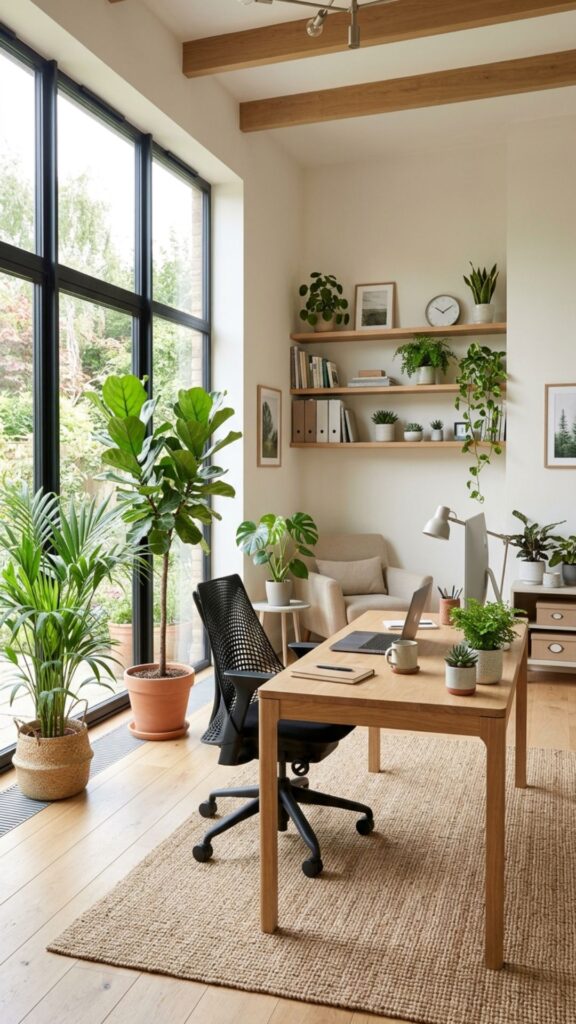
Plants can soften a large room and prevent empty corners from looking forgotten. Larger varieties work especially well because they remain visually proportional to a spacious office.
Place floor plants near windows, shelving units, or seating areas instead of directly around your desk. Smaller plants can sit on shelves or cabinets. Choose varieties suited to the amount of natural light your office receives.
17. Use Layered Office Lighting
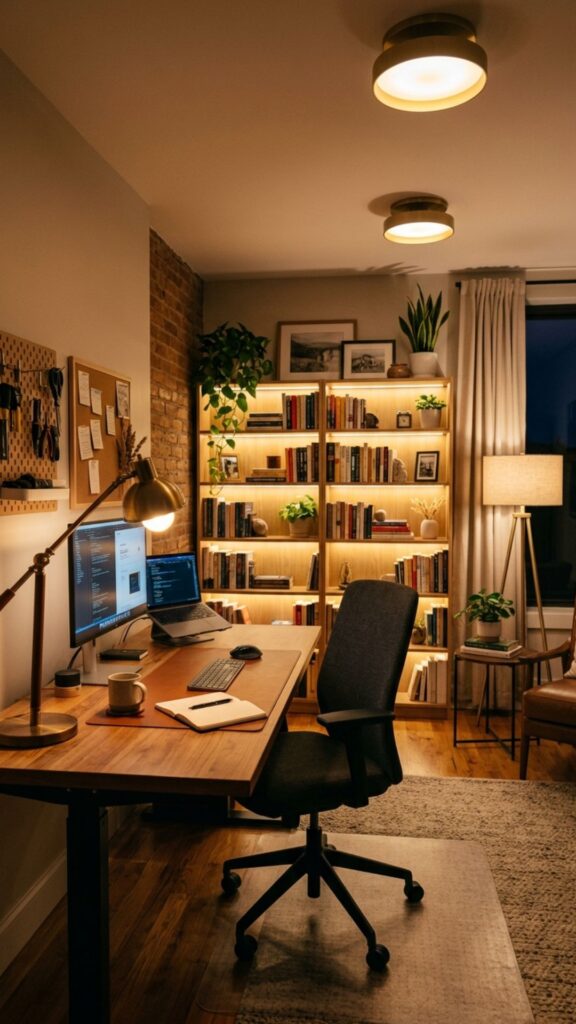
One ceiling fixture rarely provides enough flexibility for a large office. Layering several types of lighting allows you to change the atmosphere depending on your task and the time of day.
Combine general ceiling lighting with a desk lamp, floor lamp, and subtle accent lighting around shelves or cabinets. Task lighting should illuminate your work clearly without creating uncomfortable reflections on screens.
18. Turn an Empty Wall Into a Design Feature
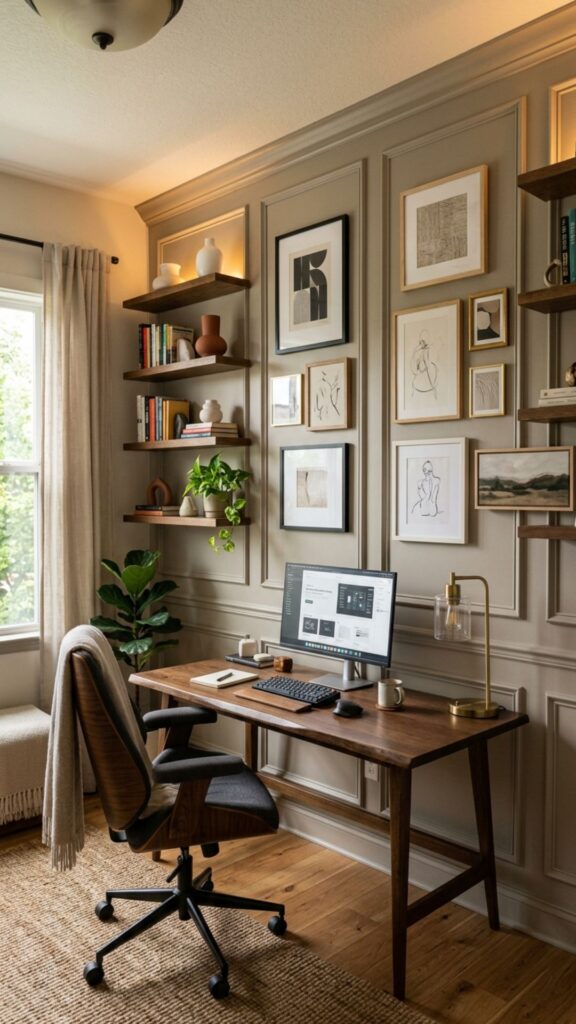
Large offices often have at least one wall that feels noticeably empty. Instead of filling it with random décor, turn it into a deliberate focal point using artwork, paneling, wallpaper, shelving, or a carefully chosen paint color.
Keep the design connected to the rest of the room. A dramatic wall works best when surrounding furniture and accessories are relatively simple, allowing one feature to provide visual interest without making the office distracting.
19. Include Hidden Cable Management
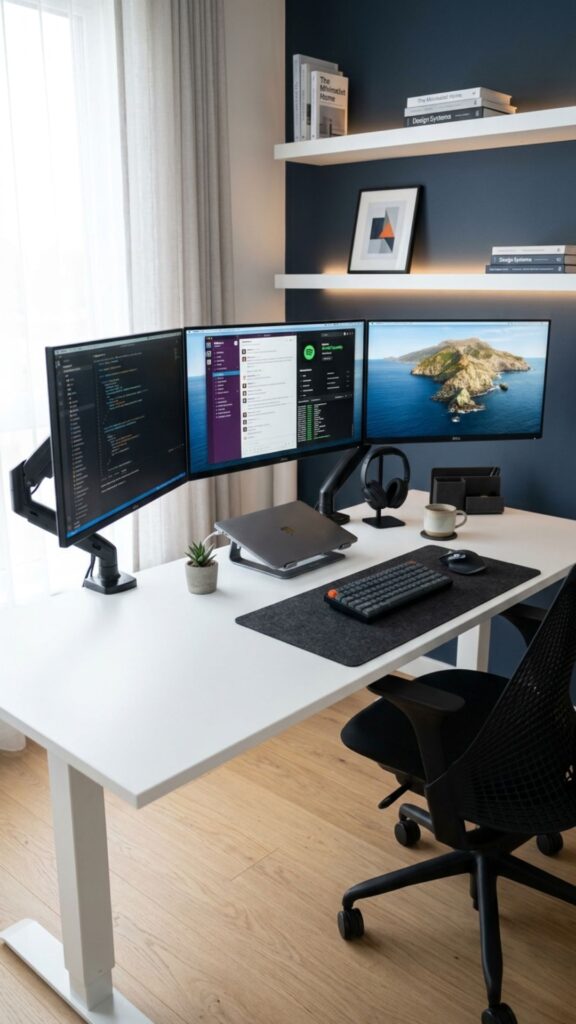
The larger the office setup, the more cables you may need for monitors, chargers, printers, speakers, lamps, and other equipment. Visible wires can quickly make an otherwise organized room appear messy.
Use cable trays beneath desks, adhesive clips, floor covers, and charging drawers to keep cords controlled. If you are planning custom cabinetry or built-ins, include convenient electrical outlets and cable openings from the beginning.
20. Leave Some Open Space
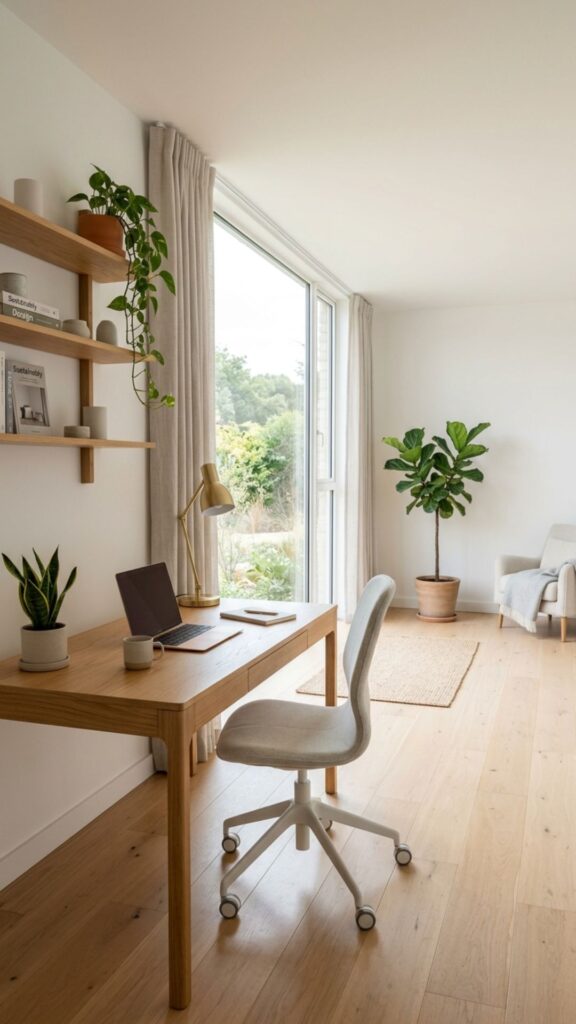
One of the easiest mistakes when considering home office ideas big rooms can accommodate is trying to fill every available corner. Open space is valuable because it gives the room visual balance and makes movement easier.
Choose furniture according to what you genuinely need instead of buying pieces simply because there is room for them. A spacious office should feel intentional, comfortable, and easy to navigate rather than packed with unnecessary furniture.
How to Make a Big Home Office Feel Comfortable
Comfort comes from creating the right proportions. Very small furniture can look lost in a large room, while too many large pieces can make movement difficult. Start with the essentials: desk, ergonomic chair, lighting, and storage. Then gradually add secondary areas based on how you actually use the office.
Materials also influence atmosphere. Wood, fabric, rugs, curtains, plants, and upholstered seating can soften a room filled with screens and hard office furniture. Personal items such as photographs, artwork, or books make the workspace feel like part of your home rather than a corporate room.
How to Keep a Large Home Office Organized
Organization becomes easier when everything has a defined location. Keep active paperwork close to the desk, archived documents inside closed cabinets, and equipment near the area where it is normally used.
Avoid using extra space as an excuse to accumulate unnecessary items. Spend a few minutes each week clearing the desktop, returning supplies, managing paperwork, and removing objects you no longer need. Simple routines usually work better than complicated organization systems.
Conclusion
The best big home office is not necessarily the one with the most furniture or expensive décor. It is the one that supports the way you work. Start by deciding where you need to focus, store materials, communicate, read, and move throughout the day.
Use these home office ideas big spaces can easily accommodate as a starting point, then adapt them around your room, working habits, and personal style. Begin with your desk and storage layout, establish comfortable lighting and ergonomics, and gradually add the features that will genuinely make your working day easier.
Ready to improve your workspace? Choose three ideas from this list that solve your biggest office problems and start planning your new setup today.
How do you arrange a large home office?
Start by positioning your main desk according to natural light and available outlets. Then divide the remaining space into practical zones for storage, meetings, reading, planning, or other activities you regularly perform.
What furniture should a big home office have?
Most large offices benefit from a spacious desk, ergonomic chair, storage cabinets, bookshelves, and good lighting. Additional furniture such as an armchair, meeting table, credenza, or second workstation should depend on your actual needs.
How can I make a large home office feel less empty?
Use correctly scaled furniture, an area rug, wall art, plants, curtains, shelving, and layered lighting. Creating separate functional zones also makes a large room feel more complete without filling it with unnecessary objects.
Where should the desk go in a large home office?
A desk can sit near a window, against a wall, or closer to the center of the room. Ideally, you should have comfortable natural light, minimal screen glare, easy access to electricity, and enough clearance around your chair.
How can I make my home office look professional?
Keep visible surfaces organized, manage cables, use coordinated furniture, improve lighting, and create a clean background for video calls. A professional office can still include personal artwork, books, plants, and other details that make the room feel welcoming.