Working from home becomes much easier when your workspace adapts to you. Sitting for hours can leave your back stiff, your shoulders tight, and your energy low. An adjustable desk gives you more control over how you work throughout the day.
The best home office ideas adjustable desk users can follow are not only about raising and lowering a desktop. Your monitor position, lighting, storage, cables, chair, accessories, and room layout all affect how comfortable the setup feels.
Whether you work from a spare bedroom or a small apartment corner, these practical ideas can help you build a workspace that feels organized and flexible. You do not need expensive upgrades either. Small changes can make your adjustable desk far more useful.
1. Position Your Adjustable Desk Near Natural Light
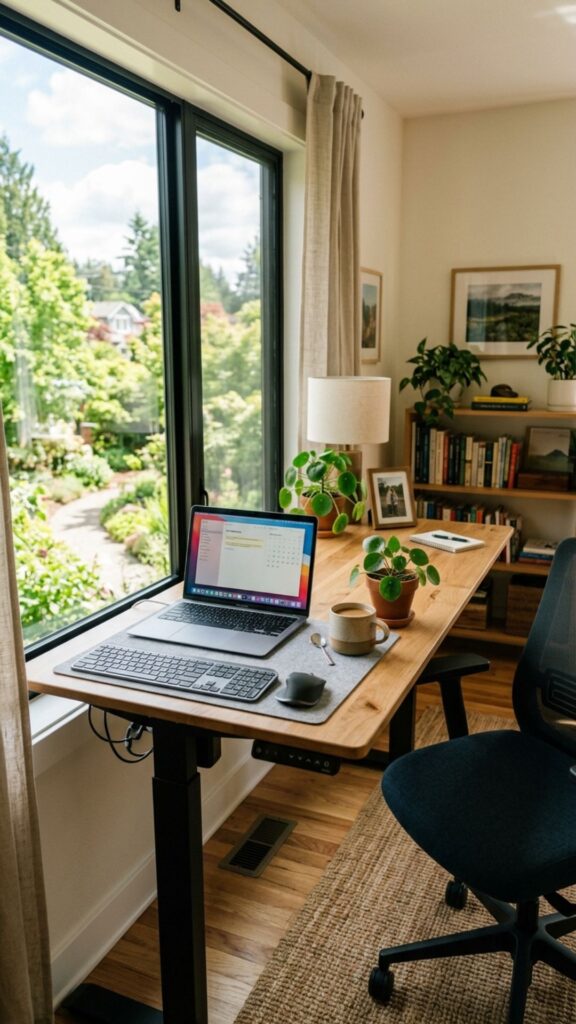
Place your desk near a window whenever your room allows it. Natural daylight can make a home workspace feel brighter, larger, and more pleasant during long working hours.
Avoid facing strong sunlight directly. Position the desk beside the window instead. This arrangement reduces screen glare while still giving you plenty of useful daylight.
2. Create Separate Sitting and Standing Heights
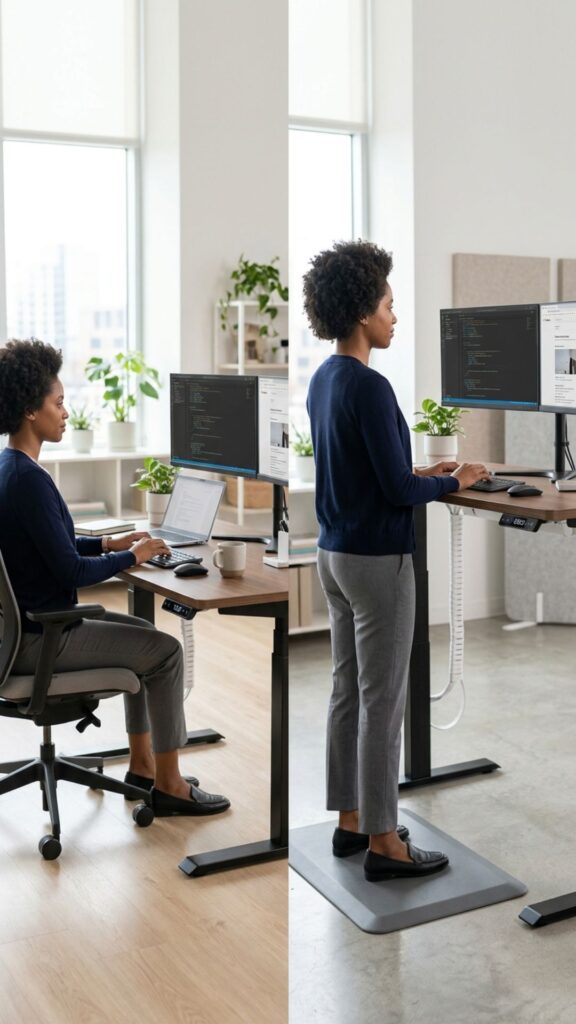
One of the most useful home office ideas adjustable desk owners should try is saving comfortable sitting and standing positions. Many electric desks include memory buttons for this purpose.
Adjust each position carefully instead of choosing random heights. Your elbows should stay close to a 90-degree angle while typing, whether you are sitting or standing.
3. Use a Monitor Arm for Better Flexibility
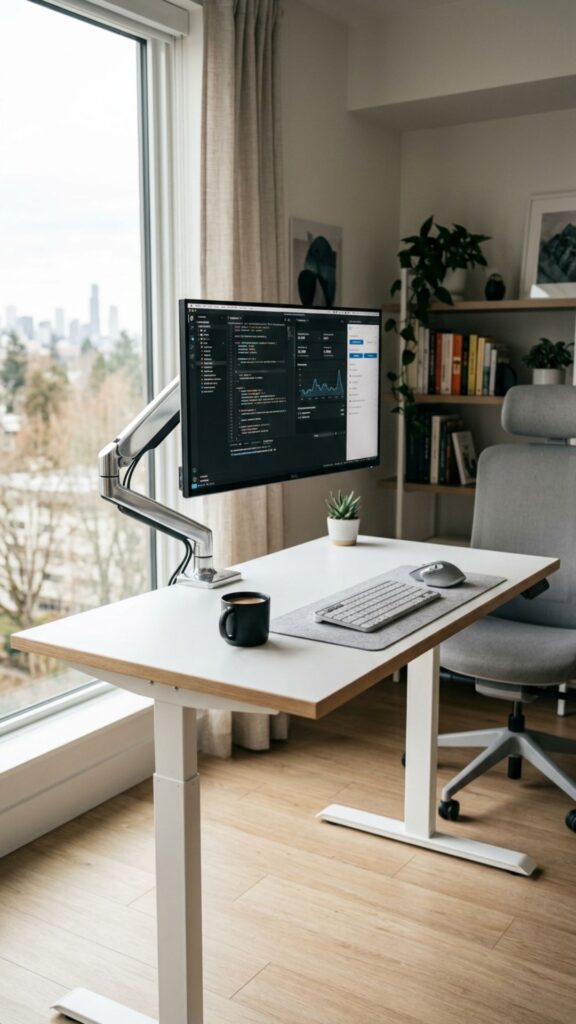
An adjustable desk works better when your monitor can move with it. A monitor arm lets you raise, lower, tilt, or reposition your screen without taking up valuable desktop space.
Keep the top portion of your monitor around eye level. This simple adjustment can reduce the habit of constantly looking downward while working.
4. Add an Anti-Fatigue Mat
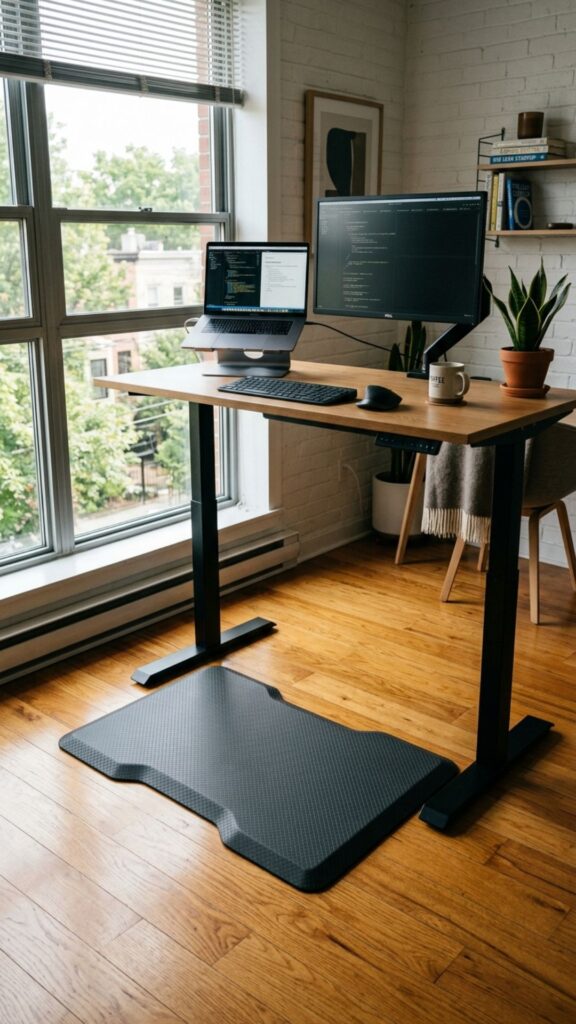
Standing feels very different on a hard floor after an hour. An anti-fatigue mat creates a softer surface that can make standing periods more comfortable.
Choose a mat that slides easily beneath your desk. You should be able to move it away quickly when returning to your chair.
5. Install a Cable Management Tray
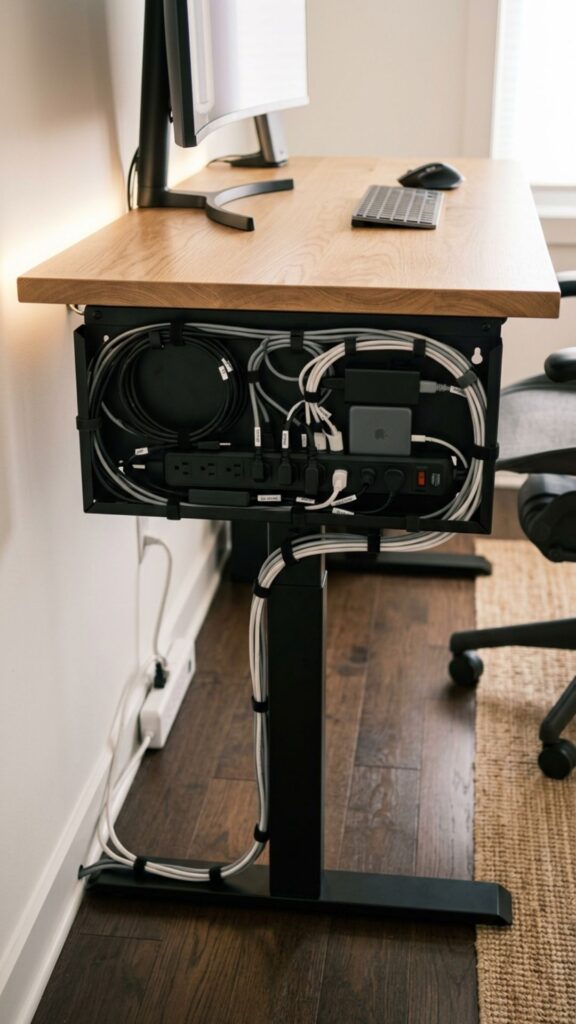
Loose wires can become frustrating when an adjustable desk moves. Cables may pull, twist, or hang visibly beneath the desktop without proper management.
Attach a cable tray underneath the desk. Keep power strips, charging cables, and adapters inside it while leaving enough cable length for full desk movement.
6. Mount Your Power Strip Under the Desk
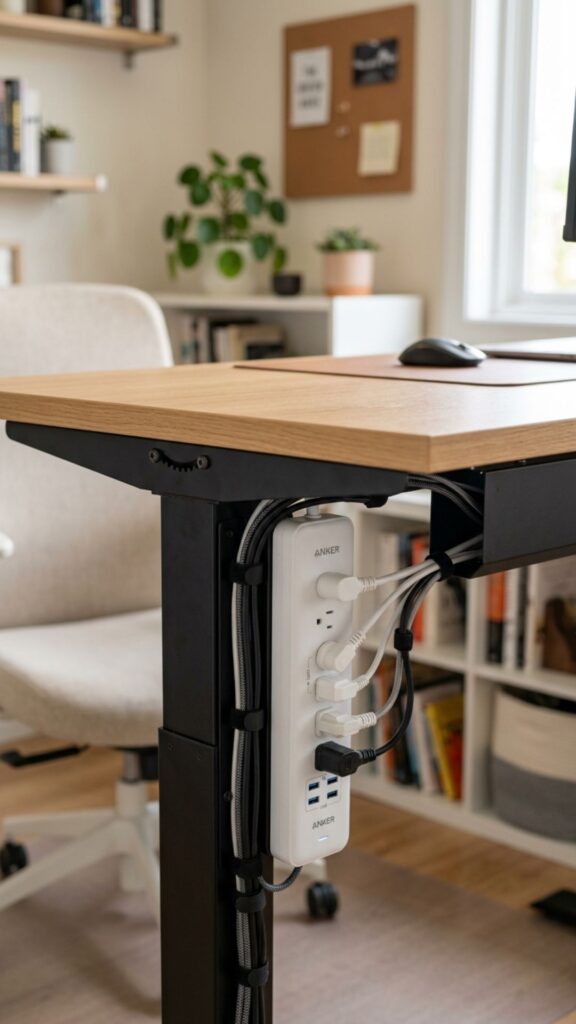
A power strip sitting on the floor often creates unnecessary cable clutter. Mounting it underneath your desktop keeps most wires moving together with your desk.
This is one of those home office ideas adjustable desk setups benefit from immediately. It creates a cleaner appearance while reducing cables running between your desk and floor.
7. Add a Comfortable Ergonomic Chair
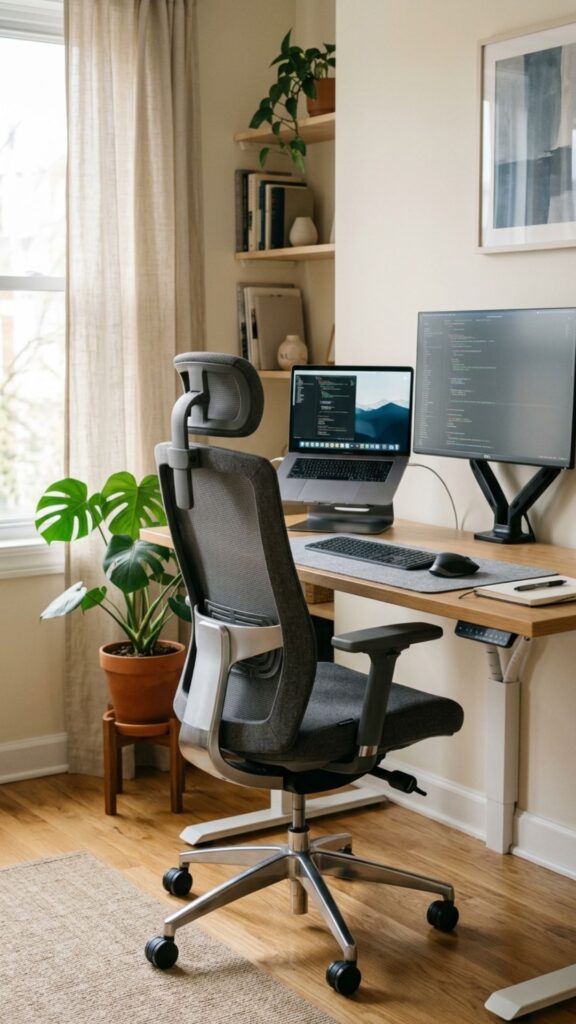
A standing desk does not remove the need for a supportive chair. You will probably continue sitting for a large part of your working day.
Choose a chair with adjustable height, lumbar support, and comfortable armrests. Make sure it fits underneath your desk without forcing your shoulders upward.
8. Keep Frequently Used Items Within Reach
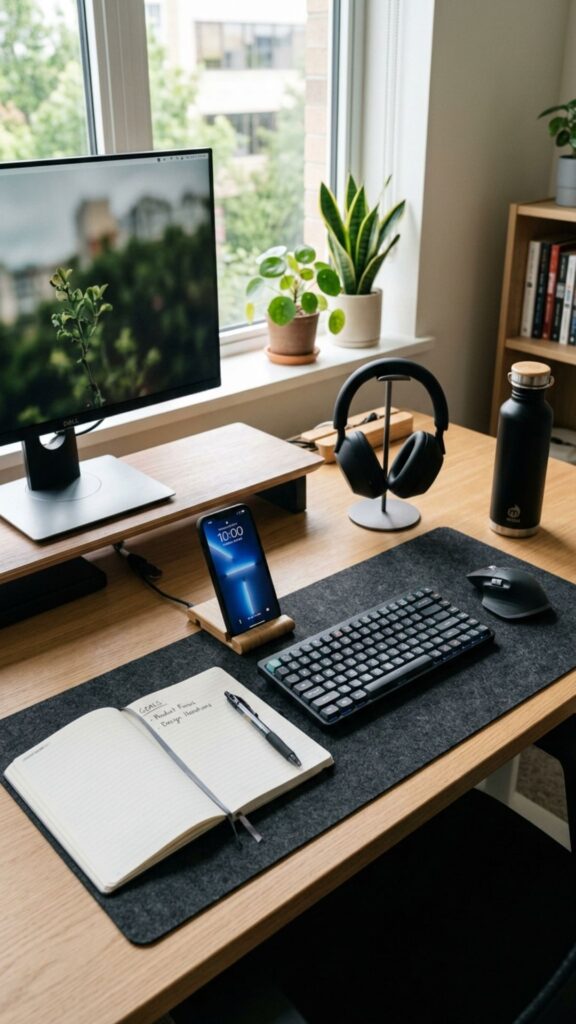
Think about what you actually touch during a normal workday. Your keyboard, notebook, phone, headphones, and water bottle should remain easy to reach.
Keeping essential items nearby reduces unnecessary stretching and searching. Store less frequently used supplies in drawers, cabinets, or shelves away from your main work surface.
9. Use Under-Desk Storage
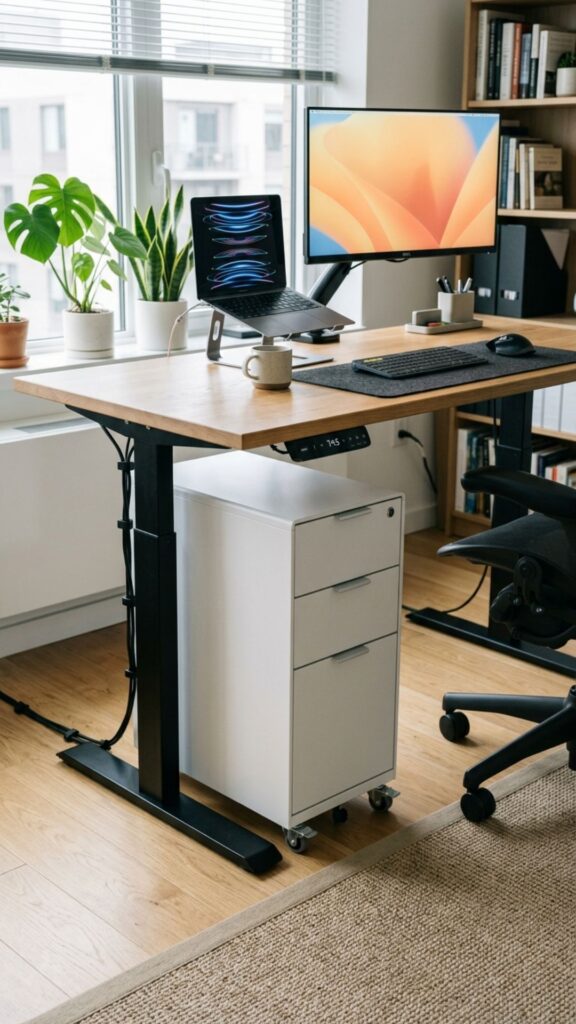
Adjustable desks often have simple open designs without built-in drawers. Fortunately, this does not mean you have to sacrifice useful storage.
Try a slim rolling cabinet, hanging drawer, or under-desk organizer. Just make sure the storage does not interfere with your knees or moving desk components.
10. Create a Minimal Desktop Setup
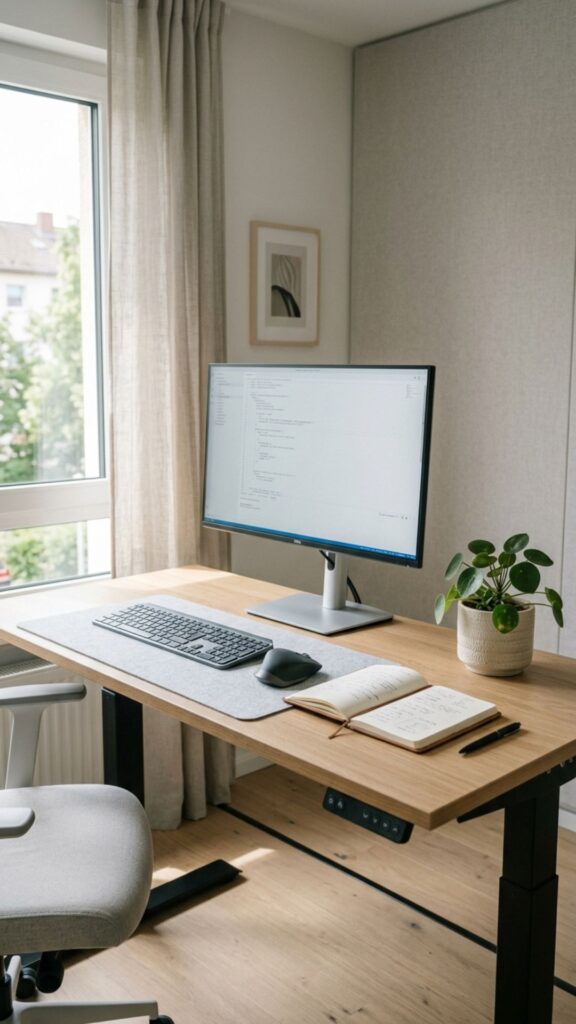
A crowded adjustable desk can feel smaller than it really is. Remove objects that do not support your daily work and give your main equipment room to breathe.
Among the easiest home office ideas adjustable desk owners can use, regular decluttering costs nothing. Keep only essentials such as your monitor, keyboard, mouse, notebook, and one or two personal items.
11. Add a Desk Shelf or Monitor Riser
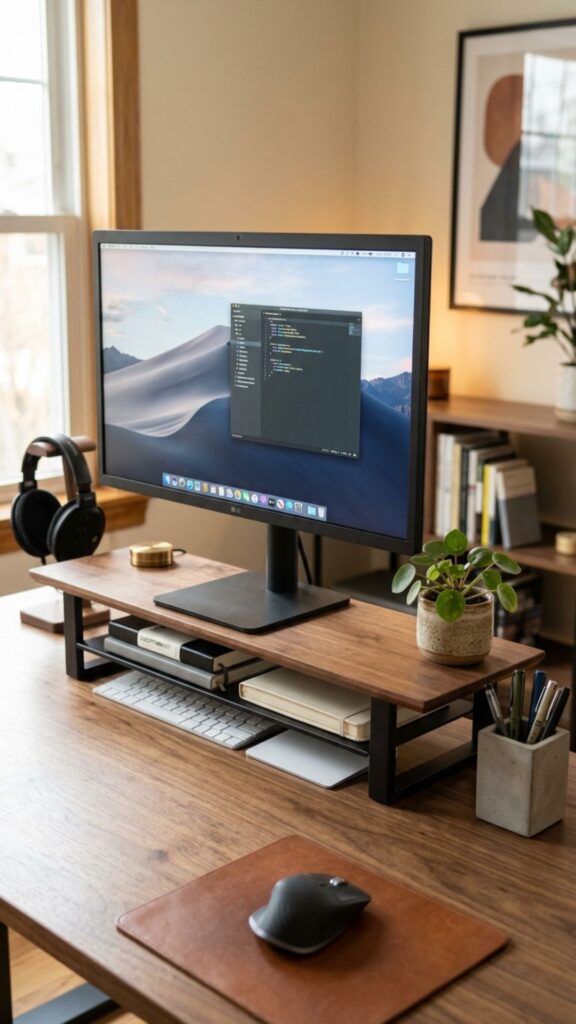
A desktop shelf creates another level for organizing equipment. You can place your monitor above it while storing notebooks, keyboards, or small accessories underneath.
Check your standing height before adding a large riser. You want your screen positioned comfortably without forcing you to tilt your head upward.
12. Use a Wireless Keyboard and Mouse
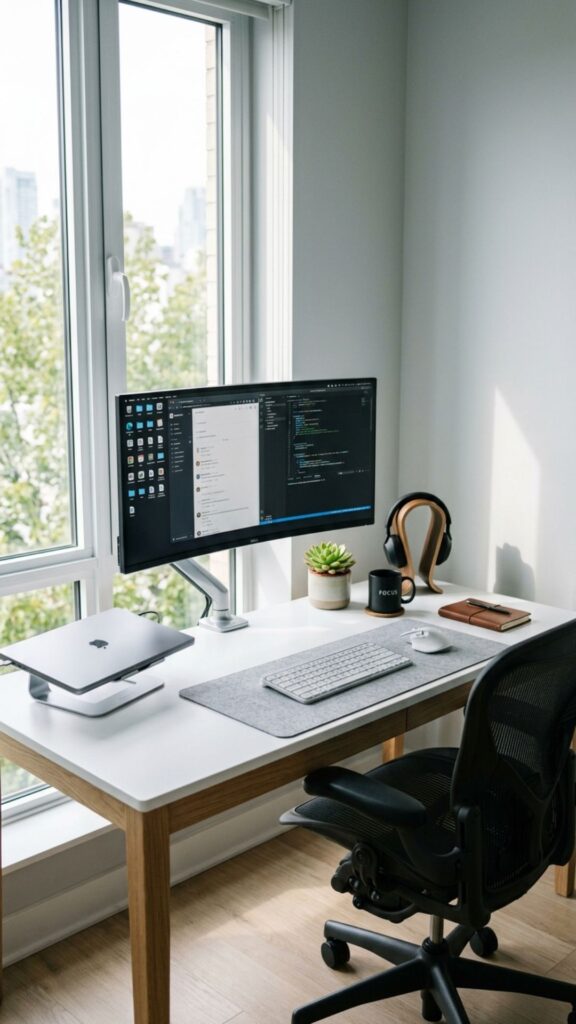
Wireless equipment can simplify a height-adjustable workspace. Fewer cables mean fewer wires stretching or moving whenever you change desk positions.
Choose a keyboard and mouse that feel comfortable during extended use. Good ergonomics matter more than choosing accessories simply because they look attractive.
13. Add Adjustable Task Lighting
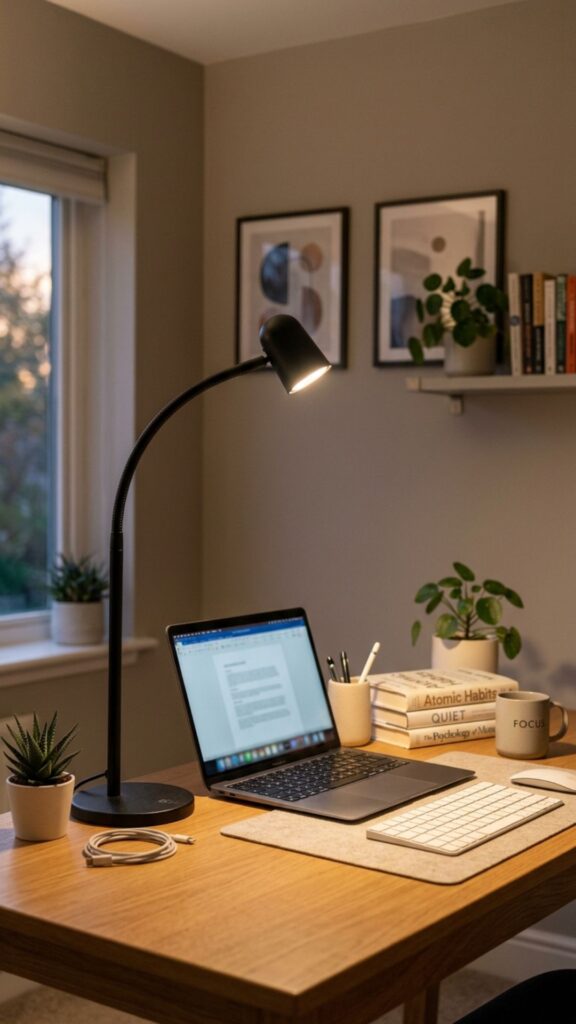
Natural light changes throughout the day, so your home office still needs reliable task lighting. An adjustable desk lamp lets you direct light exactly where needed.
Position your lamp so it does not reflect strongly on your monitor. Warm, balanced lighting can also make evening work feel less harsh.
14. Create a Standing Work Routine
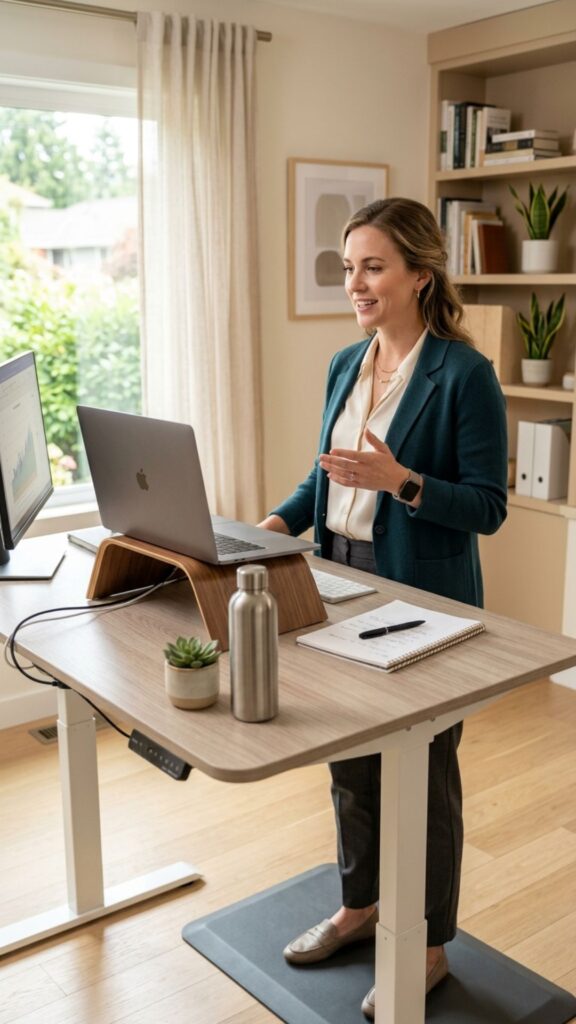
Owning an adjustable desk does not automatically mean you will use its standing feature. It is easy to stay seated once you become focused on work.
Try standing during phone calls, short meetings, or simple administrative tasks. These home office ideas adjustable desk routines make changing position feel natural rather than forced.
15. Place a Small Walking Pad Underneath
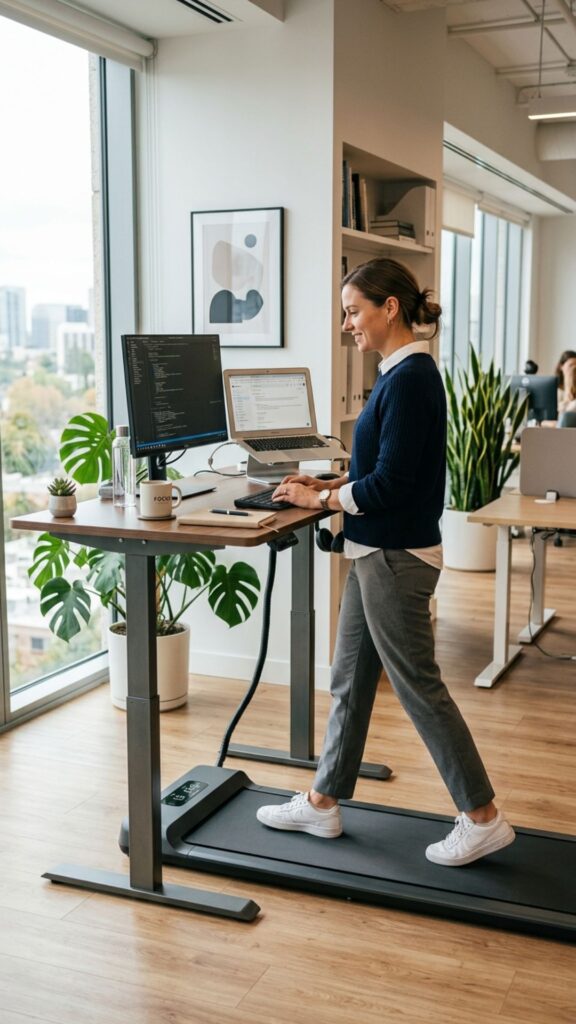
A walking pad can turn certain low-focus tasks into opportunities for gentle movement. It works particularly well during calls, webinars, or tasks that require reading rather than precise mouse control.
Start slowly and keep the walking pad at a comfortable speed. You do not need to walk constantly for the equipment to be useful.
16. Build a Small-Corner Adjustable Office
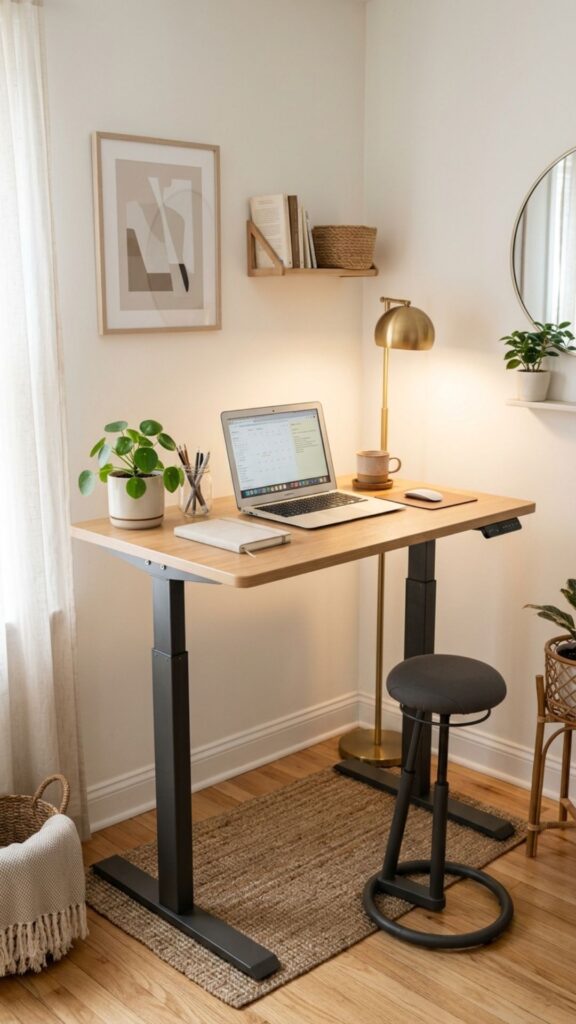
You do not need an entire room for an adjustable desk. Compact models can work surprisingly well in bedroom corners, living rooms, or unused wall spaces.
Measure the available space before buying furniture. These home office ideas adjustable desk users with limited room can follow help create a dedicated work zone without overwhelming the room.
17. Use Wall Storage Instead of Desktop Storage
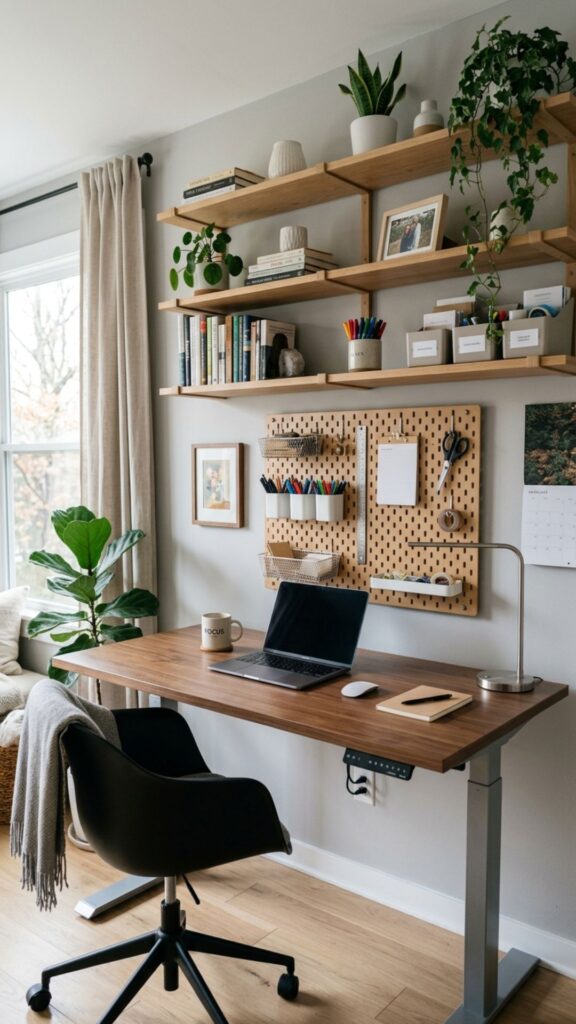
When desktop space is limited, start looking upward. Floating shelves, wall grids, and pegboards provide storage without reducing your available working surface.
Store books, stationery, headphones, and decorative items on the wall. Keep heavier objects securely mounted and avoid overcrowding the area directly above your monitor.
18. Add Plants Without Creating Clutter
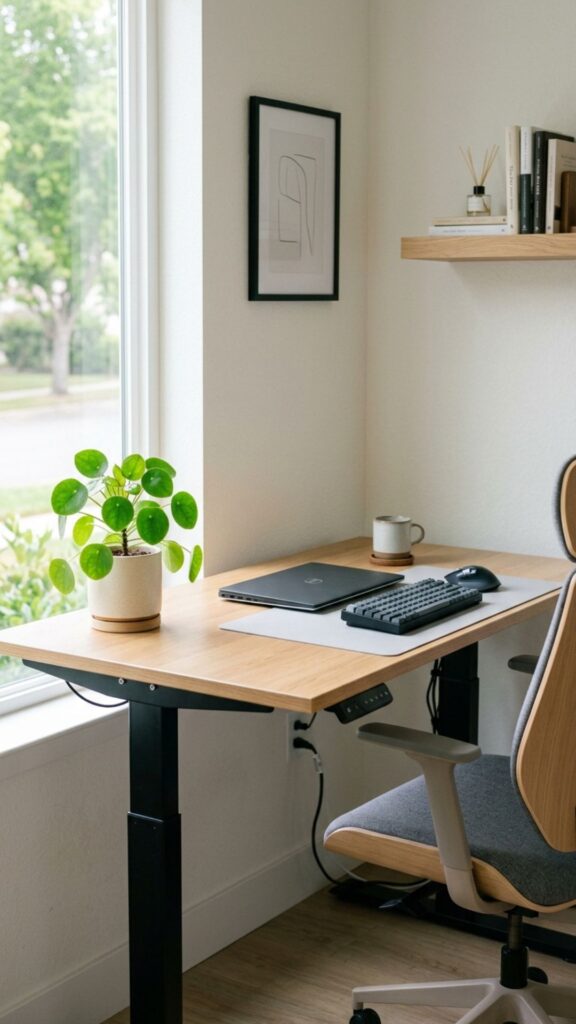
A small plant can soften the technical appearance of monitors, cables, and office equipment. Greenery also helps a workspace feel more connected to the rest of your home.
Choose compact plants instead of large pots that consume valuable desk space. A shelf or nearby cabinet can also hold plants without interfering with desk movement.
19. Use a Desk Mat to Define Your Workspace
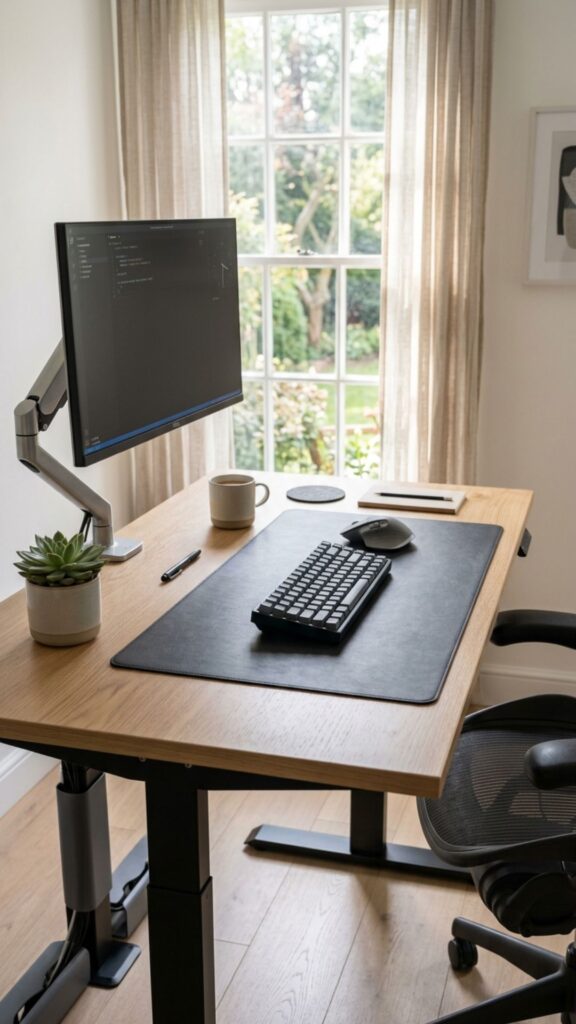
A large desk mat creates a clear visual area for your keyboard and mouse. It can also protect the desktop from scratches, spills, and daily wear.
Choose a size that leaves enough open space around your equipment. This small addition works especially well in minimalist home office ideas adjustable desk designs.
20. Personalize the Space Without Overdecorating
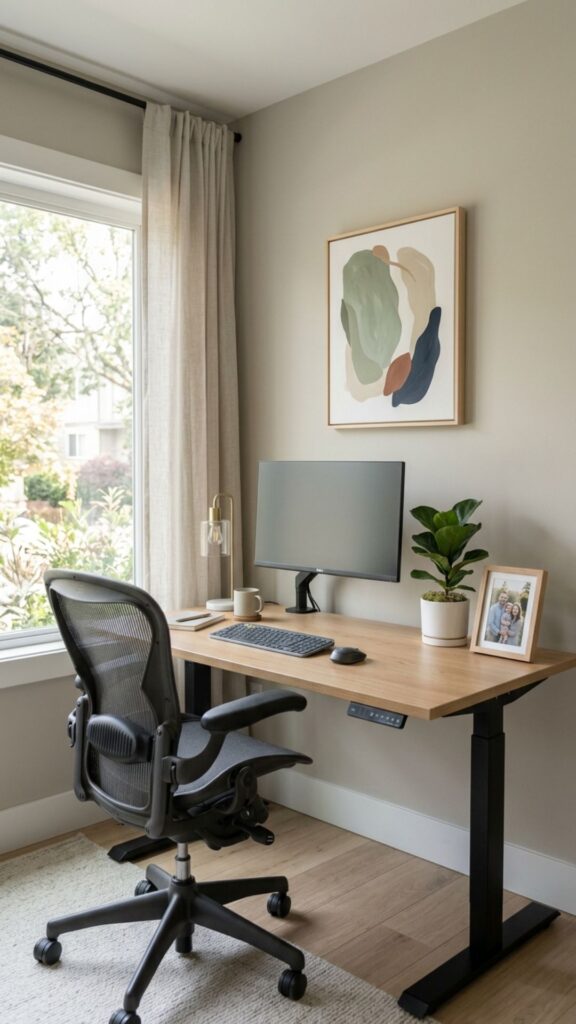
Your workspace should feel like somewhere you enjoy spending time. Add a framed photo, artwork, small plant, or meaningful object that gives the office some personality.
Keep decoration intentional rather than filling every empty surface. The goal is a comfortable workspace that still feels calm when deadlines and tasks start building up.
Create an Adjustable Home Office That Works for You
The best home office is not necessarily the biggest or most expensive one. It is the space that supports the way you actually work.
Start with a comfortable desk height, proper monitor placement, and simple cable management. Then add storage, lighting, movement options, and personal details based on your needs.
Use these home office ideas adjustable desk owners can easily adapt as inspiration rather than strict rules. Experiment with different positions and layouts until your workspace feels comfortable, organized, and easy to use.
Ready to improve your workspace? Start with one change today—set your ideal sitting and standing heights, organize your cables, or clear unnecessary items from your desk. Small improvements can quickly turn an ordinary home office into a flexible workspace you enjoy using every day.
How High Should an Adjustable Desk Be?
There is no single perfect desk height because your body measurements matter. When sitting or standing, adjust the desk until your forearms remain roughly parallel to the floor while typing.
How Often Should You Switch Between Sitting and Standing?
You do not have to spend half your day standing. The main benefit of an adjustable workspace is having the freedom to change positions regularly.
Are Adjustable Desks Good for Small Home Offices?
Yes. Compact adjustable desks can work very well in small rooms when you plan the layout carefully. Choose a desk with a suitable width and depth rather than automatically buying the largest model available. Wall storage, monitor arms, under-desk organizers, and wireless accessories can further reduce clutter.
What Should You Put on an Adjustable Desk?
Start with the equipment you use every working day. For most people, this includes a monitor or laptop, keyboard, mouse, lighting, water, and basic stationery.
Is an Adjustable Desk Worth It for Working From Home?
An adjustable desk can be worthwhile if you spend many hours working from the same location. Its biggest advantage is flexibility rather than standing alone.