A home office does not need a perfectly square room or a traditional desk against a flat wall. Sometimes, working with an unusual corner or changing the direction of your desk can make the entire space feel more comfortable and intentional.
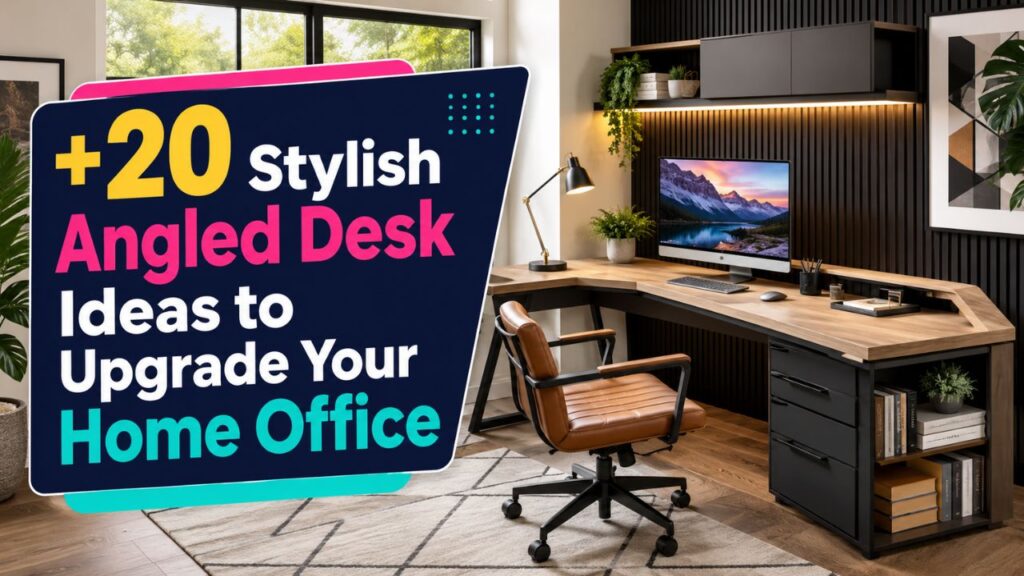
The best home office ideas angled desk setups combine smart positioning with good lighting, comfortable seating, and enough room to move. An angled desk can make a small office feel larger, improve your view, reduce distractions, or help you use a corner that would otherwise stay empty.
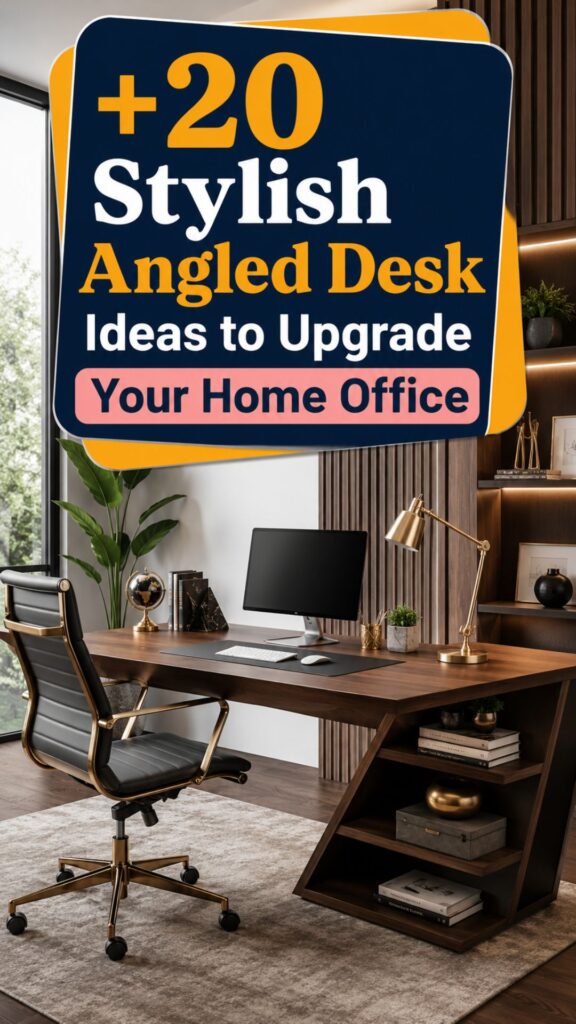
Whether you have a dedicated office, bedroom workspace, living room corner, or compact apartment, these 20 ideas can help you create a desk layout that looks stylish and actually works for daily life.
1. Angle Your Desk Toward a Window
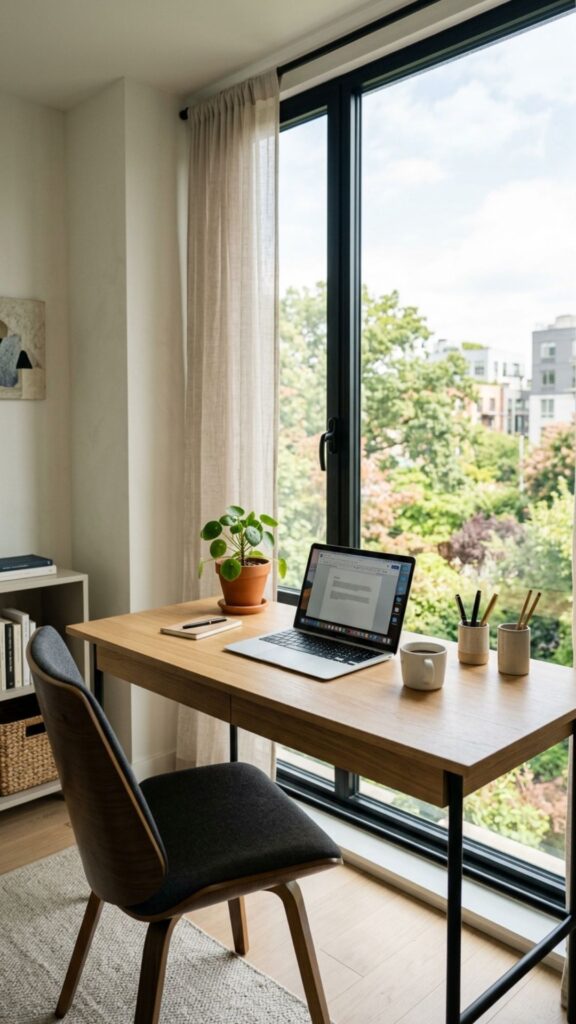
Positioning your desk diagonally toward a window gives you natural light without forcing you to sit directly in front of the glass. This arrangement can also create a more open feeling than pushing the desk flat against a wall.
Place your monitor slightly away from direct sunlight to reduce glare. If afternoon light becomes too strong, add light-filtering curtains or adjustable blinds so you can control brightness throughout the day.
2. Create a Diagonal Corner Workspace
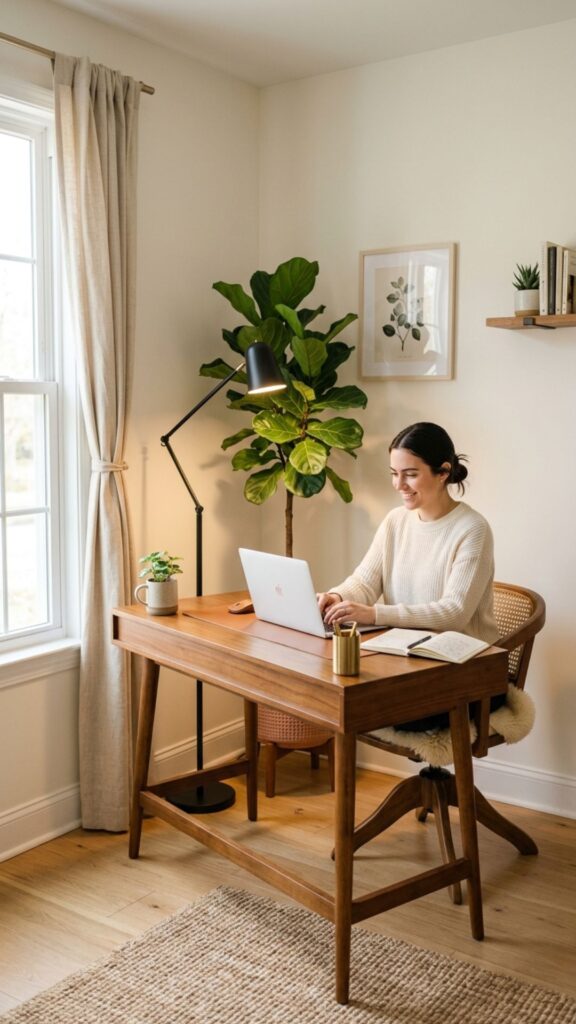
An empty corner can become surprisingly useful when the desk sits diagonally instead of following the walls. The layout creates extra visual depth and makes the workspace feel intentionally separated from the rest of the room.
Use the space behind the desk for a tall plant, floor lamp, or slim storage basket. Avoid filling every gap, as a little open space keeps the angled setup feeling clean rather than crowded.
3. Use an L-Shaped Desk at an Angle
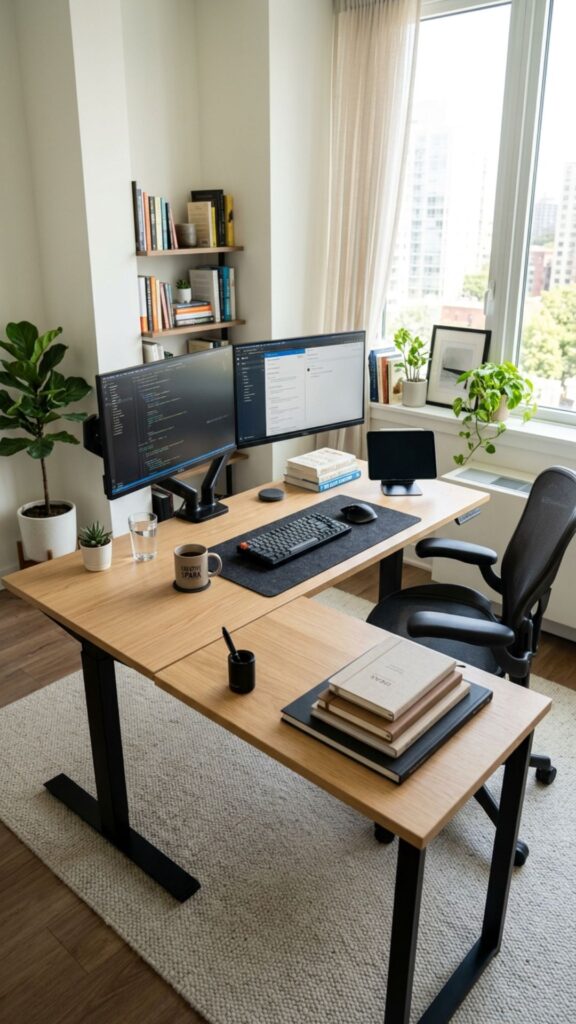
An L-shaped desk provides plenty of surface area for monitors, paperwork, notebooks, and office equipment. Instead of placing both sides directly against walls, rotate the desk slightly to create a more dynamic layout.
This arrangement works especially well in larger home offices. Keep your main work area on one side and use the second surface for printing, writing, planning, or creative projects.
4. Float an Angled Desk in the Room
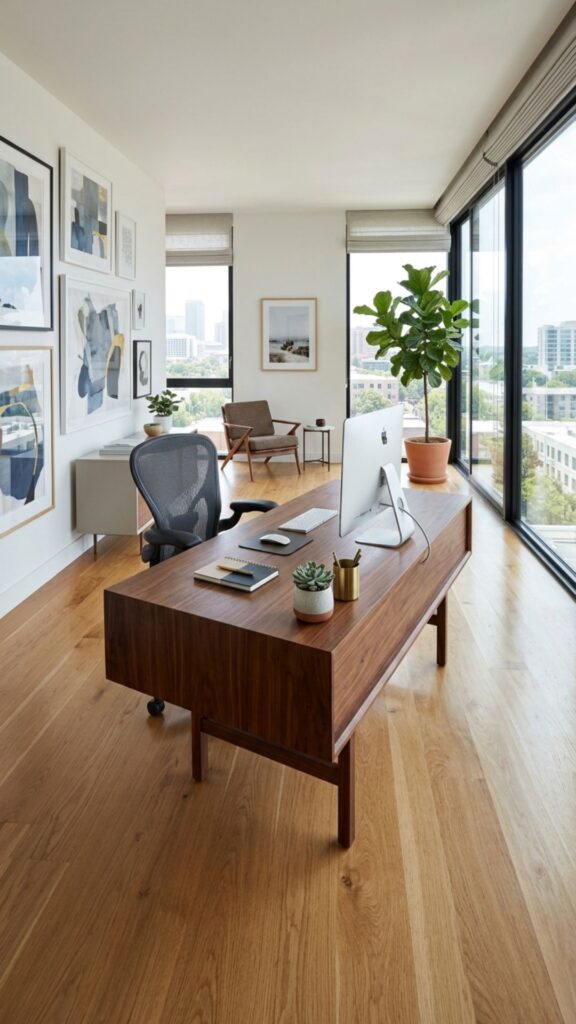
Your desk does not always need to touch a wall. Floating it at an angle near the center of the room can create a professional office feel while giving you a better view of the doorway.
When exploring home office ideas angled desk layouts, floating placement works best when there is enough walking space around the chair. Hide cables with floor cord covers or an under-desk cable management tray.
5. Place the Desk Facing the Door
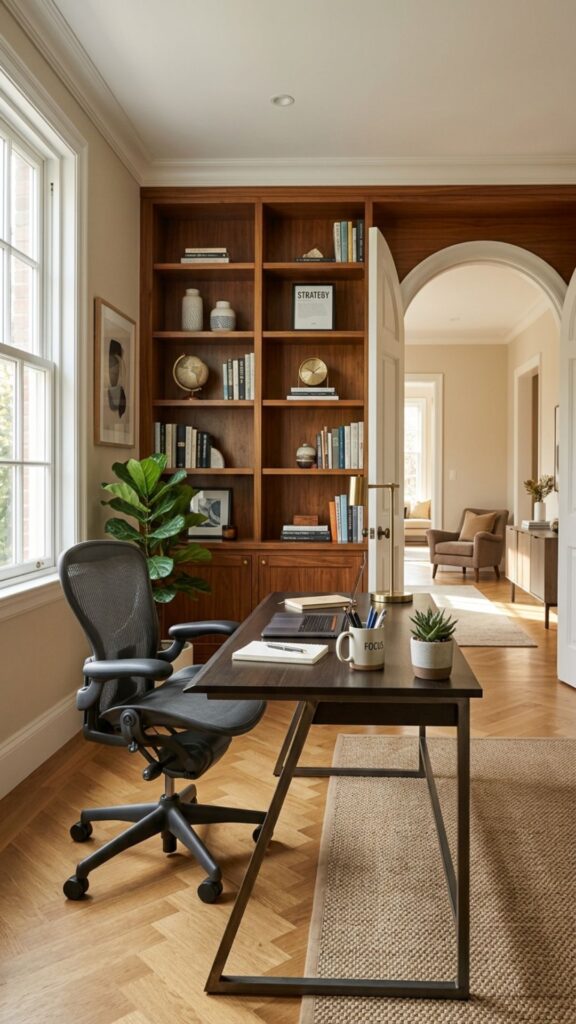
Many people feel more comfortable when they can see the room entrance while working. Turning your desk diagonally toward the doorway gives you visibility without positioning the furniture directly in the center.
This setup can also create a welcoming appearance during video calls. Add a bookcase, artwork, or simple decorative shelf behind you to create an attractive background without making it distracting.
6. Turn an Awkward Corner Into an Office
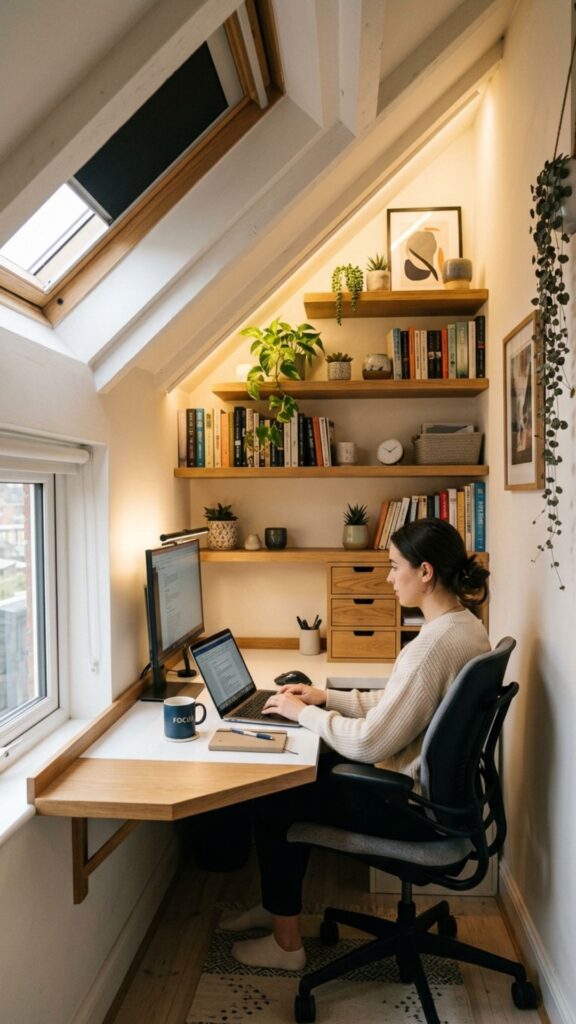
Sloped walls, unusual floor plans, and narrow corners can make furniture placement difficult. An angled desk lets you work with the shape of the room instead of fighting against it.
Measure the available area before choosing your desk. A slim rectangular desk often works better than a large executive model when you need flexibility around unusual architectural features.
7. Try a Minimalist Angled Desk Setup
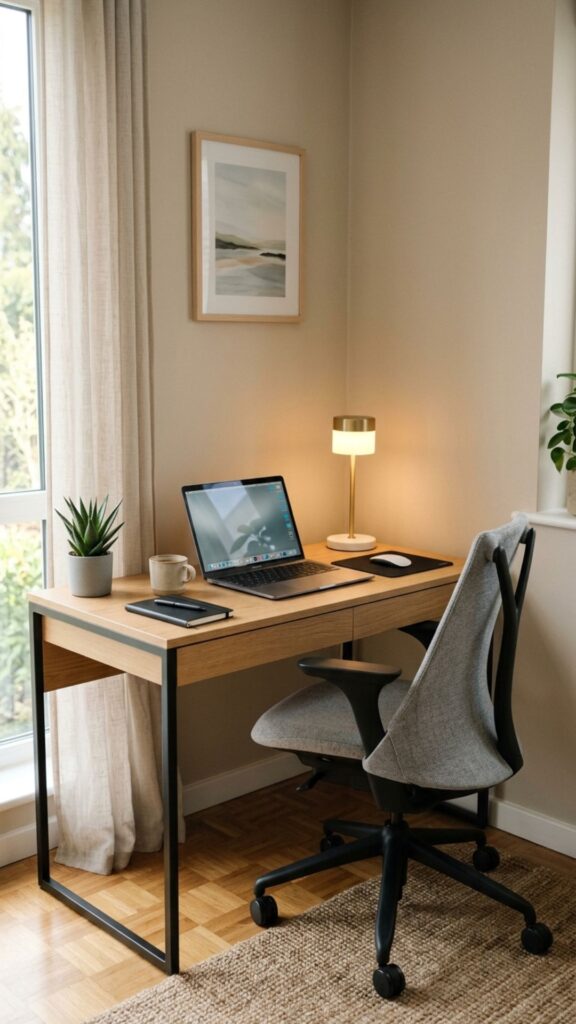
A simple desk, comfortable chair, lamp, and laptop may be all you need. Position the desk diagonally and keep accessories limited to items you actually use throughout the workday.
Minimalist home office ideas angled desk designs are particularly useful in bedrooms and shared living spaces. Neutral finishes and simple furniture help the workspace blend naturally with the surrounding décor.
8. Combine an Angled Desk With Built-In Shelving
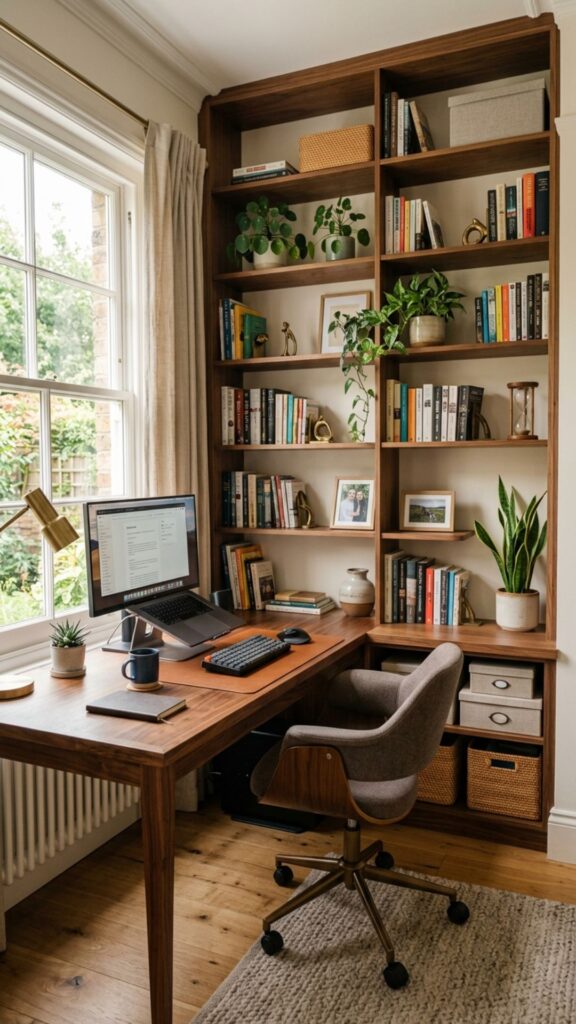
Built-in shelves provide useful storage without taking up valuable floor space. Place your desk at an angle near the shelving so supplies remain easy to reach while the desk maintains its own defined work zone.
Keep frequently used items on lower shelves. Display books, framed photos, plants, or decorative objects higher up to balance practical storage with a polished home office appearance.
9. Create a Dual-Monitor Angled Workstation
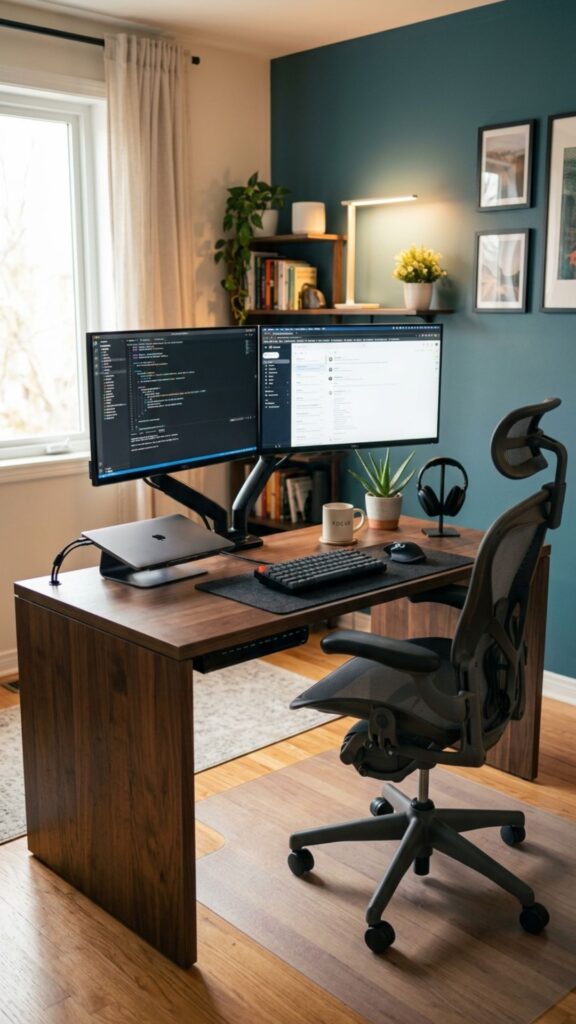
People who work with several applications often benefit from two monitors. A slightly angled desk gives you enough visual distance while helping the screens feel integrated into the room rather than dominating it.
Use monitor arms to free up desk space and adjust screen height. Ideally, the top portion of your monitor should sit close to eye level to encourage a more comfortable working posture.
10. Use a Small Angled Desk in a Bedroom
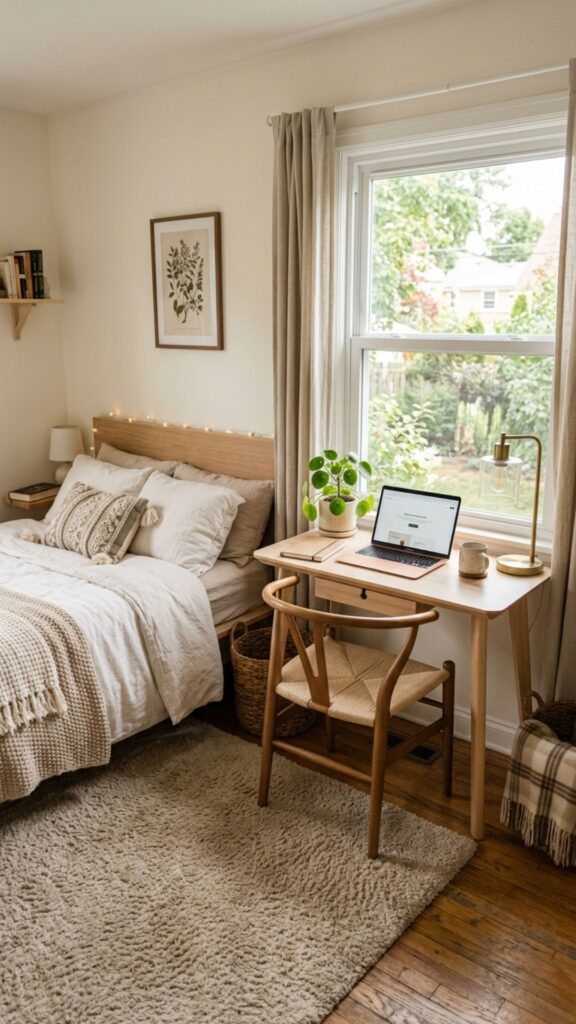
A bedroom office can work well when the desk has a clear boundary from the sleeping area. Angling the desk toward a corner or window helps create that separation without adding physical walls.
Choose a desk that fits the available scale. A compact desk between 40 and 50 inches wide can often provide enough space for a laptop, lamp, notebook, and a few daily essentials.
11. Pair the Desk With a Statement Rug
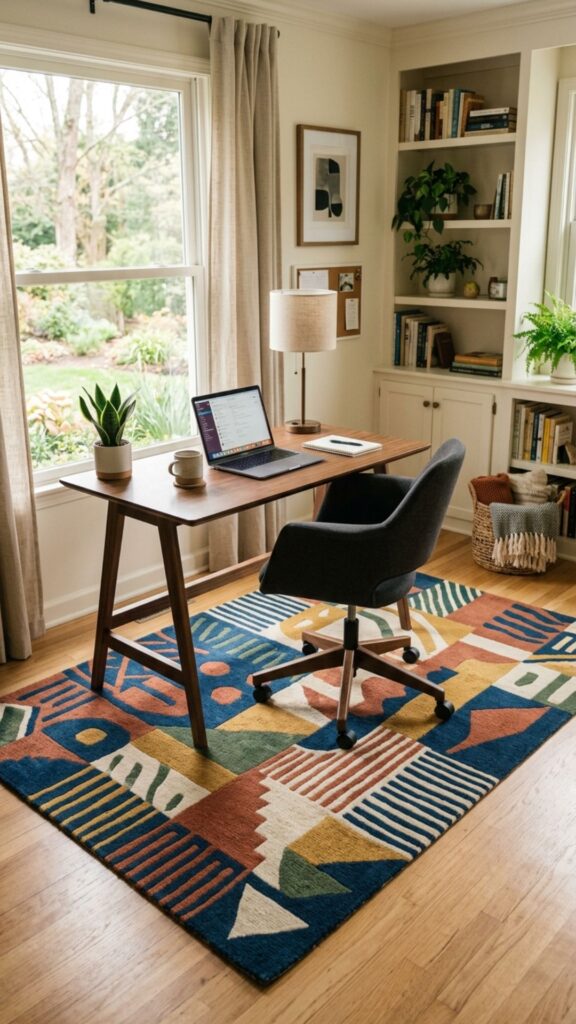
A rug can visually define an office area, especially when the desk sits at an unusual angle. Choose a rug large enough to hold both the desk and chair without making movement difficult.
Patterns can add personality to otherwise simple home office ideas angled desk layouts. For a calmer appearance, choose a neutral textured rug that complements your furniture without competing for attention.
12. Position a Desk Between Two Windows
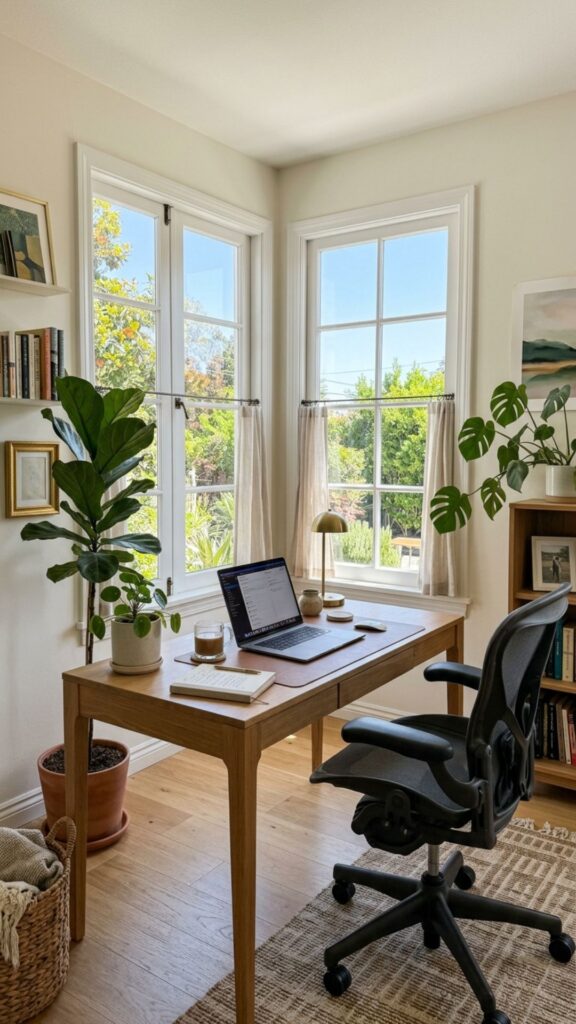
If your office has windows on adjoining walls, placing the desk diagonally between them can take advantage of natural light from two directions. It also turns an otherwise difficult corner into the room’s focal point.
Keep computer screens perpendicular to strong light when possible. This reduces reflections while still allowing you to enjoy outdoor views during short breaks from the screen.
13. Create an Angled Executive Office
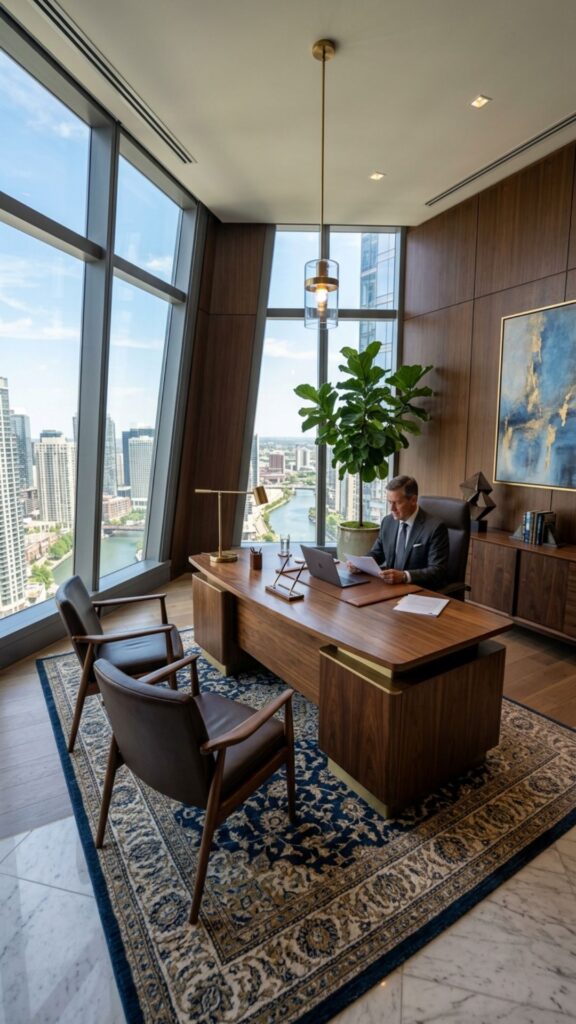
A substantial desk positioned diagonally can give a home office a sophisticated executive appearance. This works particularly well in spacious rooms where placing everything against the walls could make the center feel empty.
Add two guest chairs opposite the desk if space allows. A large rug underneath the furniture can connect the arrangement and prevent the angled desk from looking disconnected from the rest of the room.
14. Add a Bookcase Behind the Desk
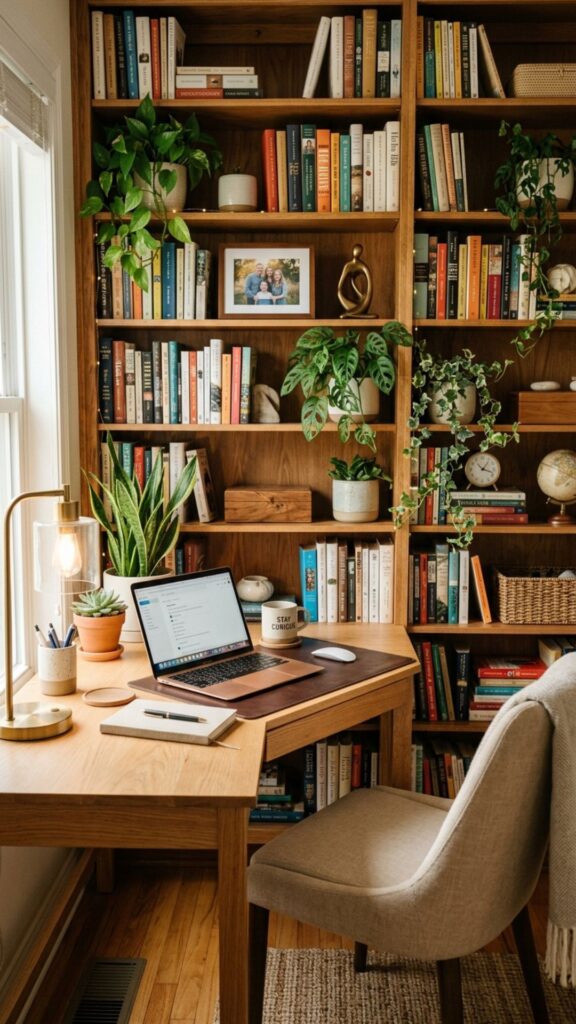
A bookcase creates functional storage and an attractive background for virtual meetings. Angle your desk so the shelving appears behind you rather than directly beside your monitor.
Arrange shelves with a mix of practical and decorative objects. Books, small plants, storage boxes, and a few personal pieces can create warmth without making the background appear cluttered.
15. Build a Cozy Reading and Working Corner
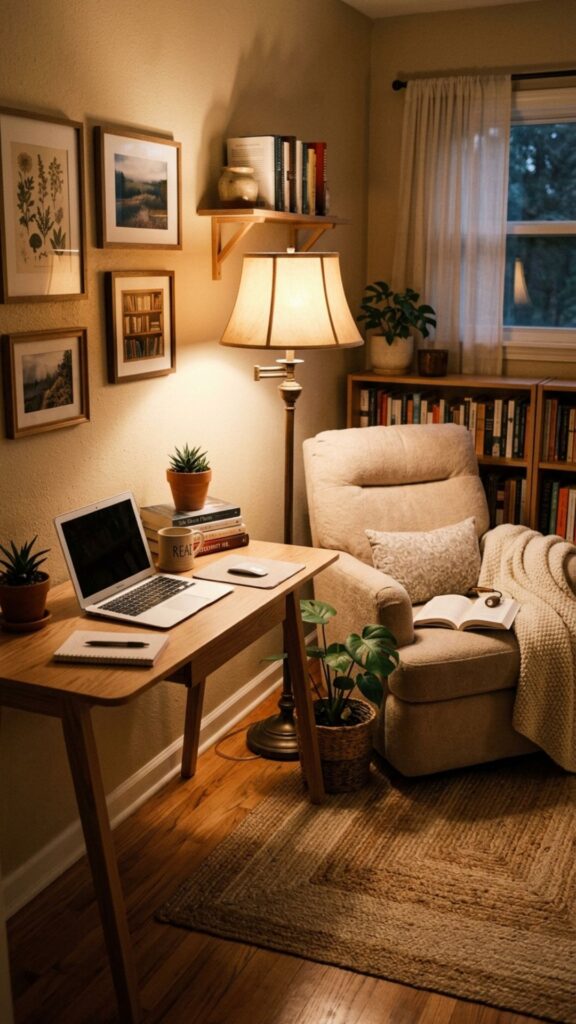
Your home office can serve more than one purpose. Position the desk at an angle on one side of the room and add a comfortable reading chair nearby for reviewing documents or taking screen-free breaks.
A floor lamp between the two areas can provide shared lighting. This type of layout works particularly well for writers, consultants, teachers, students, and anyone who regularly switches between computer work and reading.
16. Use an Angled Standing Desk
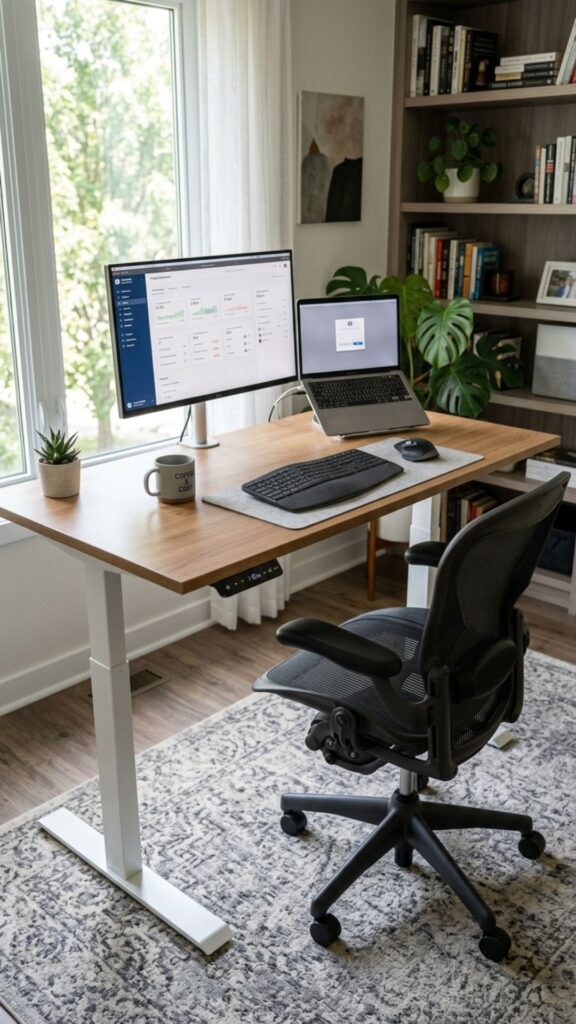
Standing desks do not need to sit squarely against a wall. Rotating one slightly can improve room flow while giving you more flexibility when changing between standing and sitting positions.
Make sure there is enough clearance around the desk before raising it. Keep cables slightly loose or use an adjustable cable management system so cords can move safely with the desktop.
17. Place Storage Behind the Angled Desk
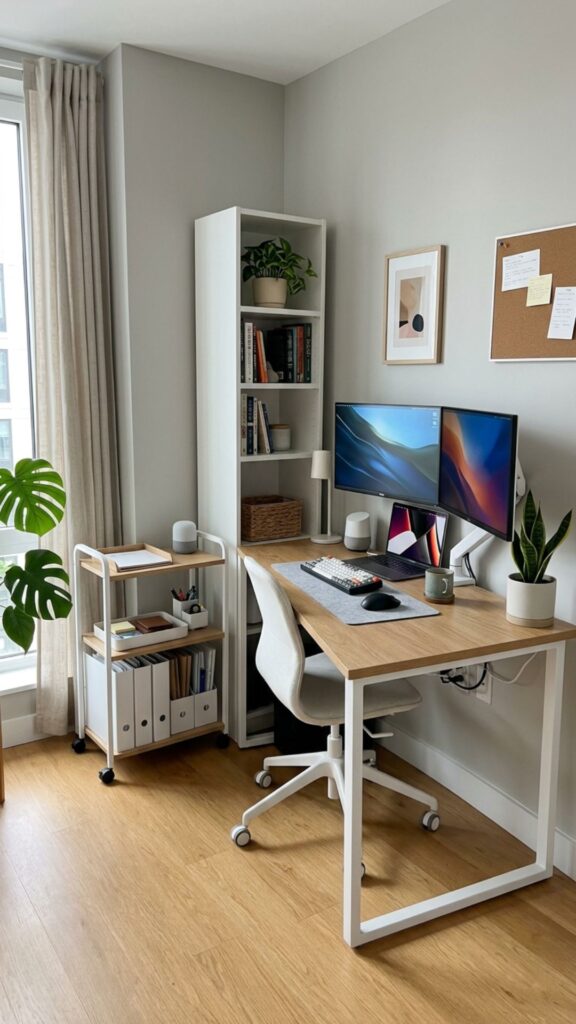
Angling your desk often creates a triangular area behind it. Instead of wasting this space, use it carefully for storage that does not need constant access.
A narrow cabinet, rolling cart, printer stand, or decorative basket can fit nicely behind certain desk layouts. Always leave enough space for airflow, electrical access, and cleaning.
18. Create a Creative Studio Layout
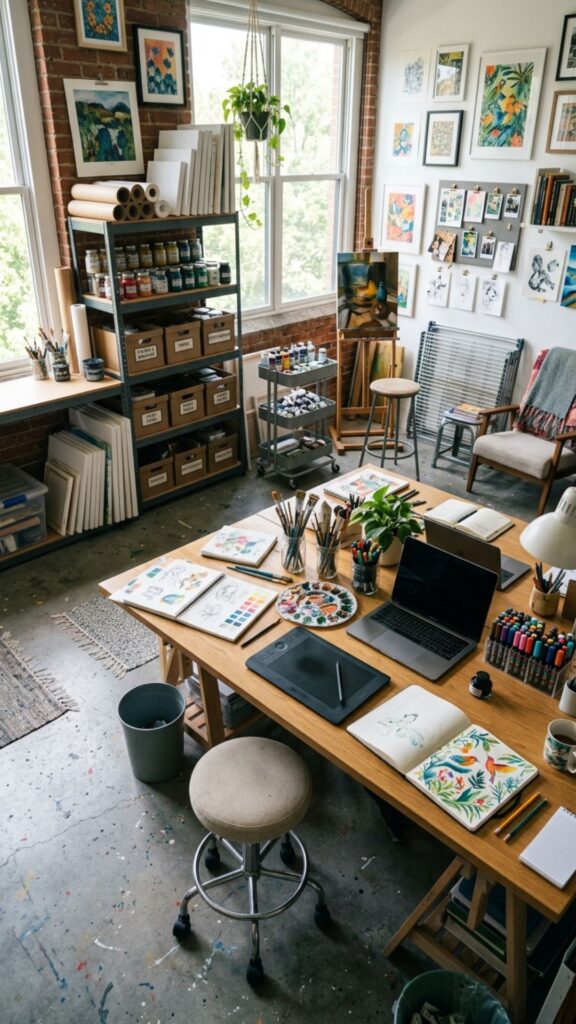
Designers, artists, writers, and content creators often need more flexibility than a traditional workstation provides. An angled desk can become the central work surface while storage and equipment remain positioned around the room.
Among practical home office ideas angled desk arrangements, this setup is useful when you regularly move between computer work and hands-on projects. Keep your most-used tools within comfortable reach.
19. Add Plants Around an Angled Workspace
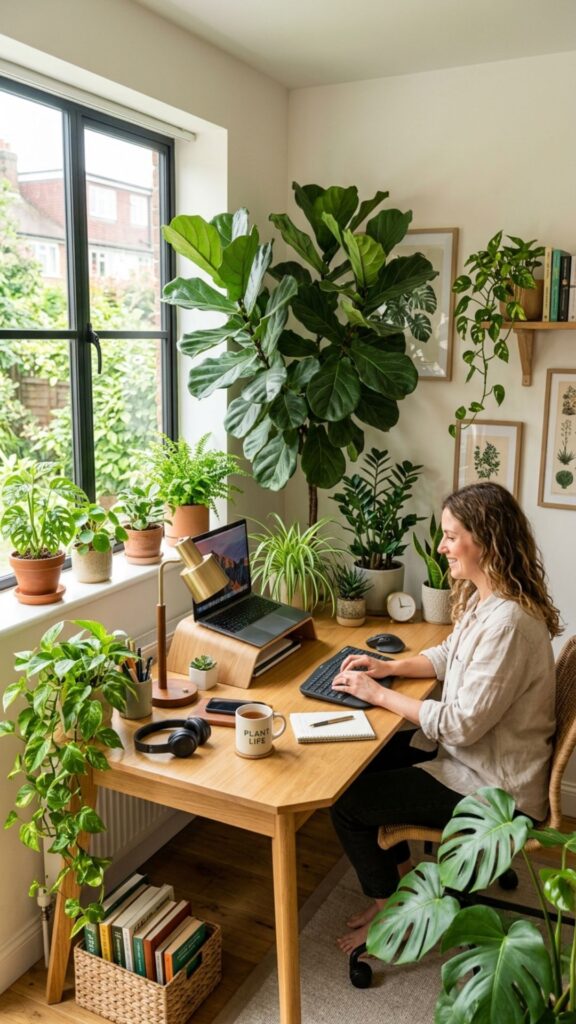
Plants soften the sharp lines created by desks, monitors, and shelving. A large plant placed in the empty corner behind an angled desk can make the entire layout feel more complete.
Choose plants based on the available light rather than appearance alone. Low-maintenance options can help you add greenery without turning plant care into another daily office responsibility.
20. Design an Angled Desk Setup for Video Calls
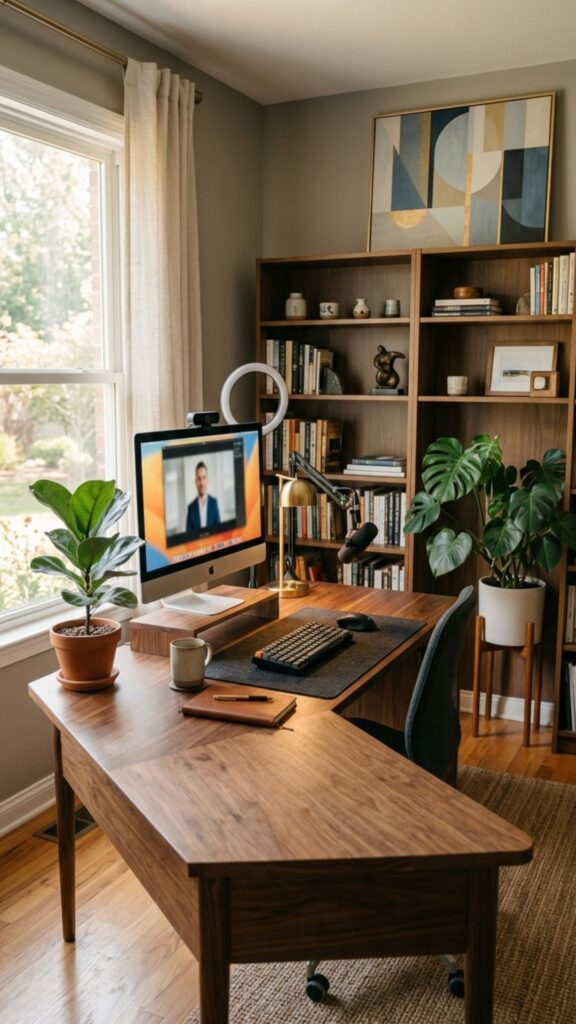
Desk placement can make a major difference to video call quality. Instead of sitting directly in front of a bright window, angle your desk so natural light reaches your face from the side or front.
Check what appears behind you before finalizing the position. A clean wall, bookshelf, artwork, or simple plant usually creates a more professional background than an open doorway or cluttered storage area.
How to Choose the Best Angled Desk Position
The best angle depends on your room size, natural lighting, electrical outlets, and daily working habits. Start by identifying where you want to look while working. Then consider monitor glare, door visibility, chair movement, and storage access.
Before moving heavy furniture, use painter’s tape to mark the desk dimensions on the floor. This simple step lets you test different home office ideas angled desk arrangements without repeatedly moving the actual desk.
Comfort should always come before appearance. You should be able to sit naturally, move your chair easily, reach frequently used items, and see your monitor without twisting your neck.
Common Mistakes to Avoid With an Angled Desk
One common mistake is placing the desk at an attractive angle without considering walking space. Leave enough clearance behind your chair so you can stand and move comfortably.
Cable management is another important detail. Since angled desks often sit away from walls, power cords can become visible. Cable trays, sleeves, floor covers, and strategically placed furniture can keep the area safer and more organized.
Finally, avoid positioning your monitor directly opposite a bright window. Natural light is useful, but glare and reflections can quickly make computer work uncomfortable.
Create an Angled Workspace That Works for You
A simple change in desk direction can completely transform how your home office looks and feels. Instead of automatically pushing furniture against the nearest wall, experiment with the shape, light, and natural movement of your room.
The most successful home office ideas angled desk layouts balance style with everyday comfort. Test different positions, pay attention to lighting and walking space, and choose an arrangement that supports the way you actually work.
Start by rotating your current desk before buying anything new. You may discover that the workspace you wanted was already there—you simply needed to look at the room from a different angle.
Is it okay to put a desk at an angle?
Yes. Placing a desk at an angle can improve room flow, make better use of corners, give you a better view, and create a more visually interesting workspace.
What is the best direction for a home office desk?
The best direction lets you work comfortably without strong screen glare. Many people also prefer facing toward the room or doorway instead of sitting with their back completely exposed.
Does an angled desk make a small office look bigger?
It can. Diagonal furniture placement creates longer visual lines and may make certain rooms feel more open. However, oversized furniture can still make a small office feel crowded.
How much space should be behind an office chair?
Aim for roughly 36 inches of clearance when possible. This provides enough space to move the chair backward and walk behind it comfortably.
How do you manage cables with a floating angled desk?
Attach a cable tray underneath the desktop and group cords using sleeves or clips. If power cables cross the floor, use a proper floor cord cover to reduce clutter and tripping risks.